
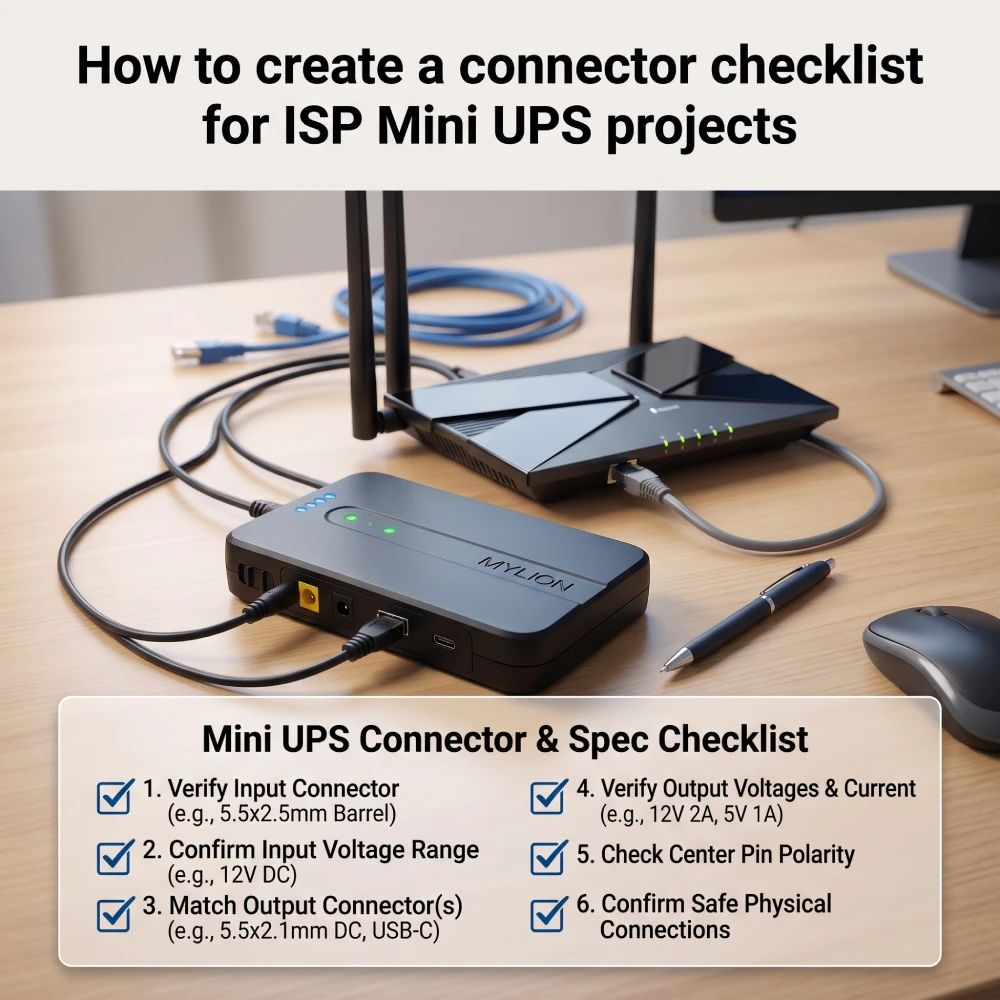
Für Internetdienstanbieter, die Notstromversorgung in großem Umfang einsetzen, gibt es kaum etwas, das häufiger zu Feldausfällen führt als fehlerhafte Steckverbinder. Ein technisch fundiertes Mini-USV Selbst bei korrekter Spannung und ausreichender Batteriekapazität kann es im Feldeinsatz zu Ausfällen kommen, wenn der Gleichstromstecker falsch ist, die Polarität unklar ist oder das Kabel nicht bis zum Gerät reicht.
Eine systematische Checkliste für Steckverbinder standardisiert jeden Aspekt Ihrer Mini-USV-Installation, bevor das erste Gerät zum Einsatz kommt. Dieser Leitfaden führt Sie durch die Erstellung einer umfassenden Checkliste für Steckverbinder. ISP Mini-USV-Projekteund deckt alles ab, von Geräteprüfungen bis hin zu Feldvalidierungen.
Warum Mini-USV-Systeme für moderne Internetanbieter unerlässlich sind
Herkömmliche Kupfernetze lieferten Niederspannungs-Gleichstrom von der Vermittlungsstelle und hielten so die Festnetztelefone bei Stromausfällen funktionsfähig. FTTH-Netze übertragen Licht, nicht Strom. Daher benötigen moderne ONTs, Gateways und VoIP-ATAs (Voice over IP) eine lokale Stromversorgung.
Eine Mini-USV dient als Puffer zwischen dem instabilen Stromnetz und empfindlichen Endgeräten. Durch den Einsatz einer hochwertigen Mini-USV sichern Internetanbieter die digitale Infrastruktur für Telefondienste, Sicherheitssysteme und die Arbeit im Homeoffice und reduzieren so Kundenabwanderung und Supportanfragen bei regionalen Stromausfällen drastisch.
Wichtige Anschlussarten, die jeder Internetanbieter kennen muss
Um eine effektive Checkliste zu erstellen, müssen Netzwerktechniker zunächst die Landschaft der DC-Stromschnittstellen verstehen, die üblicherweise auf CPE-Hardware zu finden sind.
DC-Hohlstecker: Der Industriestandard
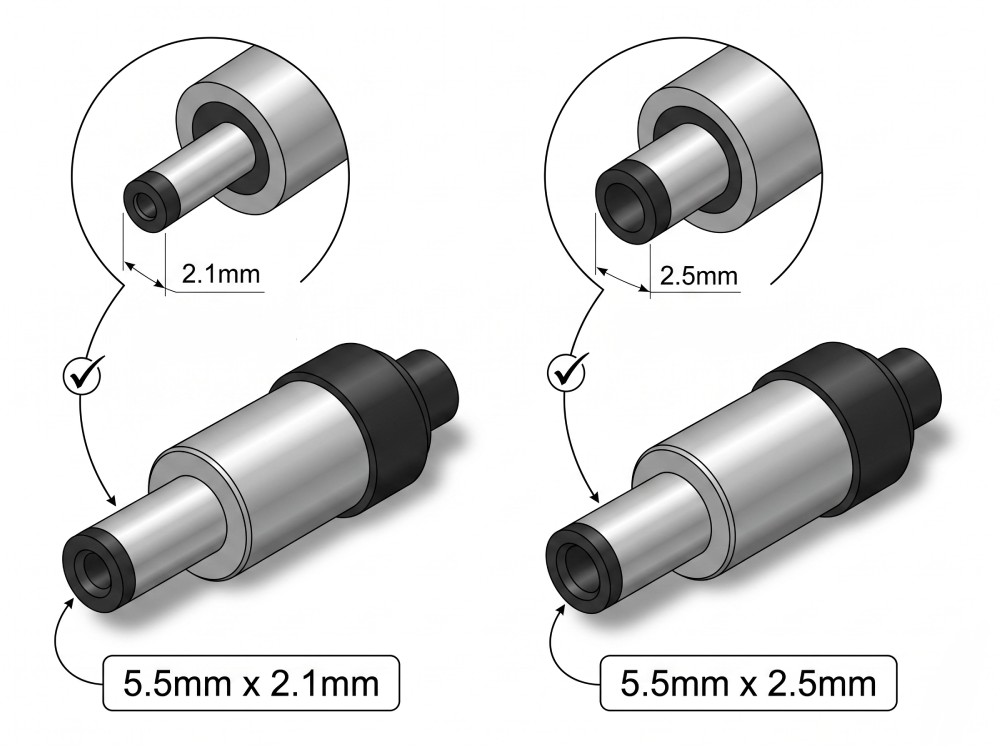
Der Industriestandard für ISP-Geräte ist die 5,5 mm x 2,1 mm oder 5,5 mm x 2,5 mm DC-Hohlsteckerbuchse.
- 5 x 2,1 mm:Die gängigste Größe für 5-V- und 9-V-Router. Der Außendurchmesser beträgt 5,5 mm, der Innendurchmesser 2,1 mm.
- 5 x 2,5 mm:Wird häufig für 12V-Geräte mit höherer Stromstärke verwendet.
Diese beiden Größen sind zwar optisch ähnlich, aber nicht austauschbar. Ein 2,1-mm-Stecker, der in eine 2,5-mm-Buchse gesteckt wird, verursacht Wackelkontakte; ein 2,5-mm-Stecker passt überhaupt nicht in eine 2,1-mm-Buchse.
Jenseits von Fassverbindern
Nicht alle Geräte von Internetanbietern verwenden Hohlstecker. Ihre Checkliste sollte Folgendes berücksichtigen:
- USB-A — Üblich für 5V-Geräte wie einige ONUs und Netzwerk-Switches
- USB-C / USB-C PD— Wird zunehmend für moderne Edge-Gateways und Geräte mit mehreren Spannungen verwendet.
- Proprietäre Anschlüsse— Einige CPE- und Outdoor-Geräte verwenden kundenspezifische Steckerdesigns
- RJ45 / PoE — Outdoor-CPE- und PoE-betriebene Geräte
- Schraubklemmen — Für industrielle oder kundenspezifische Installationen
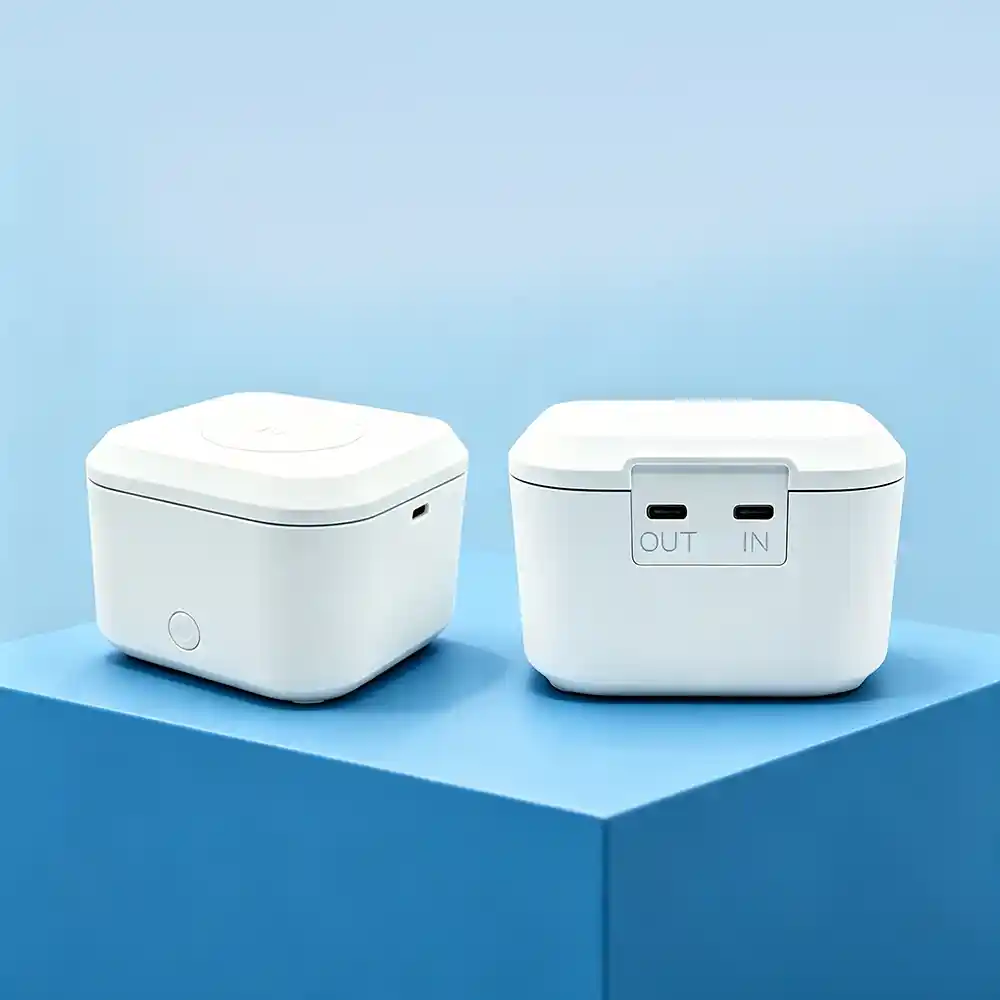
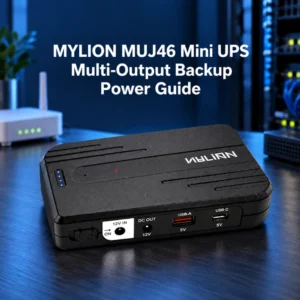
Für Projekte mit unterschiedlichen Gerätetypen sollten Sie Mini-USV-Modelle mit mehreren Ausgangsoptionen in Betracht ziehen. Der Mylion MUJ46 Mini-USV bietet einen 12V-Ausgang sowie USB-A- und USB-C-Anschlüsse für 5V-Geräte. Die MUC85 65W PD Mini-USV Kann über USB-C PD 5V/3A, 9V/3A, 12V/3A, 15V/3A und 20V/3,25A liefern.
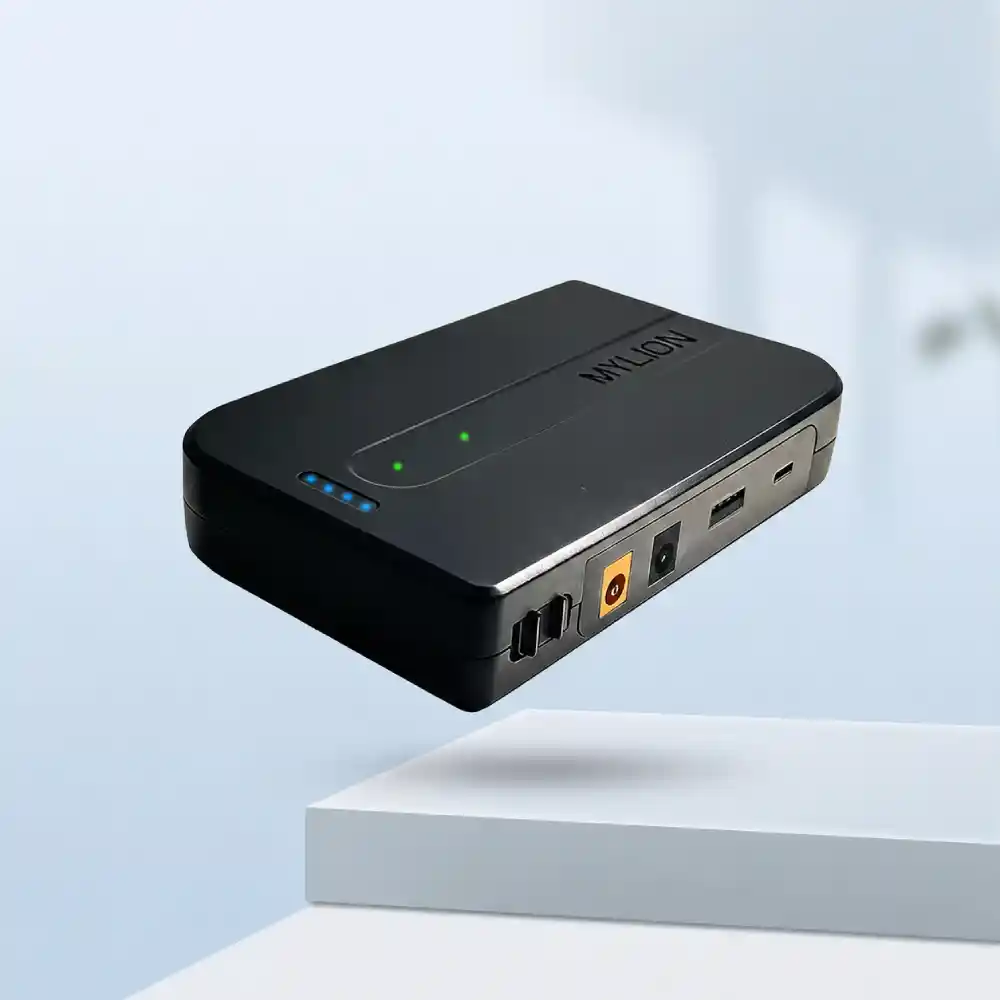
MUJ46 Mini-USV
MUC85 Mini-USV
Schritt für Schritt: Checkliste zum Erstellen Ihres ultimativen Netzwerks
Die Standardisierung einer Bereitstellung erfordert eine systematische Überprüfung Ihrer Hardware-Umgebung. Befolgen Sie diese Schritte, um Ihre Checkliste für den Betrieb zu erstellen.
Schritt 1: Beginnen Sie mit einer vollständigen Geräteinventur
Der erste Schritt auf jeder Checkliste für Verbindungsanschlüsse besteht darin, genau zu wissen, womit man eine Verbindung herstellt.
Erstellen Sie eine Gerätekompatibilitätsliste, bevor Sie eine Mini-USV auswählen. Diese Liste sollte Folgendes enthalten:
- Gerätemodell (ONT, ONU, Router, Modem, Gateway, CPE usw.)
- Eingangsspannung (5 V, 9 V, 12 V, 24 V oder andere)
- Normaler Betriebsstrom (gemessen, nicht geschätzt)
- Spitzenstrom beim Anfahren oder bei starkem Verkehr
- Steckertyp und -größe
- Einzelgeräte- oder Mehrgerätekonfiguration
- Ziel-Backup-Zeit
Der Strombedarf gängiger ISP-Geräte variiert stark.
Gerätetyp | Größe des nativen Anschlusses | Betriebsspannung | Normaler Betriebsstrom | SEinrichtung |
ONT (Glasfaser) | 5,5 x 2,1 mm | 12V | 0,5 A–1,0 A | Einzelgerät |
WLAN-Router | 5,5 x 2,1 mm | 9 V oder 12 V | 0,8 A–1,5 A | Einzelgerät |
ONT + Router | 5,5 x 2,5 mm | 12V | 1,2 A–2,0 A | Mehrere Geräte |
Schritt 2: Spannungs- und Stromstärkeanforderungen ermitteln.
Der Anschluss eines 12-V-USV-Ausgangs an einen 5-V-Router zerstört die Router-Hauptplatine sofort. Umgekehrt führt die Versorgung eines 12-V-Geräts mit 5 V zu einem Startfehler. Ihre Checkliste muss die Spannungsausgänge der Mini-USV den Zielgeräten explizit zuordnen.
Berechnen Sie den Gesamtleistungsbedarf anhand der Standardformel für die Wattzahl (W = V × A). Beispielsweise benötigt ein 12-V-ONT mit einer Stromaufnahme von 1,5 A 18 W Leistung. Stellen Sie sicher, dass der Mini-USV-Anschluss für die Dauerversorgung dieser Last ausgelegt ist.
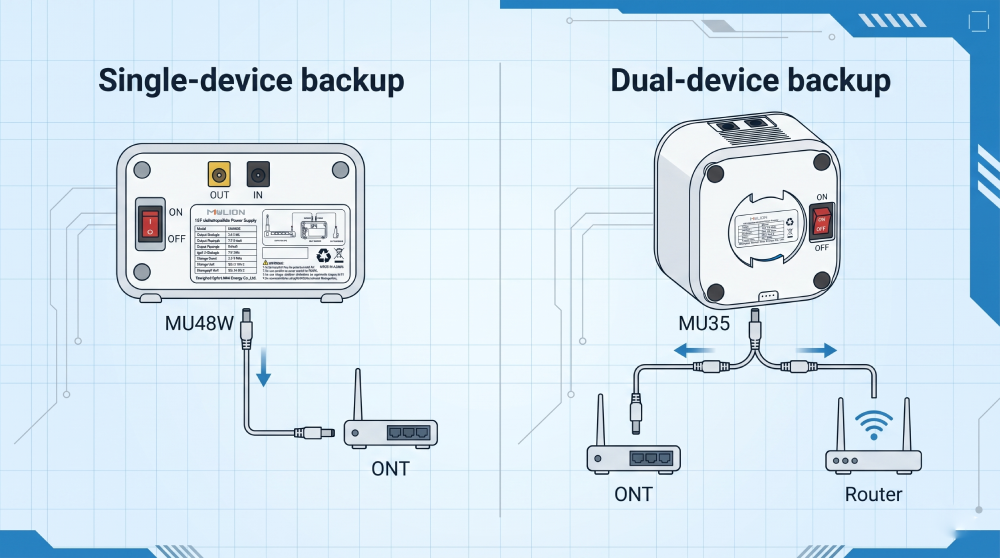
Schritt 3: Kabellänge und Spezifikationen berücksichtigen
Steckverbinder existieren nicht isoliert – sie sind Teil eines kompletten Kabel- und Zubehörsystems. Ihre Checkliste muss Folgendes dokumentieren:
Kabellänge
Ein 50 cm langes Übertragungskabel ist für die meisten Desktop-Installationen ausreichend, aber wie sieht es mit Geräten aus, die in Deckenhohlräumen, Außenschränken oder Mehrfamilienhäusern montiert sind? Definieren Sie die erforderlichen Kabellängen für jedes Einsatzszenario.
Kabelstärke
Der Drahtquerschnitt ist für den Spannungsabfall wichtig, insbesondere bei längeren Leitungsstrecken. AWG#20 ist für Standardanwendungen mit 12 V und 2 A ausreichend, aber Geräte mit höherem Stromverbrauch oder längere Kabel erfordern möglicherweise einen dickeren Drahtquerschnitt.
Y-Kabel und Splitterkabel
Bei Installationen, bei denen eine einzelne Mini-USV mehrere Geräte mit Strom versorgt – wie beispielsweise ein ONT und einen Router –, sind Y-Kabel oder Splitter unerlässlich.
Adapterkompatibilität
Der Ladeadapter Die Eingangsspezifikationen der Mini-USV müssen erfüllt sein. Bei der Installation in großem Umfang ist eine zuverlässige Stromversorgung durch das Netzteil entscheidend für die Durchführung von Chargentests und die Projektkonsistenz.
Optimierung der Bereitstellung mit Mylion Mini-USV-Lösungen
Für Internetdienstanbieter, die den Aufwand für die individuelle Anpassung von Steckverbindern vermeiden möchten, ist die Wahl einer speziell entwickelten B2B-Lösung entscheidend. Die Mylion Mini-USV wurde speziell für die Bedürfnisse von Telekommunikationsanbietern entwickelt.
1. Standard-Anschlusssets
Die Mini-USV-Geräte von Mylion sind auf flexible Einsatzmöglichkeiten ausgelegt. Anstatt Internetanbieter zu zwingen, Adapter von Drittanbietern zu beschaffen, liefert Mylion umfassende Anschlusssets direkt in die Verpackung.
Mit standardmäßigen 5,5×2,1-mm-Anschlüssen sowie austauschbaren Spitzen (einschließlich 5,5×2,5 mm und speziellen Routergrößen) stellt Mylion sicher, dass die Techniker vor Ort immer über genau die Hardware verfügen, die sie für die Installation benötigen.
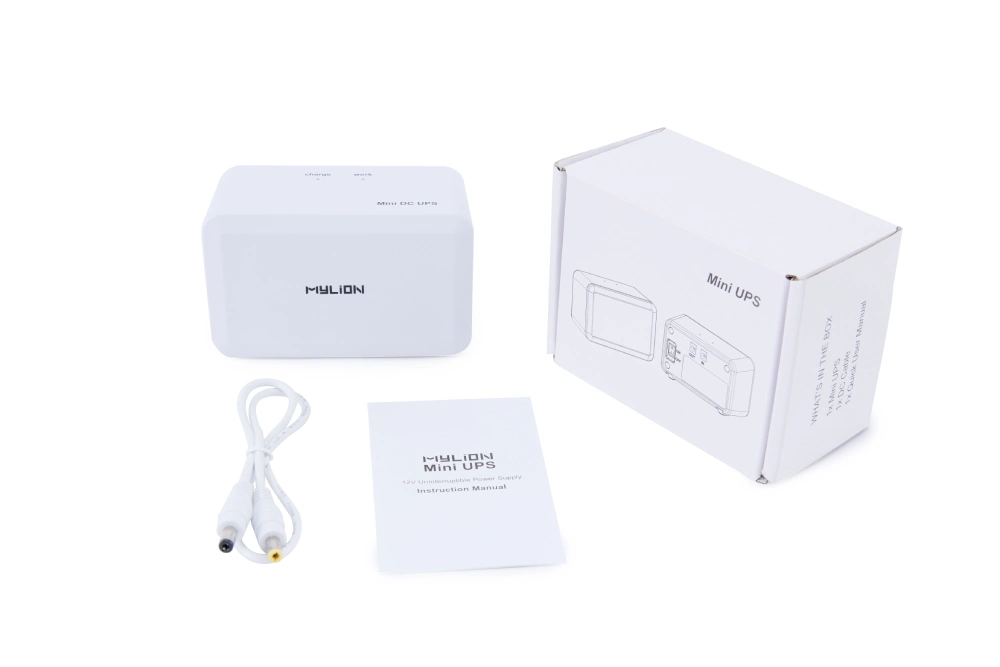
2. Flexible Spannungsoptionen
Die Mini-USV-Lösungen von Mylion bieten flexible Spannungsoptionen von 5 V bis 24 V und unterstützen alle gängigen Steckertypen.
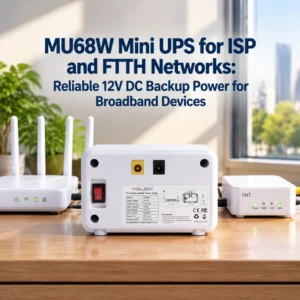
- Für Standard-12V-ONT, ONU- und Glasfaser-Gateway-Backup-Anwendungen, die MU68 Mini-USV ist in der Regel der beste Ausgangspunkt.
- Für die Inline-Installation wo eine saubere Kabelführung wichtig ist, MUJ46 Mini-USV bietet eine kompakte Alternative.
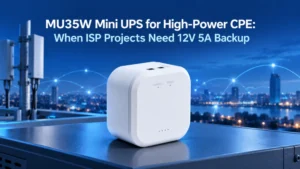
- Für längere LaufzeitanforderungenModelle wie die MU35 Mini-USV (77.7Wh/5A) bieten gestaffelte Optionen an.
3. Kundenspezifische Projektdienstleistungen
Für OEM-Projekte bietet Mylion kundenspezifische Anpassungen über den gesamten Spannungsbereich an. SteckverbinderGehäuse, Verpackung und Branding. Dies ermöglicht es ISPs, eine einheitliche, markenspezifische Backup-Lösung zu erstellen, die die Bereitstellung vor Ort vereinfacht und ein einheitlicheres Benutzererlebnis schafft.
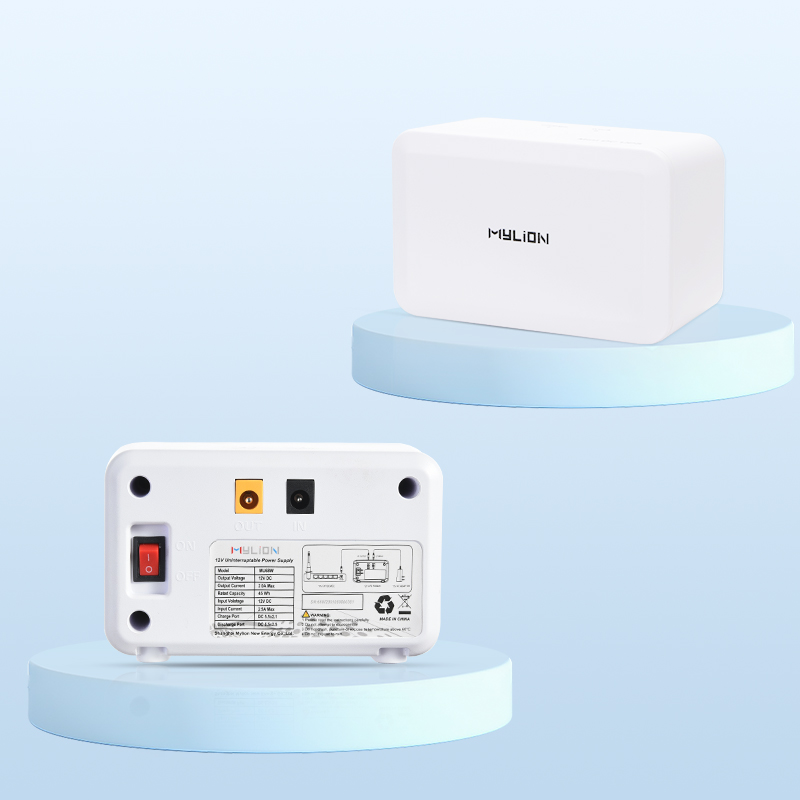
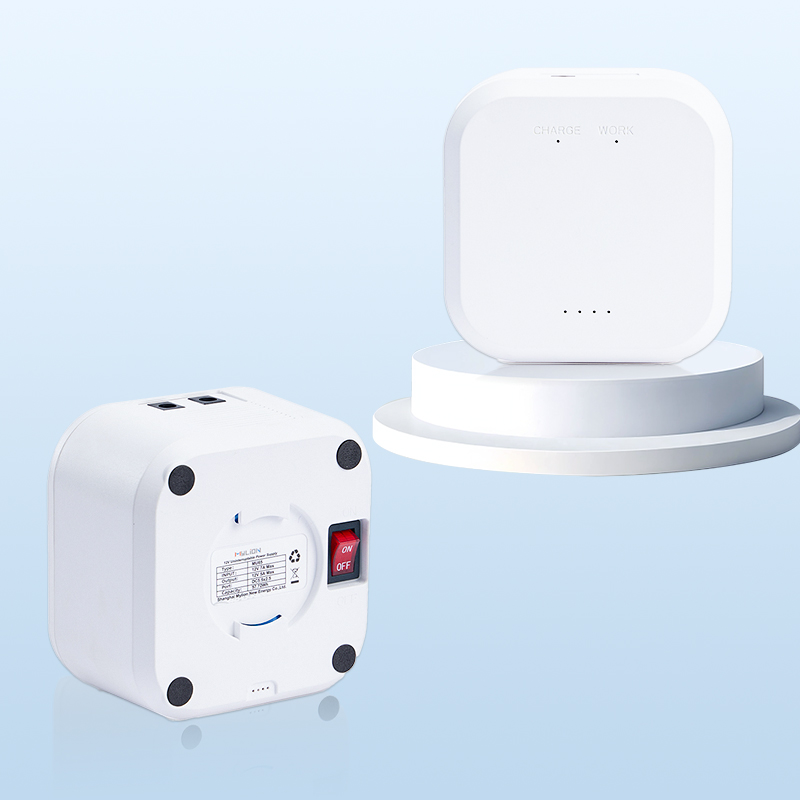
MUJ46 Mini-USV
MU68 Mini-USV
MU35 Mini-USV
Häufig gestellte Fragen
Frage 1: Was ist der häufigste Anschlussfehler bei der Installation von Mini-USV-Anlagen durch Internetanbieter?
Frage 2: Wie erkenne ich, welchen Anschluss mein Gerät verwendet?
Frage 3: Kann eine Mini-USV mehrere Geräte mit unterschiedlichen Anschlüssen mit Strom versorgen?
Frage 4: Was ist, wenn mein Gerät einen nicht standardmäßigen Anschluss verwendet?
Frage 5: Soll ich die Mini-USV mit echten Geräten oder mit Dummy-Lasten testen?
Abschluss
Die Erstellung einer umfassenden Checkliste für Steckverbinder zwingt Internetdienstanbieter dazu, ihre CPE-Stromversorgungsanforderungen zu standardisieren, ihren bestehenden Bestand zu überprüfen und ihre Außendiensttechniker mit genau den benötigten Kabeln auszustatten, um Installationsverzögerungen zu vermeiden.
Durch die Kombination von sorgfältiger Planung mit vielseitiger, telekommunikationsfähiger Hardware wie der Mylion Mini-USVInternetanbieter können die Supportkosten drastisch senken, unnötige Technikereinsätze vermeiden und ihren Abonnenten garantieren, dass sie auch bei Stromausfall verbunden bleiben.
 Deutsch
  English
  简体中文
简体中文  Français
  Italiano
  Español