
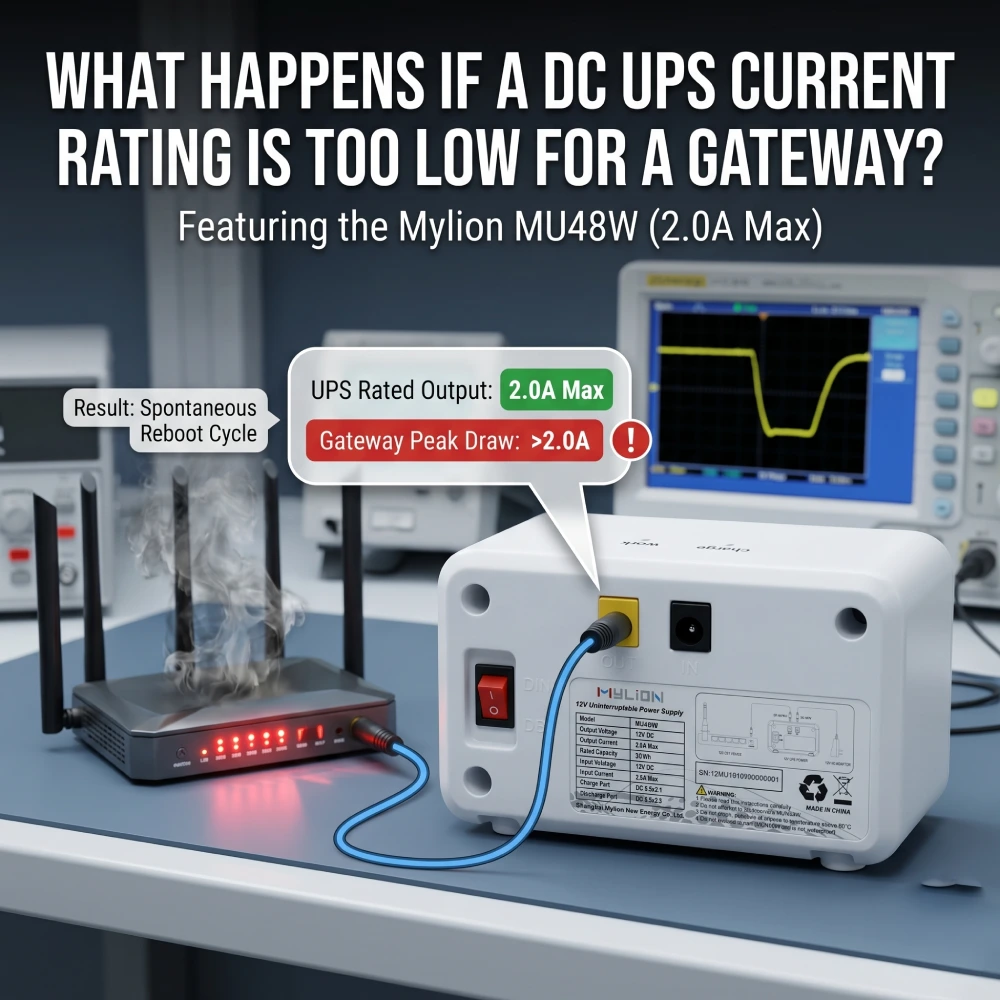
Introducción: El riesgo oculto en la alimentación de respaldo de la puerta de enlace
Las pasarelas de red, los ONT, los enrutadores y los puntos de acceso requieren alimentación eléctrica constante. Un SAI de CC es la forma más eficiente de proporcionar respaldo: salida de CC directa, tiempo de transferencia cero y tamaño compacto. Sin embargo, un parámetro crítico se suele subestimar: la capacidad de corriente (amperaje).
Si bien todos verifican la compatibilidad de voltaje, la capacidad de corriente suele pasarse por alto. Cuando un SAI de CC no puede suministrar suficiente corriente, las consecuencias van desde reinicios intermitentes hasta daños permanentes en el hardware e incumplimiento de los acuerdos de nivel de servicio (SLA).
Este artículo analiza el impacto causado por una asignación de corriente insuficiente para los dispositivos periféricos al usar Mini UPS, así como la forma de seleccionar correctamente la corriente adecuada para Mini UPS.
Voltaje vs. Corriente: La distinción esencial
El voltaje es fijo: una puerta de enlace de 12 V requiere 12 V. Si es demasiado bajo, no hay alimentación; si es demasiado alto, los componentes electrónicos se queman.
La corriente (amperaje) es el flujo de electricidad. El dispositivo consume corriente de forma dinámica: se producen picos durante el arranque, las actualizaciones de firmware, el tráfico intenso y la transmisión Wi-Fi.
Fundamentalmente, el consumo de corriente no es constante. Un SAI (Sistema de Alimentación Ininterrumpida) diseñado únicamente para un consumo promedio fallará bajo carga máxima. En la práctica profesional se requiere un margen de 20–30% por encima de la corriente nominal máxima del dispositivo.
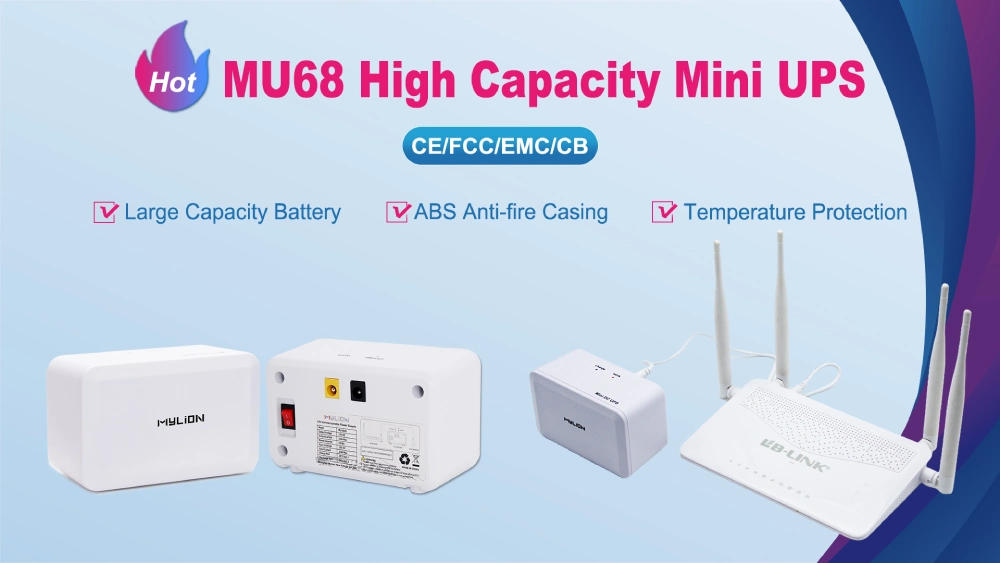
La física de los déficits de potencia: cuando la carga máxima excede la capacidad de amperaje.
Para comprender por qué falla un Mini UPS de CC con amperaje insuficiente, primero debemos separar el consumo de energía en "estado estable" de la demanda transitoria máxima.
El adaptador de CA/CC que viene con un enrutador WiFi 6/7 moderno o un ONT empresarial suele estar diseñado para la corriente teórica máxima que el dispositivo podría consumir. Una puerta de enlace podría estar en reposo en un estado constante de 12V 0,8APero el hardware de telecomunicaciones no consume energía de forma constante. El consumo de energía es altamente cíclico y propenso a picos transitorios masivos.
Estos picos de demanda se producen durante estados operativos específicos:
- Secuencias de arranque en frío: Cuando se enciende la puerta de enlace, la CPU, la memoria y los circuitos integrados de aplicación específica (ASIC) de enrutamiento se inicializan simultáneamente.
- Inicialización de la radio: La activación de múltiples cadenas de radio de 5 GHz y 6 GHz requiere una ráfaga de amperaje intensa e inmediata.
- Actualizaciones de firmware inalámbricas (OTA):Escribir en la memoria flash interna mientras se descargan datos simultáneamente obliga a la CPU a utilizarla al máximo.
- Cargas de tráfico máximas: Procesamiento de datos sostenido y de alto rendimiento a través de múltiples puertos Gigabit Ethernet.
Durante estos eventos, la demanda actual puede aumentar instantáneamente a 12V 2.5A o superior. Si el Mini SAI de CC desplegado solo tiene una capacidad nominal de salida máxima de 2.0ALa demanda de energía supera la oferta.
¿Qué sucede cuando la capacidad de corriente de un SAI de CC es demasiado baja?
Si un SAI de CC tiene una capacidad de corriente inferior al consumo máximo de su router, este podría no arrancar, bloquearse durante picos de tensión o sufrir daños en el hardware. Las consecuencias se dividen en dos categorías: las que afectan al router y las que afectan al propio SAI.
¿Qué sucede con la puerta de entrada?
- Reinicios y fallos aleatorios– La corriente máxima durante el arranque o un tráfico intenso supera el límite del SAI, lo que provoca caídas de tensión (apagones). Esto obliga al router a bloquearse, reiniciarse o interrumpir las conexiones de red de forma impredecible.
- Fallo al arrancar– La corriente de arranque inicial necesaria para alimentar los componentes internos supera la capacidad máxima del SAI. El dispositivo simplemente se desconecta y no completa su secuencia de inicio.
- No hay sistema de respaldo durante las interrupciones.Cuando falla el suministro eléctrico principal, el SAI tiene dificultades para cambiar a la batería bajo carga. Se apaga inmediatamente o activa una alarma de sobrecarga, dejando la puerta de enlace desprotegida justo cuando necesita respaldo.
¿Qué le sucede a UPS?
- Sobrecalentamiento y degradación– El SAI funciona continuamente a su máxima capacidad, generando un calor excesivo. Esto degrada rápidamente los condensadores internos y la batería, acortando drásticamente la vida útil del aparato.
- Activación de protecciones La protección contra sobrecorriente (OCP) integrada interrumpe la alimentación de salida para evitar que el hardware se queme. Si bien esto protege el SAI, corta la alimentación del router instantáneamente, lo que anula por completo el propósito del respaldo.
Escenarios del mundo real (Resumen)
Escenario A: puerta de enlace de 12 V con adaptador de 2 A, conectada a un SAI de 1 A.
El dispositivo consume aproximadamente 1,8 A al arrancar. El SAI alcanza su límite, la tensión cae y la puerta de enlace no arranca o se reinicia aleatoriamente durante los picos de tráfico.
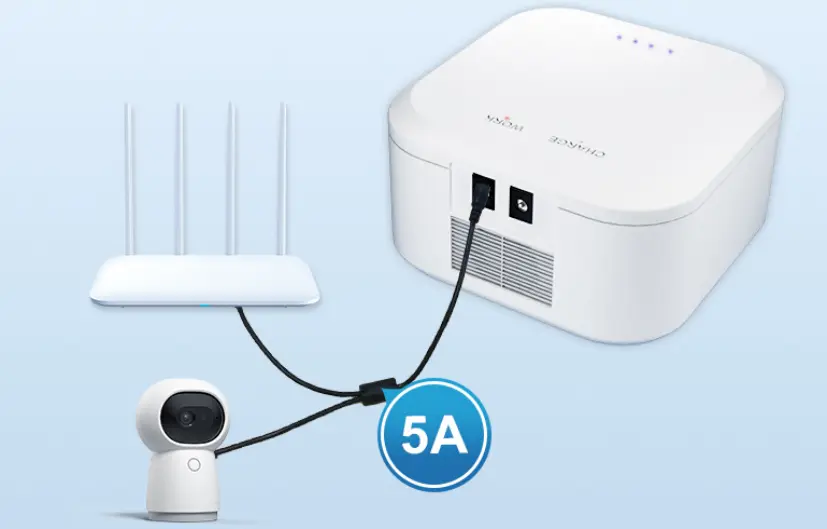
Escenario B: Un SAI alimenta tanto el gateway como el router wifi.
La demanda total es de 3,5 A, pero el SAI está diseñado para 2 A. Cada dispositivo sufre caídas de tensión en momentos diferentes, lo que dificulta enormemente la resolución de problemas.
Escenario C – Sobretensión durante el arranque.
Muchos gateways experimentan un pico de tensión de 2 a 3 veces su capacidad al encenderse. Un SAI (Sistema de Alimentación Ininterrumpida) diseñado para corriente constante activará su protección y no completará la secuencia de arranque.
Cómo dimensionar correctamente un SAI de CC para su puerta de enlace
El dimensionamiento adecuado de un SAI de CC sigue un proceso estructurado de cinco pasos.
Paso 1: Lea la etiqueta del dispositivo o del adaptador original.
Cada puerta de enlace incluye un adaptador de corriente que especifica tanto el voltaje como la corriente máxima. La etiqueta suele indicar algo como "12 V 2 A" o "12 V 3 A". Esta corriente máxima es el punto de partida, no el valor final.
Paso 2: Medir el consumo de corriente real
Para despliegues de misión crítica, mida el consumo de corriente real bajo cargas típicas y máximas utilizando un amperímetro de CC o un medidor de potencia.
Paso 3: Aplicar la regla de altura libre 20–30%
Seleccione un SAI cuya corriente nominal continua supere el consumo máximo medido del dispositivo en al menos 20–30%.
Paso 4: Calcular la potencia total
Multiplica el voltaje por la corriente para determinar la potencia (V × A = W). Esto es especialmente importante al alimentar varios dispositivos con un solo SAI (Sistema de Alimentación Ininterrumpida).
Paso 5: Haga coincidir el tamaño y la polaridad del conector.
Los conectores de CC no son universales. Los tamaños comunes incluyen: 5,5 × 2,1 mm y 5,5 × 2,5 mmEl uso del conector incorrecto puede provocar un mal contacto, caídas de tensión o una incompatibilidad total.
El costo de equivocarse al adivinar
Un SAI (Sistema de Alimentación Ininterrumpida) de tamaño incorrecto no solo tiene un rendimiento inferior, sino que también puede dañar la puerta de enlace debido a una subtensión sostenida, generar costes de soporte innecesarios y, en última instancia, costar más que una unidad del tamaño correcto comprada desde el principio.
Soluciones Mylion Mini UPS para respaldo de Gateway
Mylion diseña y fabrica Sistemas mini UPS de CC Diseñado específicamente para aplicaciones de telecomunicaciones, banda ancha y redes. A diferencia de los proveedores de baterías genéricos, Mylion organiza su línea de productos por corriente nominal, lo que facilita encontrar un SAI (Sistema de Alimentación Ininterrumpida) que se ajuste a los requisitos de cada puerta de enlace.
Modelo Mylion | Voltaje de salida | Corriente máxima | Capacidad de la batería | Mejor para |
12 V CC + USB 5 V | 2A | 38,48 W | ONT de nivel básico, despliegue FTTH compacto | |
12 V CC | 3A | 19,24 Wh | Routers y ONT de gama básica | |
12 V CC | 3A | 29,6 Wh | Enrutadores de rendimiento estándar, implementaciones de ISP | |
12 V CC | 3A | 44,4 Wh | Enrutadores de mayor rendimiento, implementaciones de ISP | |
12 V CC | 5A | 77,7 Wh | Puertas de enlace de alta potencia, configuraciones multidispositivo |
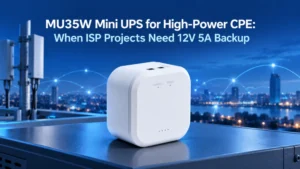
Para los modernos gateways WiFi 6 y WiFi 7 multibanda que requieren un alto amperaje, es imprescindible implementar una unidad robusta como la Mylion MU35. Al suministrar 5 amperios continuos a 12 voltios, la MU35 absorbe fácilmente los picos de inicialización transitorios masivos sin que la tensión disminuya, lo que garantiza una transición fluida de la alimentación de la red a la alimentación por batería sin perder ni un solo paquete de datos.
Todas las unidades Mylion Mini UPS incluyen:
- Tiempo de transferencia cero— Conmutación sin interrupciones durante cortes de energía
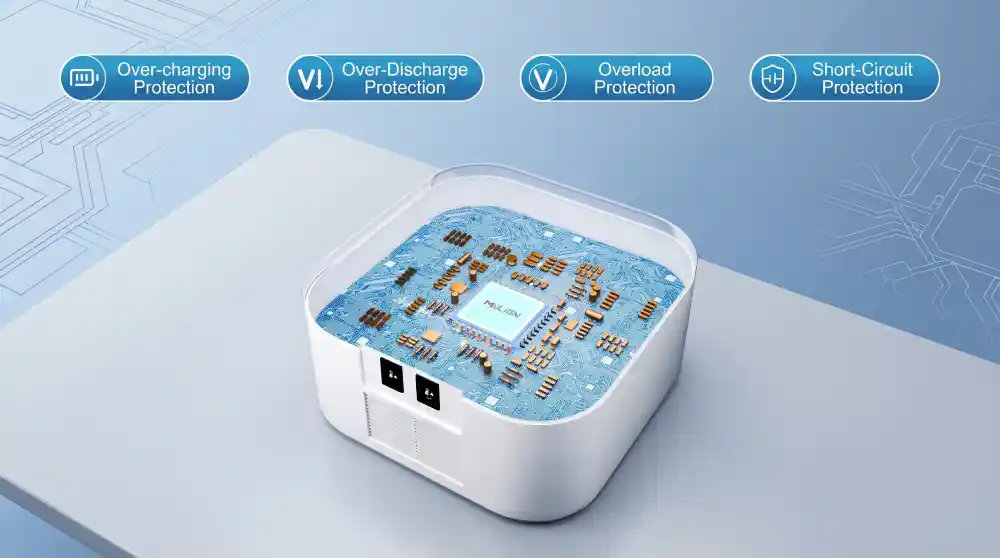
- Protección inteligente BMS— Protección contra sobrecorriente, sobretensión y temperatura
- Salida de CC regulada estable— No hay caídas de tensión bajo carga
- Factor de forma compacto — Fácil integración en racks y gabinetes de red.

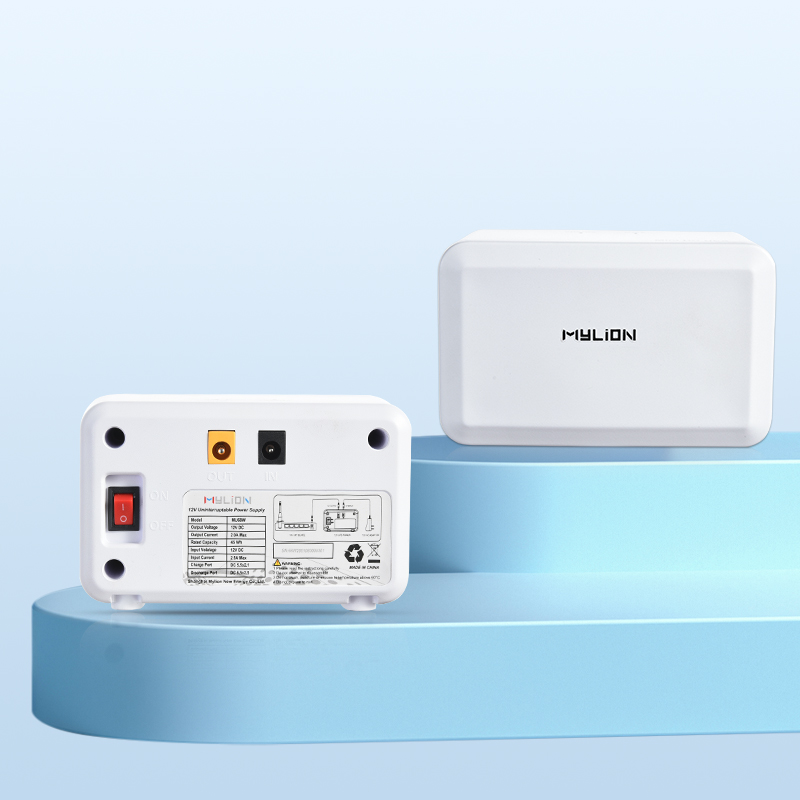
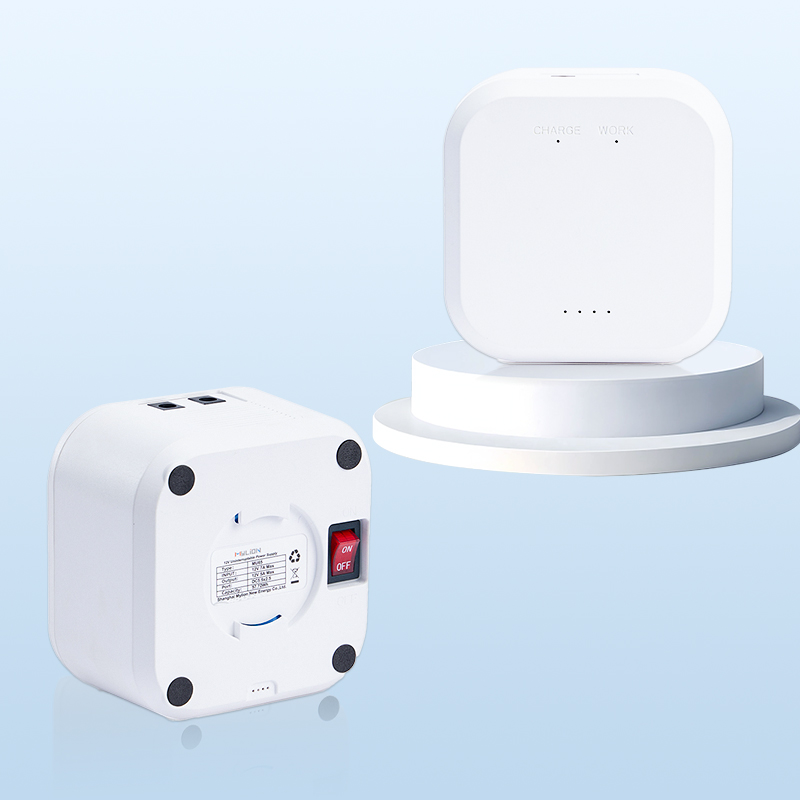
Mini SAI MU68
Mini SAI MU48
Mini SAI MU35
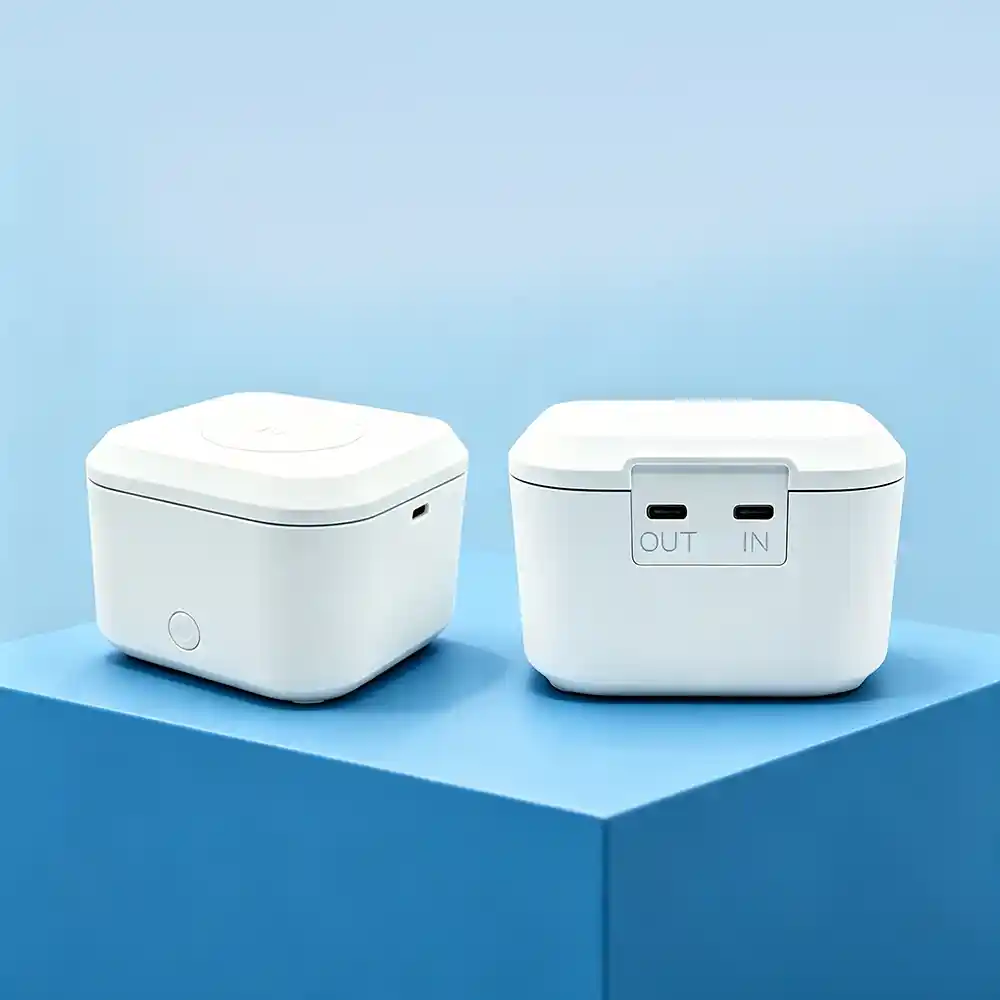
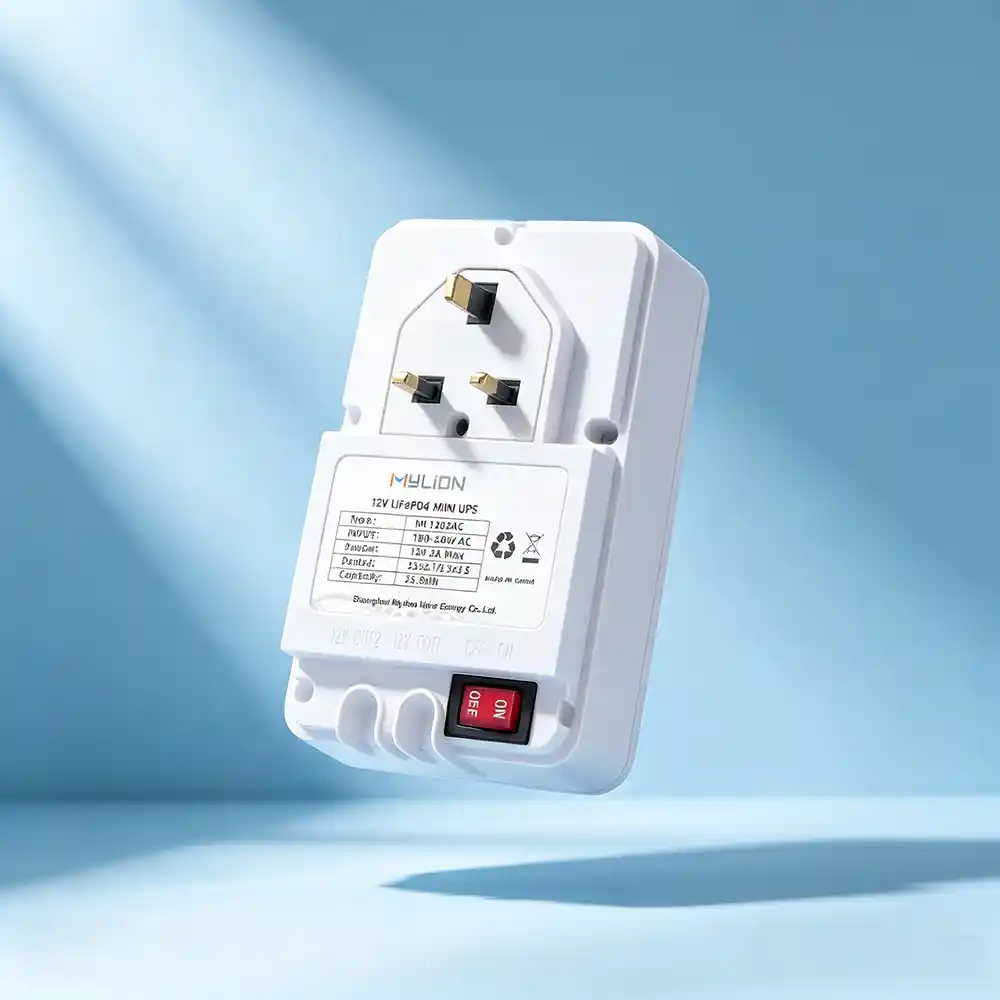
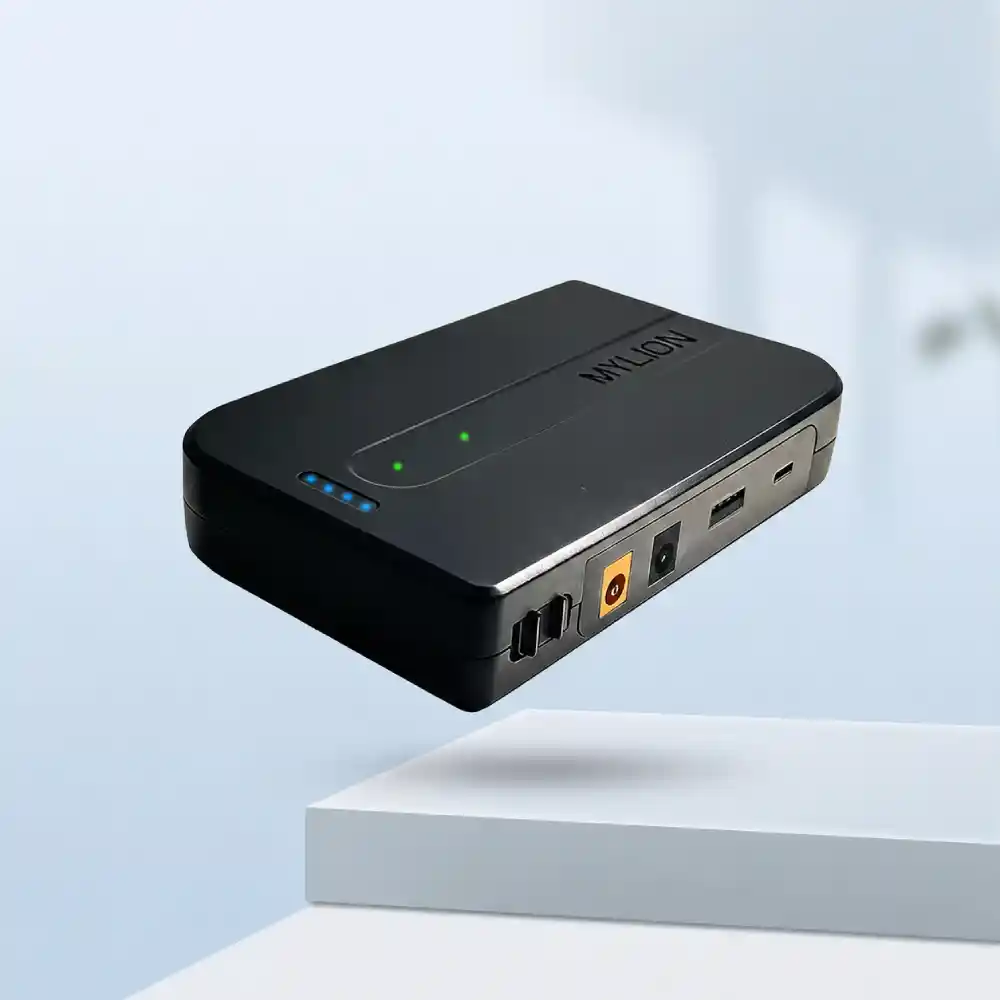
Mini SAI MUC85
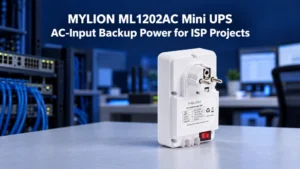
Mini UPS ML1202AC
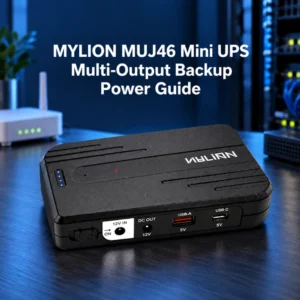
Mini UPS MUJ46
Preguntas frecuentes
P1: ¿Puedo usar un SAI (Sistema de Alimentación Ininterrumpida) con una corriente superior a la que requiere mi puerta de enlace?
P2: ¿Cuál es la diferencia entre la clasificación VA y el amperaje?
P3: El adaptador de mi puerta de enlace dice 12V 2A, ¿siempre consume 2A?
P4: ¿Puedo alimentar varios dispositivos con un solo Mini UPS?
P5: ¿Cómo puedo saber si mi SAI actual es demasiado pequeño?
P6: ¿Qué hay de la compatibilidad de los conectores?
Conclusión
La calificación actual no es opcional, es fundamental para la confiabilidad de la puerta de enlace. Dimensionar incorrectamente una SAI de CC Esto genera una cascada de fallos: fallos de arranque, bucles de reinicio, bajones de tensión, sobrecalentamiento, daños en la batería y, en última instancia, incumplimiento de los acuerdos de nivel de servicio (SLA) y pérdida de clientes.
La buena noticia es que dimensionar correctamente el equipo es sencillo. Lea la etiqueta del dispositivo, mida el consumo real bajo carga máxima, aplique el margen de seguridad 20–30% y seleccione un SAI cuya capacidad de corriente continua cumpla con ese umbral.
Mini UPS de CC de Mylion ssolucións—desde el compacto MUJ46 para ONT de nivel básico hasta los MU35 y MU68 de alta capacidad para gateways exigentes— proporciona una ruta clara para obtener una alimentación de respaldo del tamaño adecuado para cualquier aplicación de red.

 Español
  English
  简体中文
简体中文  Deutsch
  Français
  Italiano