适用于光网络终端 (ONT)、光网络单元 (ONU)、路由器和互联网服务提供商 (ISP) 备份项目的迷你型 UPS

如果直流UPS的额定电流太低,无法满足网关的需求,会发生什么情况?

What happens if a DC UPS current rating is too low for a gateway

Introduction: The Hidden Risk in Gateway Backup Power

Network gateways, ONTs, routers, and access points demand always‑on power. A DC UPS is the most efficient way to provide backup—direct DC output, zero transfer time, and compact footprint. Yet one critical parameter is frequently underestimated: current rating (amperage).

While everyone checks voltage compatibility, current capacity is often an afterthought. When a DC UPS cannot supply enough current, the consequences range from intermittent reboots to permanent hardware damage and SLA violations.

This article analyzes the impact caused by insufficient current allocation for edge devices by using Mini UPS, as well as how to correctly select the appropriate current for Mini UPS.

Voltage vs. Current: The Essential Distinction

Voltage is fixed: a 12V gateway requires 12V. Too low = no power; too high = fried electronics.

Current (amperage) is the flow of electricity. The gateway draws current dynamically—peaks occur during startup, firmware updates, heavy traffic, and Wi‑Fi transmission.

Crucially, current draw is not constant. A UPS rated only for average draw will fail under peak load. Professional practice demands 20–30% headroom above the device’s maximum rated current.

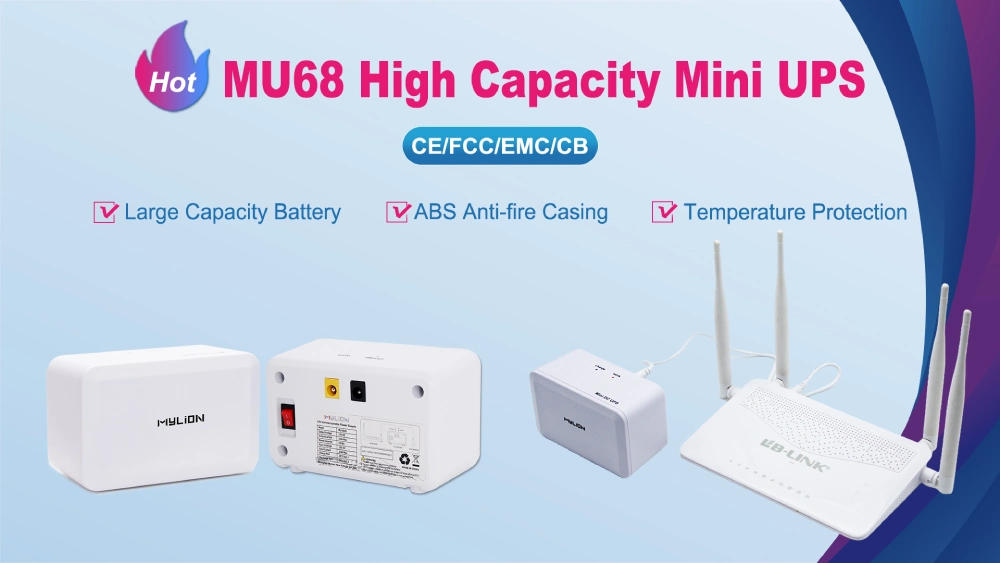
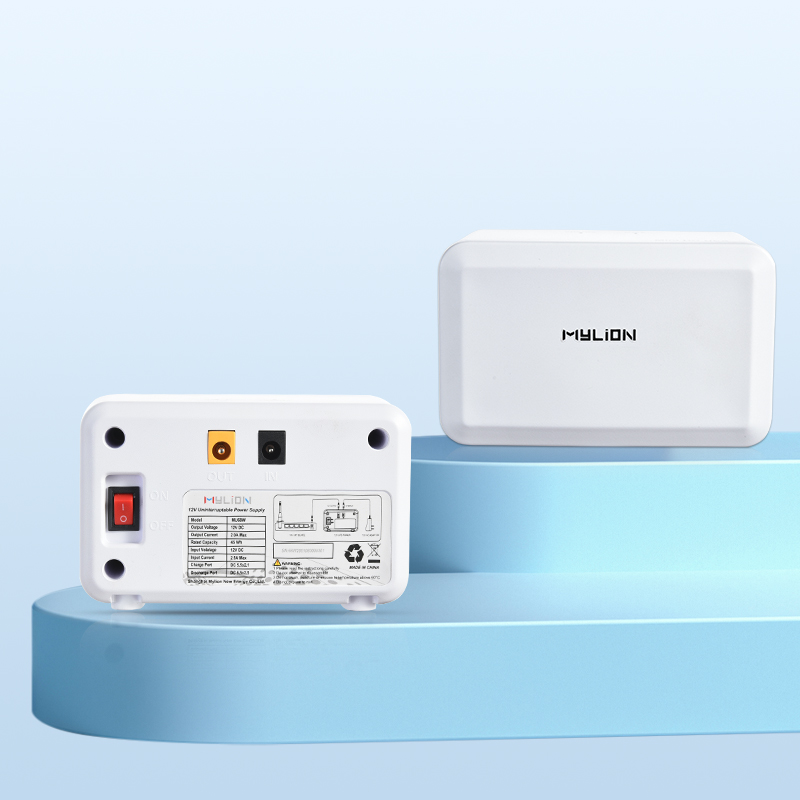
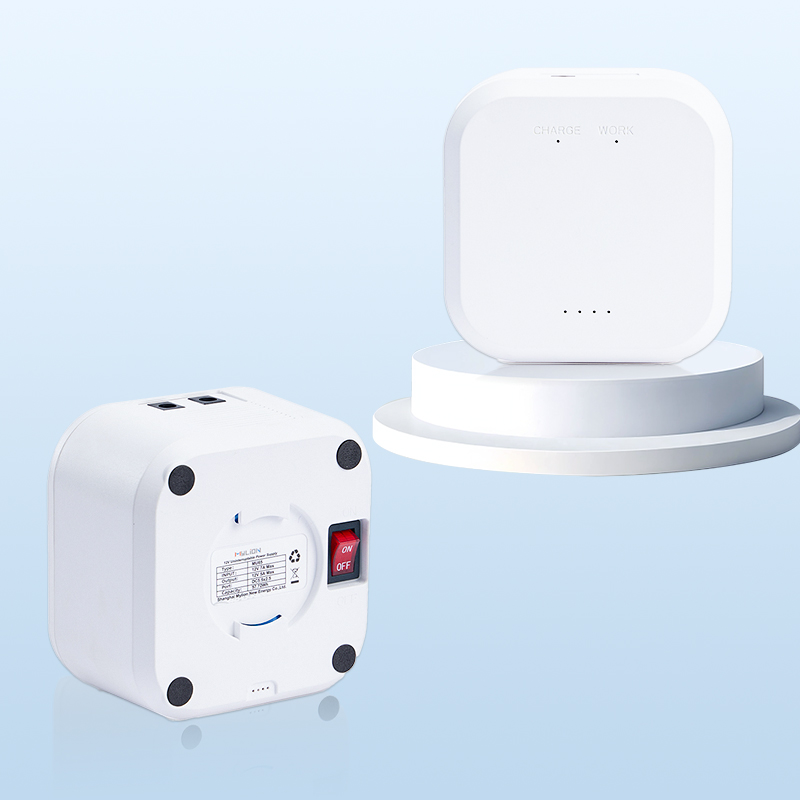
MU68 high capacity Mini UPS

The Physics of Power Deficits: When Peak Load Exceeds Amperage Capacity

To understand why an under-amped Mini DC UPS fails, we must first separate “steady-state” power consumption from “peak-transient” demand.

The AC-DC adapter that ships with a modern WiFi 6/7 router or enterprise ONT is typically engineered for the maximum theoretical current the device could ever draw. A gateway might idle at a steady state of 12V 0.8A, but telecom hardware does not consume power in a flat line. Power consumption is highly cyclical and prone to massive transient spikes.

These demand spikes occur during specific operational states:

  • Cold Boot Sequences: When the gateway powers on, the CPU, memory, and routing ASICs initialize simultaneously.
  • Radio Initialization: Activating multiple 5GHz and 6GHz radio chains requires an immediate, heavy burst of amperage.
  • Over-the-Air (OTA) Firmware Updates:Writing to internal flash memory while simultaneously downloading data forces the CPU into maximum utilization.
  • Peak Traffic Loads: Sustained, high-throughput data processing across multiple Gigabit Ethernet ports.

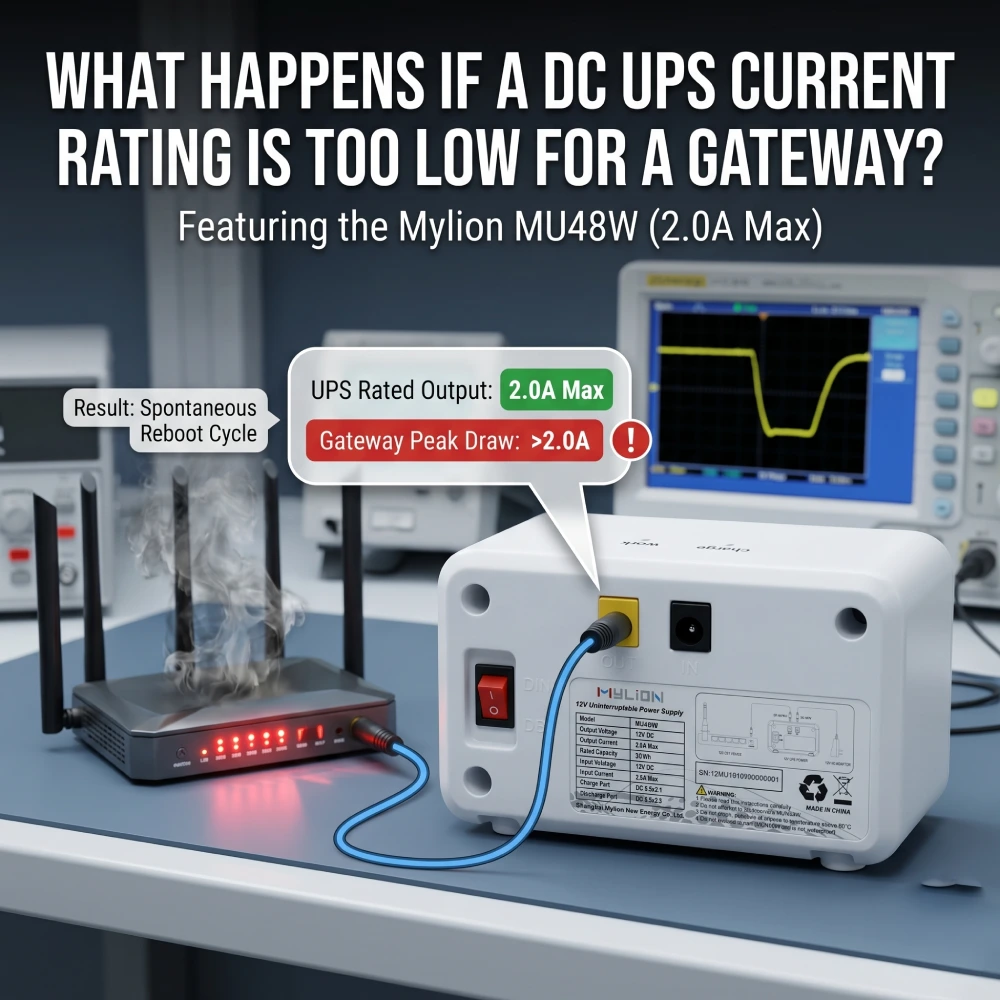
During these events, the current demand can instantly jump to 12V 2.5A or higher. If the deployed Mini DC UPS is only rated for a maximum output of 2.0A, the power demand outpaces the supply.

What Happens When the Current Rating of DC UPS Is Too Low?

If a DC UPS has a current rating lower than your gateway’s maximum draw, the gateway may fail to boot, crash during power spikes, or suffer hardware damage. The consequences split into two categories: what happens to the gateway, and what happens to the UPS itself.

What Happens to the Gateway

  • Random Reboots & Crashes– Peak current during startup or high traffic exceeds the UPS limit, causing voltage drops (brownouts). This forces the gateway to freeze, reboot, or drop network connections unpredictably.
  • Failure to Boot– The initial inrush current required to power up internal components surpasses the UPS’s maximum supply. The gateway simply stays offline and never completes its startup sequence.
  • No Backup During Outages– When mains power fails, the UPS struggles to switch to battery under load. It immediately shuts down or triggers an overload alarm, leaving the gateway unprotected at the very moment it needs backup.

What Happens to the UPS

  • Overheating and Degradation– The UPS runs continuously at its absolute capacity, generating excessive heat. This rapidly degrades internal capacitors and the battery, dramatically shortening the unit’s lifespan.
  • Triggering Protections – Built-in overcurrent protection (OCP) cuts output power to prevent hardware burnout. While this saves the UPS, it kills power to the gateway instantly — defeating the entire purpose of backup.
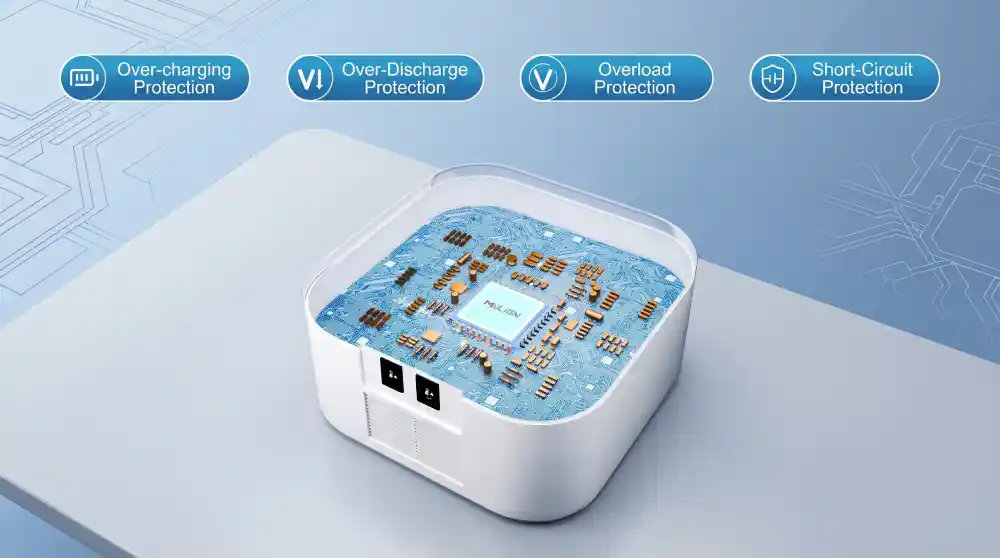
Mini UPS Built in intelligent control chip

Real-World Scenarios (Condensed)

Scenario A – 12V gateway with 2A adapter, connected to a 1A UPS.

The device draws ~1.8A at startup. The UPS hits its limit, voltage drops, and the gateway fails to boot or reboots randomly during peak traffic.

Scenario B – One UPS powers gateway + wifi router.

Total demand is 3.5A, but the UPS is rated for 2A. Each device experiences brownouts at different times, making troubleshooting extremely difficult.

Scenario C – Surge current during boot.

Many gateways have a 2-3× surge at power-on. A UPS rated for steady-state current will trip its protection and never complete the boot sequence.

How to Size a DC UPS Correctly for Your Gateway

Proper DC UPS sizing follows a structured five-step process.

Step 1: Read the Device Label or Original Adapter

Every gateway ships with a power adapter that specifies both voltage and maximum current. The label typically reads something like “12V 2A” or “12V 3A.” This maximum current rating is your starting point—not your target.

Step 2: Measure Real-World Current Draw

For mission-critical deployments, measure actual current draw under both typical and peak loads using a DC ammeter or a power meter.

Step 3: Apply the 20–30% Headroom Rule

Select a UPS whose continuous current rating exceeds the device’s maximum measured draw by at least 20–30%.

Step 4: Calculate Total Wattage

Multiply voltage by current to determine wattage (V × A = W). This is particularly important when powering multiple devices from a single UPS.

Step 5: Match Connector Size and Polarity

DC connectors are not universal. Common sizes include 5.5×2.1mm 和 5.5×2.5mm. Using the wrong connector can result in poor contact, voltage drops, or complete incompatibility.

The Cost of Guessing Wrong

An incorrectly sized UPS does not merely underperform—it can damage the gateway through sustained undervoltage, generate unnecessary support costs, and ultimately cost more than a correctly sized unit purchased upfront.

Mylion Mini UPS Solutions for Gateway Backup

Mylion designs and manufactures 迷你直流UPS系统 specifically for telecom, broadband, and networking applications. Unlike generic battery suppliers, Mylion organizes its product line by current rating, making it straightforward to match a UPS to a gateway’s requirements.

Mylion Model

输出电压

最大电流

电池容量

最适合

MUJ46

12V DC + USB 5V

2A

38.48W

Entry-level ONTs, compact FTTH deployment

MU26

12V 直流

3A

19.24瓦时

Entry-level routers and ONTs

MU48

12V 直流

3A

29.6瓦时

standard-performance routers, ISP deployments

MU68

12V 直流

3A

44.4瓦时

Higher-performance routers, ISP deployments

MU35

12V 直流

5A

77.7瓦时

High-power gateways, multi-device setups

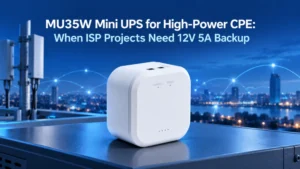
For modern, multi-band WiFi 6 and WiFi 7 gateways that demand heavy amperage, deploying a robust unit like the Mylion MU35 is a strict necessity. Supplying a continuous 5 Amps at 12 Volts, the MU35 easily absorbs massive transient initialization spikes without allowing the voltage to droop, ensuring a seamless transition from grid power to battery power without dropping a single data packet.

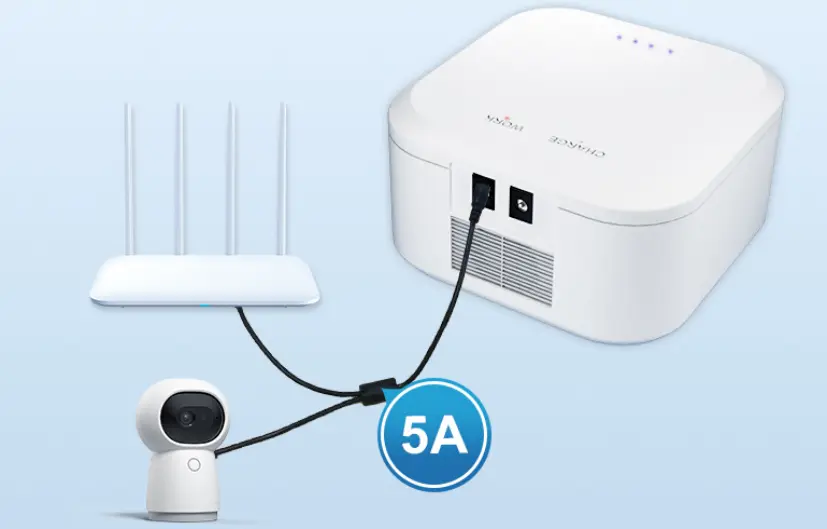
12V 5A Mini UPS For ONT+router or high-power routers

All Mylion Mini UPS units feature:

  • 零转移时间— seamless switchover during power failures
  • 智能BMS保护— overcurrent, overvoltage, and temperature protection
  • 稳定的稳压直流输出— no voltage sags under load
  • 紧凑型 — easy integration into network racks and cabinets

MU68 迷你 UPS

MU48迷你UPS

MU35迷你UPS

MUC85迷你UPS

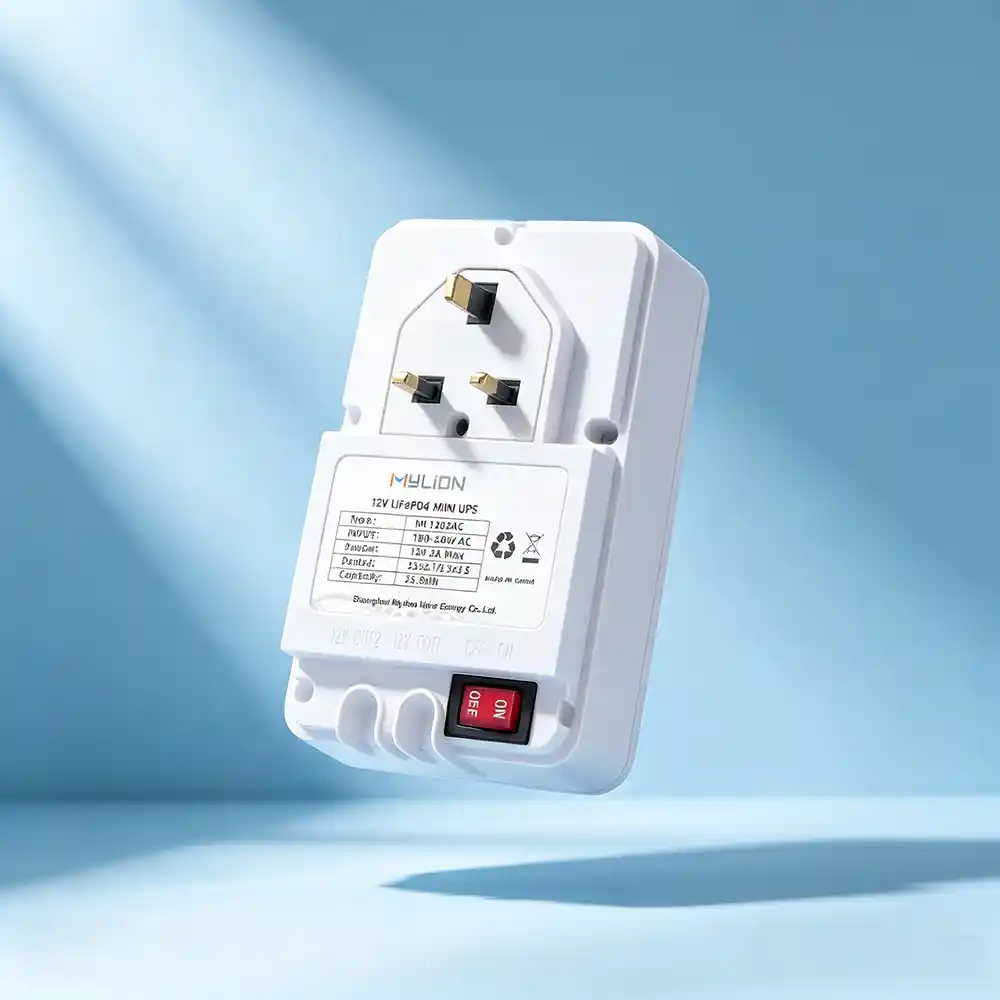
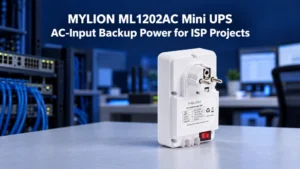
ML1202AC  Mini UPS

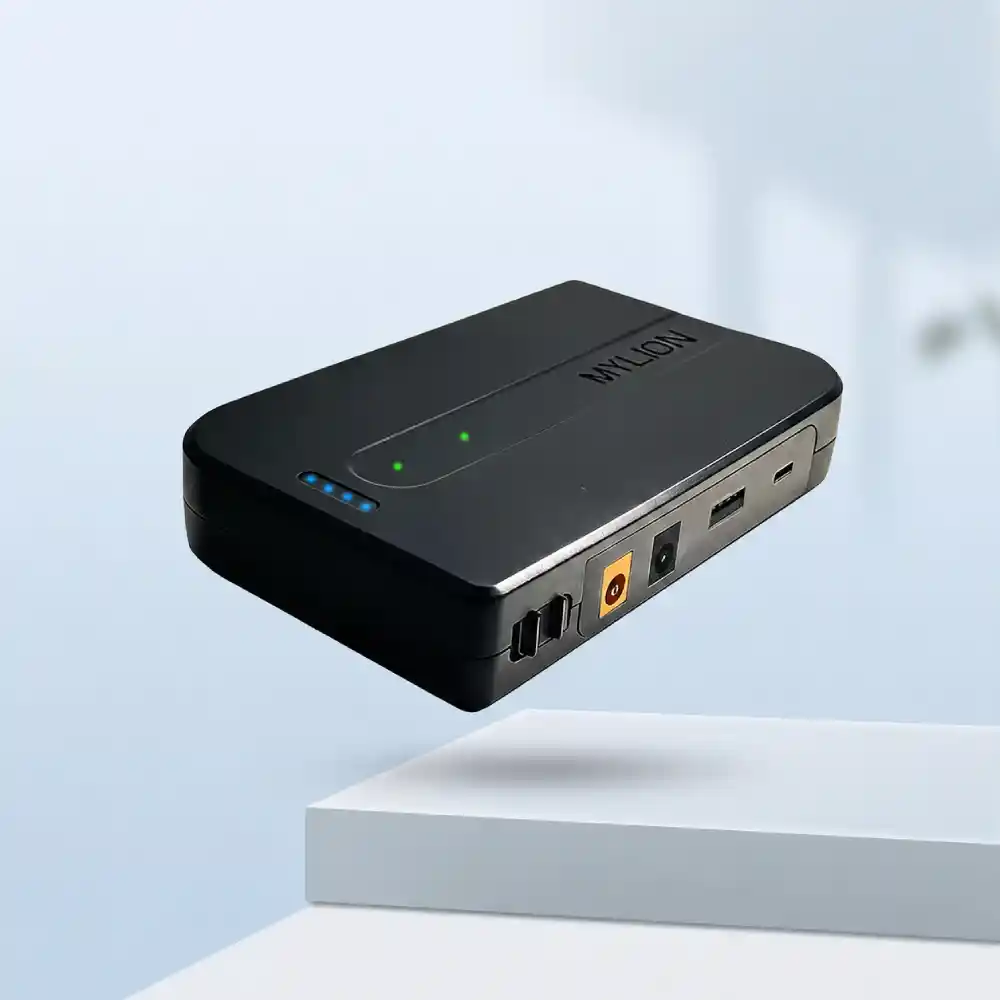
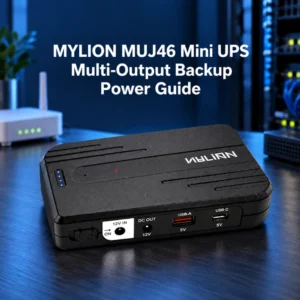
MUJ46  Mini UPS

常问问题

Q1: Can I use a higher-current UPS than my gateway needs?

Yes. A gateway draws only the current it requires. A UPS with a higher current rating will simply have spare capacity.

Q2: What's the difference between VA rating and amperage?

VA (volt-amperes) is an AC UPS metric. For DC UPS systems, the relevant specification is amperage (A) at the specified voltage. Always compare current ratings, not VA.

Q3: My gateway's adapter says 12V 2A—does it always draw 2A?

No. The adapter's 2A rating is the maximum it can supply, not the device's continuous draw. The gateway may draw significantly less during idle and close to 2A during startup or peak load.

Q4: Can I power multiple devices from one Mini UPS?

Yes, but you must sum the current requirements of all connected devices. Mylion MU35 5A Mini UPS models are designed for multi-device setups.

Q5: How do I know if my current UPS is undersized?

Look for these warning signs: intermittent reboots, random network disconnects during high traffic, failure to power on, or the UPS feeling unusually hot to the touch.

Q6: What about connector compatibility?

DC connectors vary. Common sizes for networking equipment include 5.5×2.1mm and 5.5×2.5mm. Always verify connector size and polarity before deployment.

结论

Current rating is not optional—it is foundational to gateway reliability. Undersizing a 直流不间断电源 creates a cascade of failures: startup failures, reboot loops, brownouts, overheating, battery damage, and ultimately, SLA violations and customer churn.

The good news is that proper sizing is straightforward. Read the device label, measure actual draw under peak load, apply 20–30% headroom, and select a UPS whose continuous current rating meets that threshold.

Mylion’s Mini DC UPS s解决方案s—from the compact MUJ46 for entry-level ONTs to the high-capacity MU35 and MU68 for demanding gateways—provides a clear path to correctly sized backup power for any networking application.

Get the Right Mini UPS for Your Deployment. Contact MYLION today for expert guidance on matching the right Mini UPS to your routers and ONTs.

关于我

迈锂生产系列电池组,锂电池,镍氢电池,LiFe PO4电池,锂聚合物电池,无线充电宝,遥控锂电池,迷你UPS等。广泛应用于便携式电子产品,智能AI机器人,让人们的生活变得便捷, 聪明的。

分享:

最近的帖子

迈锂故事

zh_CN简体中文
滚动至顶部

获取报价