
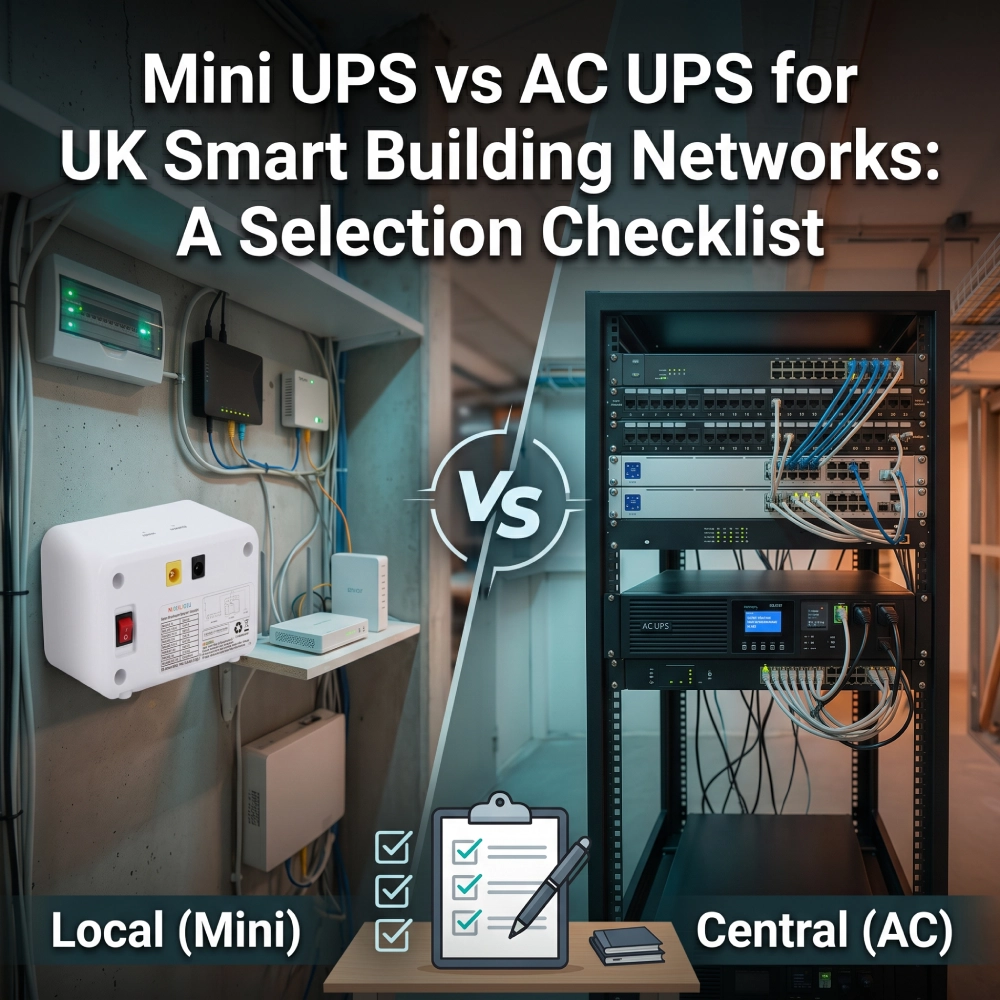
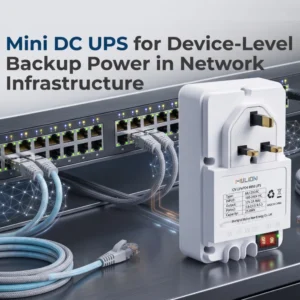
UN Mini-UPS can provide local backup for compatible routers, ONTs and communication gateways in UK smart building projects. An Gruppo di continuità AC is often more practical for equipment racks and grouped AC-powered devices.
The choice starts with three questions: which devices need backup, where they are installed, and what must remain connected during an outage.
For system integrators, the goal is to match backup power to the actual network layout, without adding unnecessary installation or maintenance work.
Why Smart Building Networks Need Local Backup
A Protected Network Room Does Not Cover Every Endpoint
A building’s central UPS may protect its main switches and servers while a gateway on another floor remains connected to an unprotected supply.
This gap can matter in retrofit projects, where new communication equipment is added outside the existing backup arrangement.
Local Mini UPS deployment can address selected gaps when the device and backup unit are compatible.
Keep the Required Connection Available
Start with the service that must continue, such as tenant broadband or remote monitoring. Then identify the devices supporting it.
A router may also depend on an ONT and upstream switch. A monitoring gateway may depend on powered sensors and an external connection.
Keeping one device powered does not establish end-to-end network availability.
For additional context, read our UK smart building DC backup power guide.
Mini UPS vs AC UPS: A Quick Comparison
A Mini DC UPS supplies DC power directly to compatible equipment. An AC UPS supplies AC power to equipment or its existing adapters.
Project requirement | Mini-UPS | Gruppo di continuità AC |
Individual router or gateway | Evaluate for compatible local DC backup | Can supply the existing AC adapter |
Several devices in one rack | Check available outputs and combined load | Evaluate for grouped AC loads |
Distributed endpoints | Provides backup at selected locations | Requires protected AC supplies at those locations |
Restricted space | Check dimensions, cables and access | Allow space for the unit, outlets and adapters |
Manutenzione | Track and service multiple local units | Manage equipment around a shared backup source |
Durata | Test the actual device combination | Test the complete connected load |
Compare Performance by Model
AC UPS designs differ. Standby, line-interactive and online models do not have identical transfer or power-conditioning behaviour. Eaton’s official guide explains these distinctions.
For either approach, assess the selected model with the equipment it will support.
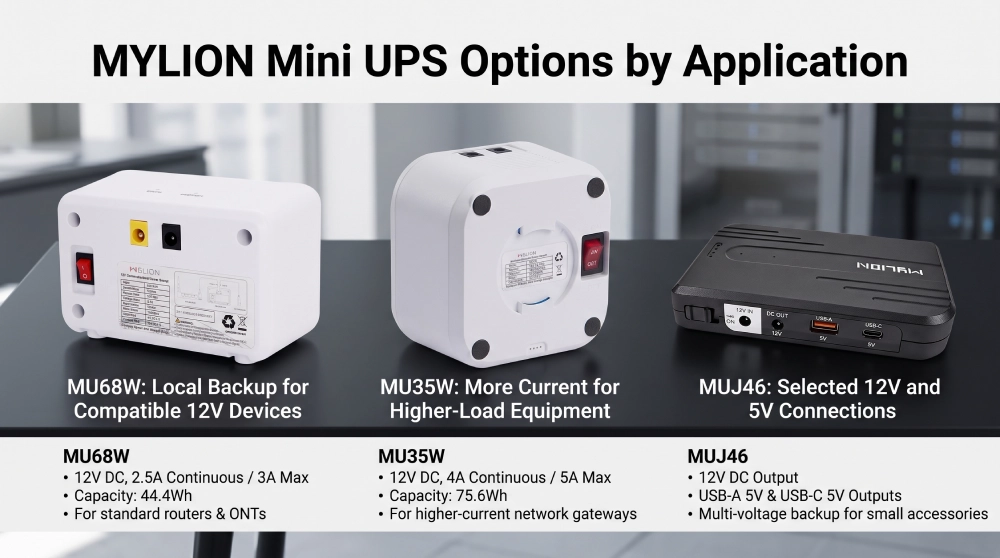
MYLION Mini UPS Options by Application
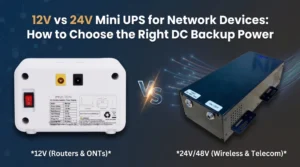
MU68W: Local Backup for Compatible 12V Devices
IL MYLION MU68W specification lists:
- Produzione:12V DC, 2.5A continuous / 3A maximum.
- Capacità della batteria:4Wh.
- Dimensioni:112 × 70 × 60mm.
Application to evaluate: a compatible router, ONT or network endpoint installed away from the main cabinet.
In a tenant broadband installation, check whether both the router and ONT need backup. Include both loads and their connections in the assessment.
MU35W: More Current for Higher-Load Equipment
IL MYLION MU35W specification lists:
- Produzione:12V DC, 4A continuous / 5A maximum.
- Capacità della batteria:6Wh.
- Dimensioni:100 × 100 × 60mm.
Application to evaluate: a compatible 12V gateway or router requiring more continuous current than MU68W supports.
For example, equipment genuinely requiring 3A continuously exceeds MU68W’s listed continuous rating. MU35W is a candidate for further evaluation, subject to connector, startup-load and runtime checks.
MUJ46: Selected 12V and 5V Connections
IL MYLION MUJ46 page lists:
- 12V DC output.
- USB-A 5V output.
- USB-C 5V output.
Application to evaluate: a local installation containing a compatible 12V network device and a small 5V accessory.
Confirm the exact variant and combined-output limits before connecting several devices.
When an AC UPS Makes More Sense
Several Devices Share One Cabinet
A network cabinet may contain switches, routers and other equipment with AC connections or existing adapters.
A shared AC UPS can be worth evaluating because it keeps backup equipment and maintenance access in one location.
Assess the full connected load, including downstream equipment powered through switches.
Central Backup Already Exists
Check the building’s protected circuits and available UPS capacity before adding local units.
Extending a suitable existing arrangement may be more practical than introducing separate backup devices.
Different Locations Need Different Solutions
A building may use central backup for its network room and Mini UPS units for selected distributed endpoints.
Five Checks Before Choosing a Mini UPS
1. Match the Connection
Confirm voltage, connector dimensions and polarity.
A connector that fits physically may still be electrically unsuitable. Check the device documentation alongside the proposed UPS specification.
2. Check Continuous and Startup Load
Use reliable device data or measurements.
The adapter’s current rating describes its supply capability, rather than necessarily showing actual consumption. For shared backup, assess every connected device.
3. Define the Backup Target
Decide how long the required service must continue.
Test the actual equipment combination. Battery capacity alone cannot establish runtime under changing load and operating conditions.
4. Check Space and Access
Allow room for cables, secure connections and replacement.
Review temperature and installation requirements. A compact unit can still be difficult to maintain if placed above a ceiling or inside a restricted enclosure.
5. Follow the Network Path
Identify upstream routers, switches and other dependencies.
For PoE devices, check the switch or injector supplying power. A standard DC output should not be assumed to provide compatible PoE.
Compare the Complete Cost
Include Installation Work
Compare solutions protecting the same equipment for the same backup target.
Include units, cables, mounting, power distribution and installation labour. Purchase price is only one part of the decision.
Consider Maintenance Access
Distributed Mini UPS units create more locations to inspect and track. Central backup concentrates access, but maintenance at a shared source can affect several devices.
Consider who will carry out replacements and what access each location requires.
Standardise Approved Combinations
Record the UPS model, supported device, connector arrangement and test result.
This helps maintenance teams identify suitable replacements. Recheck compatibility when network equipment changes.
Domande frequenti
Q1: Can a Mini UPS Replace an AC UPS?
Q2: Can One Mini UPS Power a Router and an ONT?
Q3: Which MYLION Model Should I Evaluate?
Q4: Does a Mini UPS Guarantee Internet Availability?
Conclusione
Choose a Mini UPS around a specific installation problem: an unprotected endpoint, insufficient current capability or a need for local backup.
Match the device requirements, test the required connection and plan maintenance access. This provides a stronger procurement basis than comparing product labels or battery capacity alone.

 Italiano
  English
  简体中文
简体中文  Deutsch
  Français
  Español