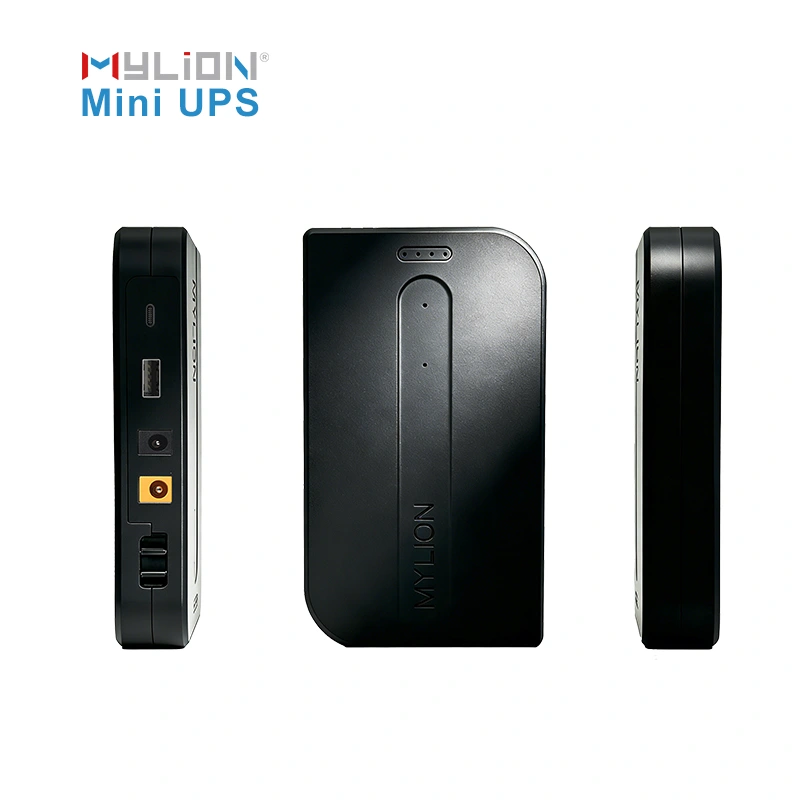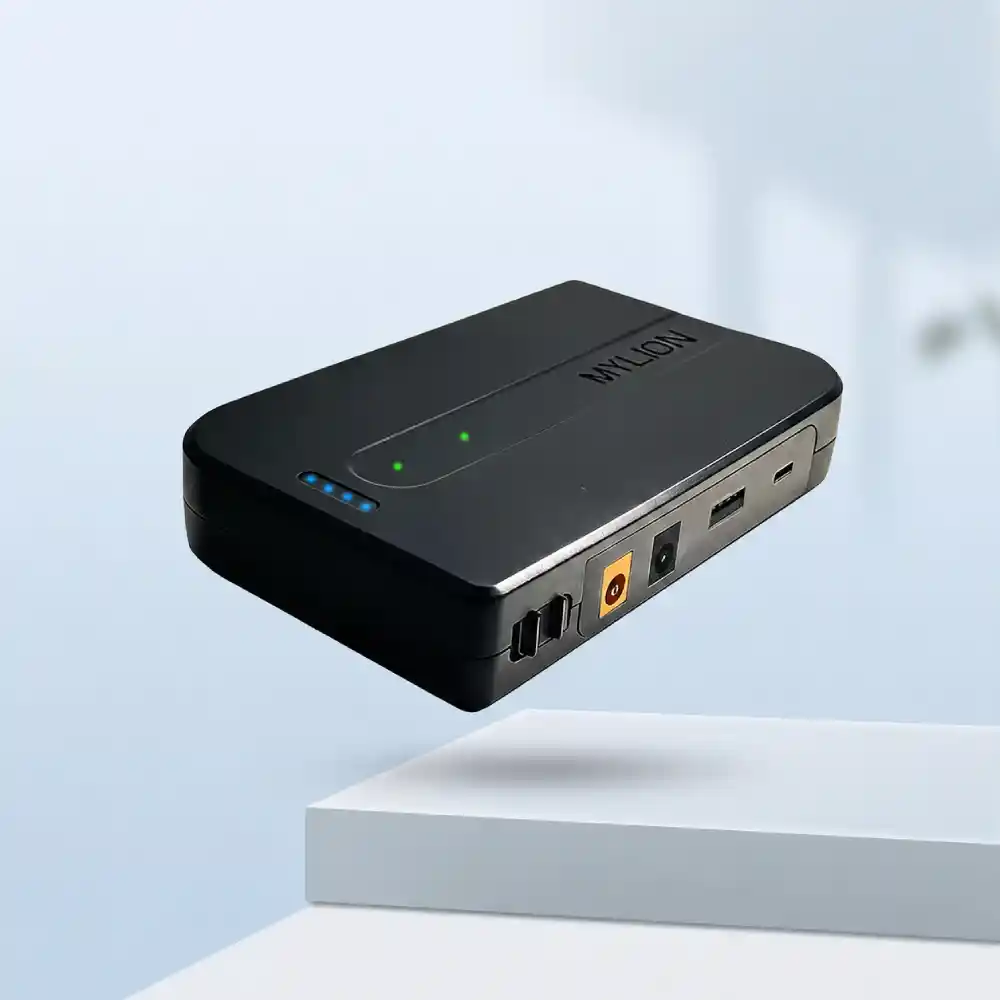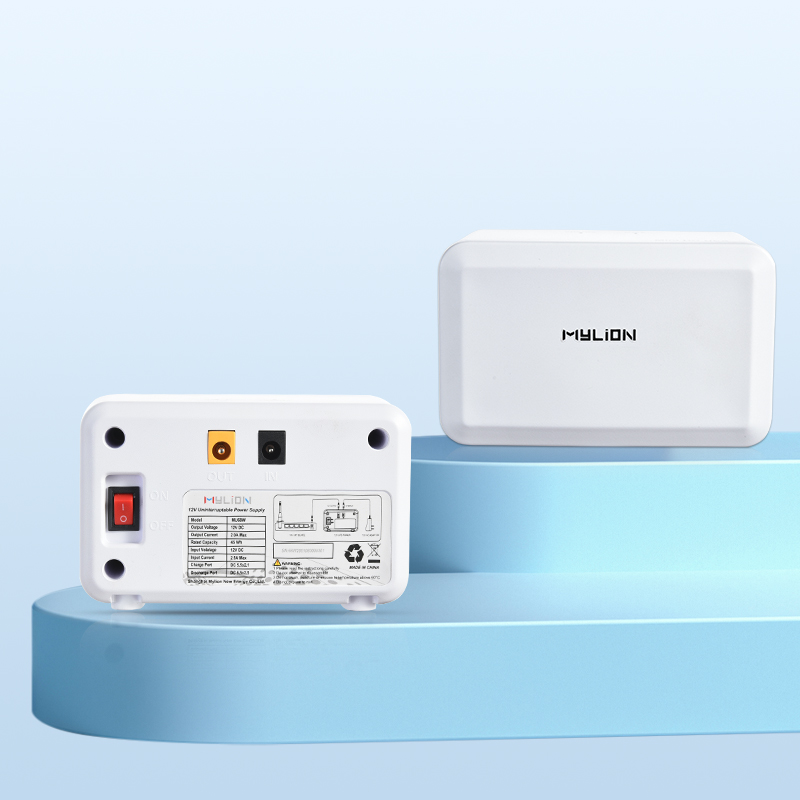
适用于光网络终端 (ONT)、光网络单元 (ONU)、路由器和互联网服务提供商 (ISP) 备份项目的迷你型 UPS

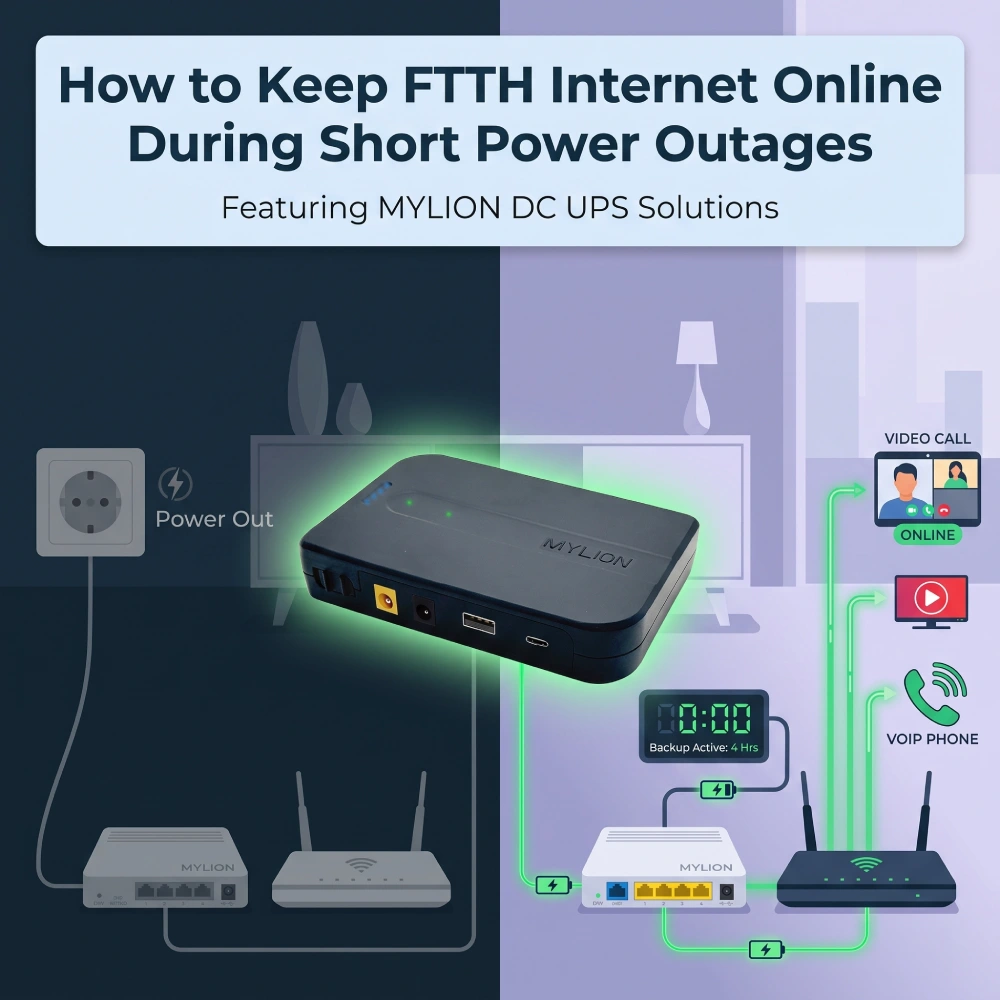
How to keep FTTH internet online during short power outages

How to keep FTTH internet online during short power outages

引言:网关备用电源的隐患

Fiber to the Home (FTTH) has revolutionized broadband connectivity, delivering gigabit speeds with unparalleled reliability. However, even the most robust Fiber-to-the-Home (FTTH) and Fiber-to-the-Premises (FTTP) networks share a fundamental weakness: they are entirely dependent on local grid power.

When a rolling blackout, a grid switching event, or a severe weather disturbance causes a short power outage, the fiber optic line itself doesn’t fail. Instead, the local CPE powers down. Keeping FTTH internet online during these disruptive windows requires a targeted, highly efficient power strategy. For ISPs, distributors, and enterprise IT managers, deploying dedicated 直流迷你UPS is rapidly becoming the industry standard.

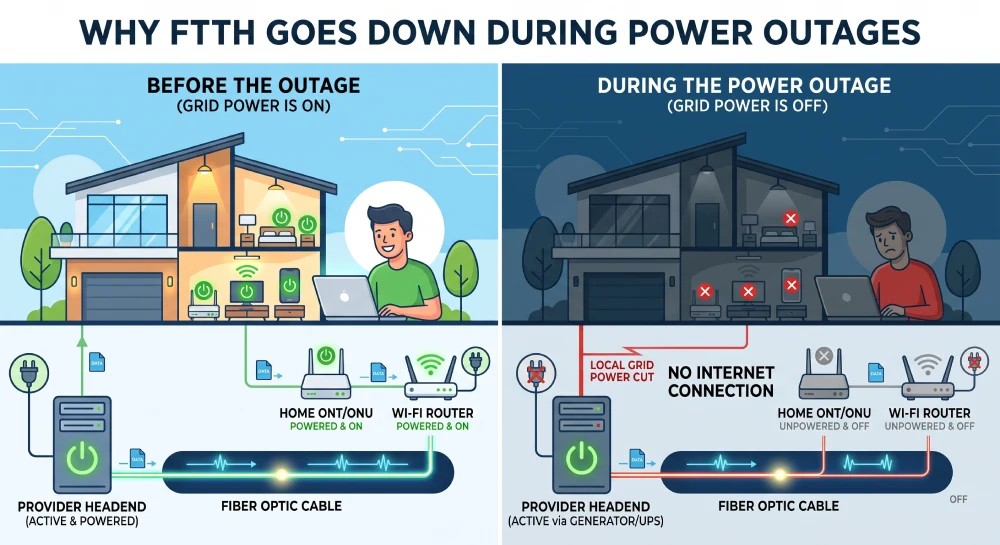
Why FTTH Goes Down During Power Outages

The Last-Mile Power Problem

In an FTTH network architecture, the optical fiber delivers light signals all the way to your home. This passive optical network (PON) does not require power to transmit light. The problem lies at the termination point: the ONT or ONU that converts optical signals to electrical Ethernet signals.

Most ONT devices operate on 12V DC power, typically drawing between 5W and 15W depending on the model and features. A typical GPON ONT consumes around 5W to 9W in normal operation, with peak consumption reaching up to 15.5W. When mains power fails, these devices shut down immediately. The fiber line remains live, but the equipment needed to access it is dead.

The Ripple Effect on Users and ISPs

  • Dropped Communications:VoIP calls, Microsoft Teams meetings, and VPN tunnels are immediately severed.
  • Lengthy Reboot Cycles: Even if power is restored in seconds, an ONT and router can take anywhere from three to five minutes to fully reboot, handshake with the ISP, and re-establish IP routing.
  • Security Lapses: Cloud-connected security cameras and smart access control panels lose their uplink to central monitoring stations.

For ISPs, these constant micro-outages lead to an avalanche of costly Tier-1 support tickets from customers who mistakenly believe their internet service is to blame, rather than their local electrical grid.

Why FTTH Goes Down During Power Outages

Traditional Backup Options vs. Dedicated DC Mini UPS

Historically, businesses and power-users relied on traditional AC Uninterruptible Power Supplies to keep their networking gear online. While effective for server racks and desktop computers, traditional AC UPS units are fundamentally flawed when applied to low-draw FTTH equipment.

The AC UPS Inefficiency Problem:

Traditional backup batteries store power as DC but output it as AC to match wall outlets. When you plug a Wi-Fi router into an AC UPS, the power undergoes a highly inefficient “double conversion.” The UPS converts battery DC to AC power. Then, the router’s own power adapter immediately converts that AC power back into DC to run the device. This redundant conversion process loses 20% to 30% of the battery’s energy as heat. Consequently, a massive, heavy lead-acid UPS might only keep a 12V router alive for an hour or two.

The DC Mini UPS Advantage:

A Dedicated DC Mini UPS bypasses this conversion entirely. It takes power from the wall, stores it in high-density lithium-ion cells, and delivers pure DC power directly into the ONT and router at the exact voltage they require (typically 9V or 12V).

特征

传统交流UPS

直流迷你UPS

功率转换

DC-AC-DC

DC-DC

能源效率

Low (~70-80%)

Very High (~95%+)

电池化学

Heavy Lead-Acid (SLA)

High-Cycle Lithium-Ion

脚印

体积庞大,需要占用地面空间

Compact, fits on a desk or wall

转乘时间

2 to 10 milliseconds

0 milliseconds (Zero transfer)

Modern DC Mini UPS units also offer 0ms transfer time—meaning the connected devices never perceive a voltage drop, preventing reboots and lost PPPoE sessions. They are compact, wall-mountable, and designed for the specific voltage requirements of FTTH equipment.

How Mylion Mini UPS Solves the FTTH Backup Challenge

A Purpose-Built Solution for Telecom and Broadband

Mylion has established itself as a specialist in Mini UPS and DC backup solutions for telecom operators, ISPs, and system integrators. Unlike generic battery suppliers, Mylion organizes its product line by power level, runtime, deployment style, output architecture, and battery chemistry—making model selection practical for real-world deployment.

Key Mylion Mini UPS Models for FTTH

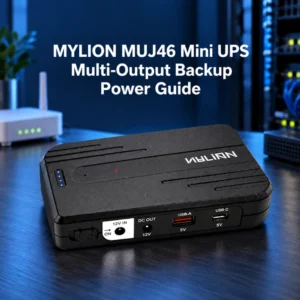
  1. MUJ46 Mini DC UPS– It is built for complex local networks. This model can simultaneously output multiple voltages (e.g., 5V, 9V, and 12V) alongside USB outputs. It is highly suited for small business environments where an ONT, a high-performance Wi-Fi, must all remain online simultaneously during a blackout.
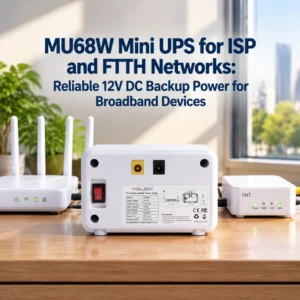
  2. MU68迷你直流UPS– This is often the recommended starting point for mainstream 12V broadband backup applications. The MU68 delivers 12V DC at 3A max with a 44.4Wh battery capacity. At a 12W load (typical for an ONT plus a low-power router), it provides approximately 4 hours of runtime.
  3. MU48 Mini DC UPS– A more compact option with 29.6Wh capacity, delivering 12V at 3A. At 6W load, it offers approximately 6 hours of backup; at 12W, about 3 hours. This model is ideal for single-device backup or lower-power FTTH installations.
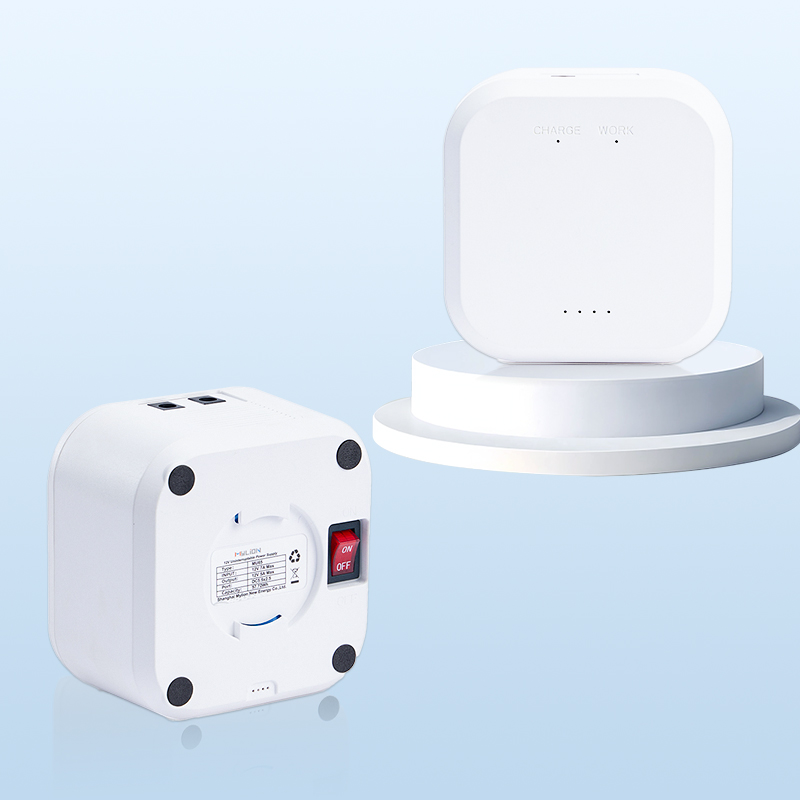
  4. MU35迷你直流UPS– For higher-power requirements or multi-device setups, the MU35 delivers 12V at 5A with a 77.7Wh battery capacity. It can run a 6W device for 13-14 hours or a 12W device for 4-5 hours. This model supports two or more devices simultaneously.

Lithium Battery Advantage

All Mylion Mini UPS units use lithium-ion or LiFePO₄ battery chemistry. Compared to traditional lead-acid batteries, lithium batteries offer several critical advantages for FTTH deployment:

  • 更长的循环寿命– LiFePO₄ reaches 2000+ cycles, compared to 2-3 years for lead-acid
  • Zero maintenance– No periodic testing or watering required
  • 紧凑型– Much smaller and lighter than equivalent lead-acid solutions
  • Wider temperature tolerance– Performs reliably in warm environments where lead-acid degrades quickly

Intelligent Protection and Safety

Mylion Mini UPS units incorporate comprehensive safety mechanisms: overcharge protection, over-discharge protection, short-circuit protection, and temperature protection. The enclosures use anti-fire ABS material, and models with higher output include silent fan cooling for heat dissipation.

MUJ46迷你UPS

MU48迷你UPS

MU68 迷你 UPS

MU35迷你UPS

How to Choose and Install the Right Mini UPS for Your FTTH Setup

Rolling out a 迷你型UPS解决方案—whether for a single executive home office or across a thousand enterprise endpoints—requires a basic understanding of power matching. Here is exactly how to specify and install a Mylion unit.

Step 1: Identify Your Device Requirements

Look at the manufacturer stickers on the back of both the ONT (fiber modem) and the Wi-Fi router. You are looking for two specific numbers: Voltage (V) and Amperage (A). Most FTTH equipment uses 12V DC with current ratings between 0.5A and 2A.

Step 2: Select the Right Model

To ensure the chosen Mylion Mini UPS can handle the load, multiply the Volts by the Amps to find the Wattage.

  • ONT: 12V × 1.0A = 12 Watts
  • Router: 12V × 1.5A = 18 WattsTotal
  • Load: 30 Watts.

You would need to select a Mylion model rated for at least a 30W maximum output to prevent overloading the UPS circuits.

  • For most residential FTTH setups with a single ONT and a router, the MU68 or MU48 provides ample backup capacity.
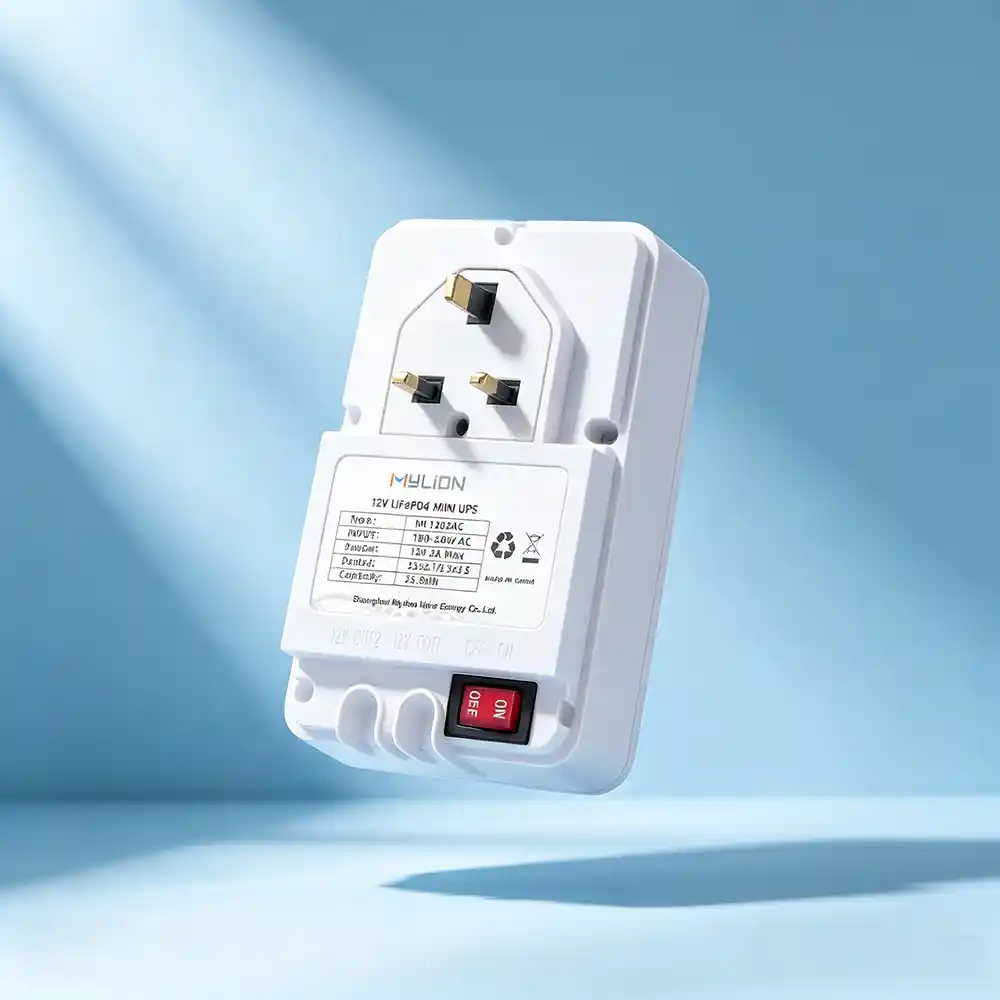
  • For higher-power scenarios or dual-device backup, the MU35W or models like ML1202AC (LiFePO₄, dual 2A outputs) are appropriate.

Step 3: Simple Plug-and-Play Installation

Mylion Mini UPS units are designed for zero-configuration deployment. Simply insert the Mini UPS between the original power adapter and the device. 

The UPS charges while mains power is available and automatically switches to battery mode when power fails—with 0ms transfer time that keeps the ONT and router running without interruption.

Step 4: Consider Dual-Device Scenarios

If you need to back up both the ONT and the router, you have two options: a single Mini UPS with dual outputs, such as ML1202AC, or a higher-capacity 5A Mini UPS, such as MU35.

  • Plug the ML1202AC 迷你 UPSdirectly into the AC wall outlet, and insert your ONT and router into different output ports.
  • Use the supplied DC cables (often including a “Y-splitter” to power two 12V devices simultaneously) to connect the output of theMU35迷你UPS to your ONT and router.

ML1202AC 迷你型 UPS

MU35迷你UPS

常问问题

Q1: How long will a Mylion Mini UPS keep my FTTH internet running during an outage?

Runtime depends on total device load. For a 6W ONT, MU48 provides ~6 hours and MU35W ~13–14 hours. For a 12W ONT+router combo, MU68 offers ~4 hours and MU35W ~4–5 hours.

Q2: Will the Mini UPS work with my specific ONT model?

Most FTTH ONTs use 12V DC, and Mylion models match standard voltages and connectors. For 24V or 48V units, specialized models like MU248 are available.

Q3: Is installation complicated? Do I need a technician?

No, it’s plug-and-play. Simply insert the UPS between your existing power adapter and your ONT/router—no configuration or technical skills required.

Q4: How does the Mini UPS compare to a traditional power bank?

Consumer power banks lack 0ms transfer, stable DC output, and long-term reliability. Dedicated Mini UPS is engineered specifically for network equipment and ensures seamless power transition.

Q5: What happens when mains power returns?

The UPS automatically resumes charging and passes line power through. No manual reset or on-site visit is needed—the unit returns to normal mode seamlessly.

Q6: Are Mylion Mini UPS units suitable for ISP-cale deployments?

Yes. Mylion supports telecom operators and ISPs with structured product lines, OEM/ODM support, custom branding, and bulk packaging for large-scale projects.

结论

FTTH delivers exceptional internet performance, but that performance is only as reliable as the power feeding your customer-premises equipment. A brief power outage—whether from a storm, grid fluctuation, or local breaker trip—can instantly disconnect your ONT and router, taking your entire network offline.

The solution is straightforward: deploy a purpose-built DC Mini UPS between your power adapter and your FTTH equipment. With 米利恩 DC Mini UP 解决方案, you gain hours of backup power, seamless 0ms switching, and the peace of mind that comes from knowing your internet stays online when you need it most.

Ready to Keep Your FTTH Connection Always On? Contact MYLION to request samples for your FTTH backup project today.

关于我

迈锂生产系列电池组,锂电池,镍氢电池,LiFe PO4电池,锂聚合物电池,无线充电宝,遥控锂电池,迷你UPS等。广泛应用于便携式电子产品,智能AI机器人,让人们的生活变得便捷, 聪明的。

分享:

最近的帖子

迈锂故事

zh_CN简体中文
滚动至顶部

获取报价