
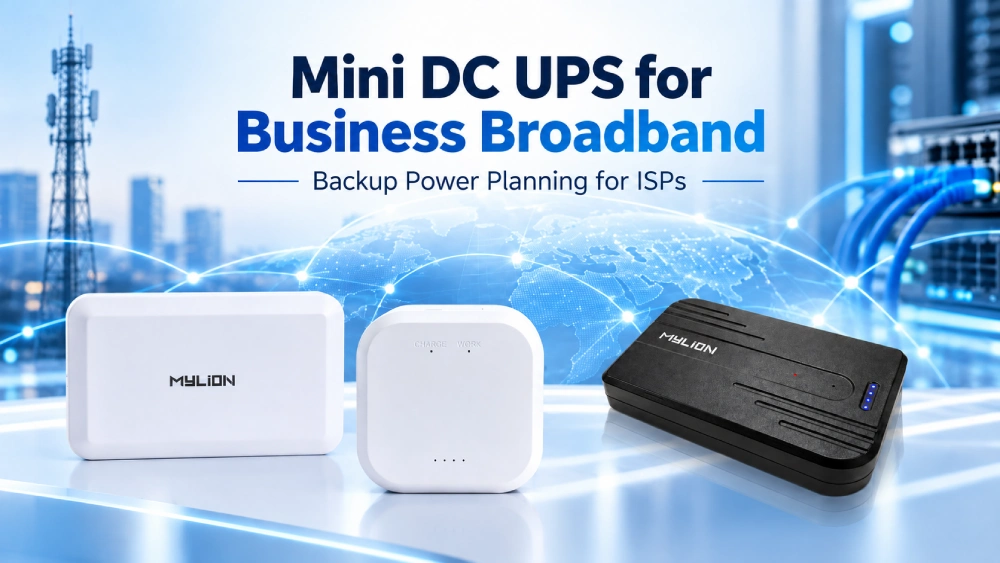
A short power outage can interrupt business broadband even when the upstream fiber network is still operating. The problem may be as simple as an ONT or router losing power at the customer’s premises.
For Internet Service Providers (ISPs), broadband operators, and system integrators, these interruptions can affect customer experience and create additional support requests.
A mini DC UPS for business broadband provides local battery backup for compatible network equipment. By keeping essential devices powered during short outages, it can help maintain connectivity when the upstream network remains available.
This guide explains which devices need backup power, how to select a suitable 小型直流不间断电源, and how MYLION solutions can support business broadband projects.
Why Business Broadband Needs Backup Power
Business broadband supports office communication, cloud applications, payment systems, and daily network operations. Even a short interruption can disrupt these services.
Power Outages Can Affect Customer-Premises Equipment
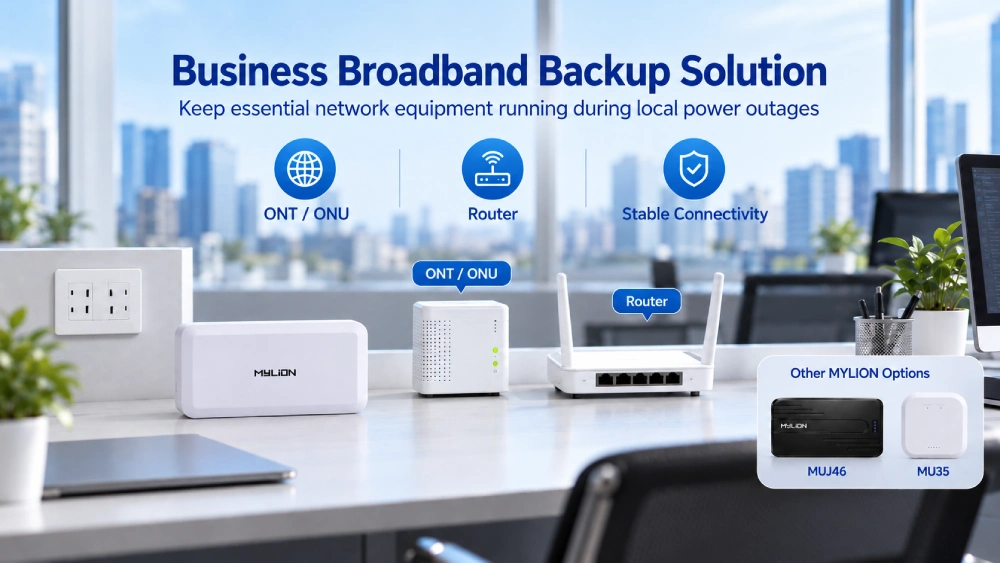
In a typical fiber broadband installation, an ONT connects the premises to the fiber network, while a router distributes connectivity to connected devices.
When local electricity fails, both devices may shut down. If only the router has backup power, the internet connection can still be lost because the ONT is offline.
This is why backup planning should cover the complete customer-premises connection rather than a single device.
Why Mini DC UPS Is a Practical Option
Many broadband devices use low-voltage DC power. For compatible equipment, a Mini DC UPS can provide backup without requiring a large conventional AC UPS.
A suitable solution offers several practical benefits:
- Targeted backup:Power essential broadband devices instead of an entire office electrical system.
- Compact installation:Fit backup equipment into space-constrained network installations.
- Simpler power planning:Match DC output requirements to specific broadband devices.
- Flexible deployment:Evaluate different backup configurations for different customer-premises equipment.
A Mini DC UPS protects only the connected equipment within its supported limits. It cannot maintain internet access if the upstream network or other essential devices are unavailable.
Which Business Broadband Devices Need Backup Power?
The first step is identifying the equipment required to maintain the business broadband connection.
Network Device | Main Function | Backup Consideration |
ONT / ONU | Connects the premises to the fiber network | Often essential for FTTH connectivity |
Broadband Router | Manages local network connections | Usually required alongside the ONT |
Broadband Gateway / CPE | Provides network access and routing functions | Check actual power consumption |
VoIP Adapter | Connects supported voice equipment | Evaluate if voice service is required |
Small Network Switch | Connects multiple wired devices | Check power input and connected equipment |
For example, an office using a separate ONT and router may need backup power for both devices to maintain broadband access during a local outage.
A site using an integrated gateway may require a different solution.
For ISPs, documenting these equipment combinations makes Mini UPS selection more practical across different customer installations.
How to Choose a Mini DC UPS for Business Broadband
Choosing the right Mini DC UPS involves more than selecting a battery with a large capacity.
The most important factors are equipment compatibility, power demand, backup duration, and installation conditions.
1. Match the Output Voltage and Current
Check the input voltage and current requirements of the ONT, router, or gateway.
Many broadband devices use 12V DC power, but not all equipment has the same requirements.
A suitable Mini DC UPS must provide the correct voltage and sufficient continuous output current for the connected device.
For higher-power routers or gateways, a standard-output model may not provide enough power.
2. Identify the Number of Devices
A single-output Mini DC UPS may be suitable for one ONT or router.
However, business broadband installations often include multiple devices.
例如:
- ONT only:Backup power for the fiber termination device.
- ONT + router:Backup solutions for both devices.
- Router + USB accessory:A mixed-output solution, where supported.
For multiple devices, check each output and the total simultaneous power limit. Having several output ports does not automatically mean every connected device can operate at its maximum rated load.
3. Select the Required Backup Duration
Backup time depends on battery energy, connected load, conversion losses, and operating conditions.
For business broadband projects, the required backup duration should reflect the customer’s expected outage conditions and service requirements.
A short backup period may be sufficient for brief interruptions, while locations experiencing longer outages may need greater battery capacity.
Actual backup time should be verified with the intended equipment and operating load. Battery capacity alone does not establish a guaranteed runtime.
4. Consider Installation and Maintenance
Business broadband equipment may be installed in wall-mounted enclosures, office network cabinets, or compact customer-premises spaces.
- 在选择迷你型UPS之前,请确认:
- Available installation space and ventilation
- Power connector and cable compatibility
- Battery status monitoring requirements
- Access for inspection and replacement
These details become especially important when ISPs deploy the same equipment across multiple business locations.
MYLION Mini DC UPS Solutions for Business Broadband
MYLION 提供 迷你直流UPS解决方案 for broadband, FTTH, and telecom equipment.
Different models are designed around different output requirements and deployment scenarios.
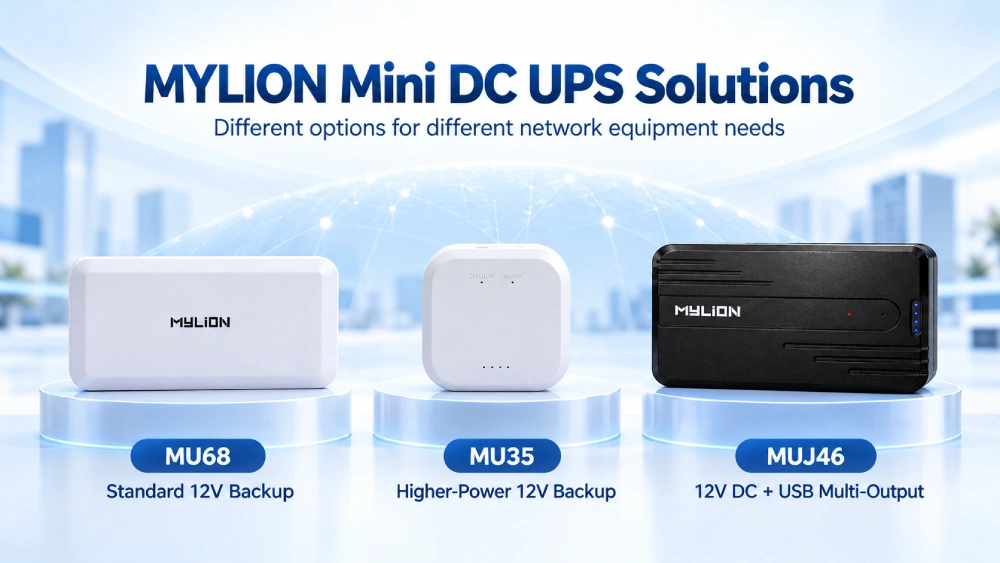
MYLION Mini DC UPS Model Selection
MYLION 模型 | 解决方案类型 | Business Broadband Application |
MU68W | Standard 12V DC backup | Compatible ONT, ONU, router, or standard CPE |
MU35W | Higher-power 12V DC backup | Higher-load routers, gateways, and CPE |
MUJ46 | 12V DC + USB multi-output | One compatible 12V network device with selected USB accessories |
Model suitability depends on the actual equipment specifications, supported output limits, and project requirements.
MU68W: Standard 12V Broadband Backup
这 MYLION MU68W is a 12V Mini DC UPS option for standard broadband equipment.
It can be evaluated for compatible ONTs, ONUs, routers, and other 12V customer-premises devices.
For ISP projects using a consistent range of standard network equipment, MU68W provides a starting point for evaluating device compatibility and backup requirements.
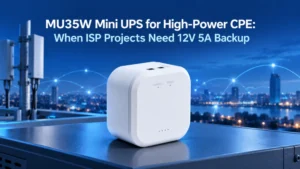
MU35W: Backup for Higher-Power Routers and Gateways
Some business broadband installations use higher-performance routers or gateways with greater power requirements.
这 MYLION MU35W belongs to the higher-power 12V Mini UPS range.
It is a candidate for projects where the continuous power requirements exceed those supported by standard-output Mini UPS models.
了解更多 selecting a Mini UPS for high-power CPE and broadband gateways.
MUJ46: Backup for Mixed DC and USB Devices
Business broadband installations sometimes include a main 12V device and additional USB-powered accessories.
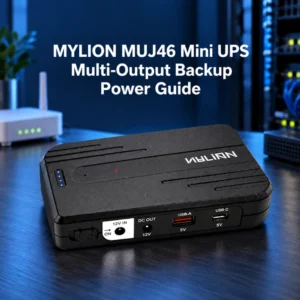
这 MYLION MUJ46 迷你型 UPS offers a multi-output design with 12V DC, USB-A, and USB-C outputs.
This makes it an option to evaluate when one compatible 12V network device and selected USB accessories need backup power.
The connected devices must remain within the individual and combined output limits.
Where Can Mini DC UPS Be Used in Business Broadband Projects?
Mini DC UPS solutions can be evaluated for several business broadband deployment scenarios.
1. Small Office FTTH Connections
A small office may use a separate ONT and router for its fiber connection.
Backup planning should cover both devices where necessary. Depending on their power requirements, this may involve separate Mini UPS units or a suitable verified dual-device backup solution.
The objective is to protect the essential local broadband connection during a short power interruption.
2. Branch Office Broadband Equipment
Businesses with multiple branches may use different router or gateway models across their locations.
A Mini DC UPS can be evaluated for each equipment configuration based on its voltage, load, and installation conditions.
For system integrators, consistent documentation helps simplify equipment selection and subsequent maintenance.
3. ISP Customer-Premises Deployments
ISPs often manage large numbers of subscriber-side devices.
Using a defined selection process for compatible ONTs, routers, and CPE equipment can make it easier to plan backup solutions across different installation types.
For larger projects, the selected Mini UPS configuration should be tested with the actual network equipment before deployment.
常问问题
Q1. What is a Mini DC UPS for business broadband?
Q2. Can one Mini DC UPS power both an ONT and a router?
Q3. How long can a Mini DC UPS keep a broadband router running?
Q4. Is a Mini DC UPS suitable for higher-power broadband gateways?
Q5. Can MYLION support Mini DC UPS projects for ISPs?
结论
Business broadband backup power starts with understanding which network devices must remain operational during a local power outage.
合适的 mini DC UPS for business broadband can support compatible ONTs, routers, gateways, and related equipment. The right solution depends on device power requirements, backup duration, and installation conditions.
MYLION offers different Mini DC UPS options, including MU68W, MU35W, and MUJ46, to address different broadband equipment configurations.
 简体中文
简体中文  English
  Deutsch
  Français
  Italiano
  Español