
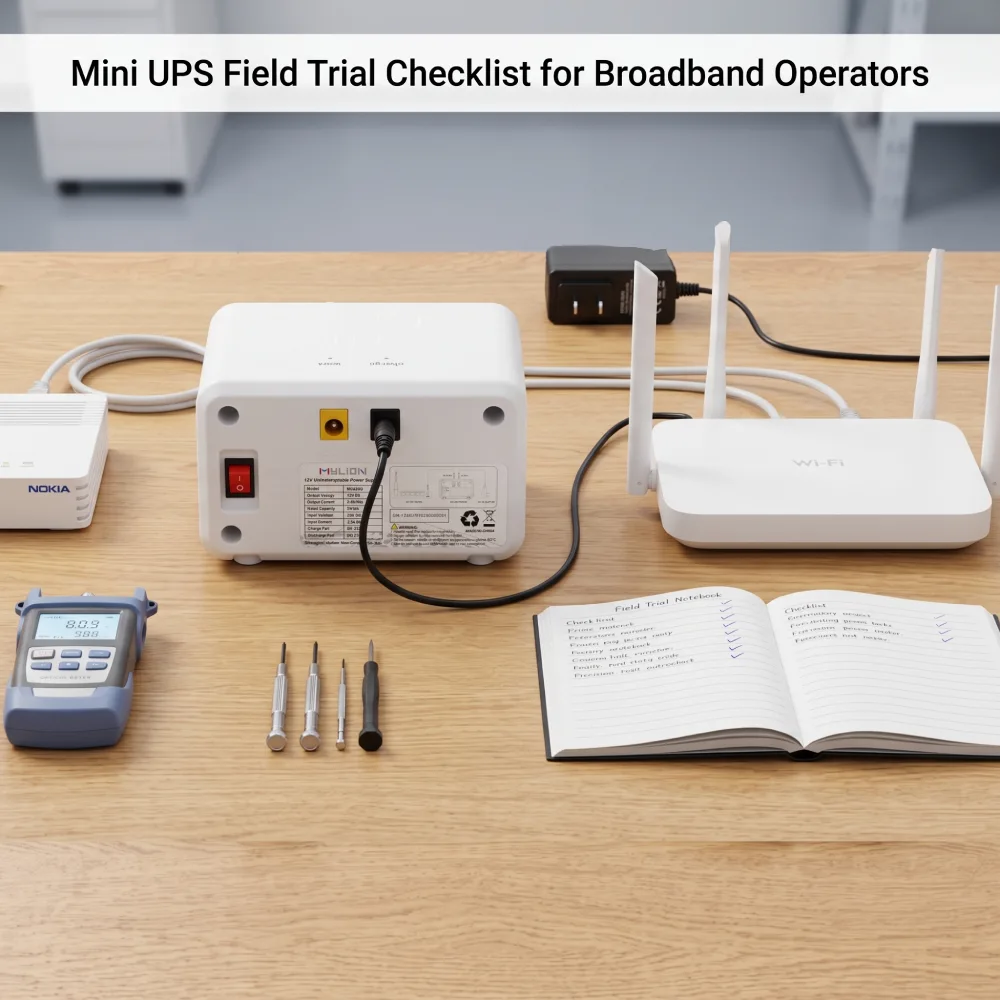
Broadband operators do not usually fail because they forgot to buy backup power. They fail because the backup power was not tested against the real network devices, real customer premises, and real operating conditions before rollout.
For ISPs, telecom operators, altnets, and system integrators, a Mini UPS field trial is not a small technical formality. It is the step that helps confirm whether router, ONT, ONU, modem, gateway, or CPE backup power can work reliably across subscriber-side deployment conditions.
A structured checklist helps operators avoid the most common rollout risks: wrong voltage, insufficient current, connector mismatch, unrealistic backup time expectations, installation problems, and poor recovery behavior after power returns.
What Operators Should Verify Before Choosing a Mini UPS
Real Device Power Requirements
The first step is to check the actual device requirement, not only the label on the adapter.
Operators should collect:
- Device type: ONT, ONU, router, modem, gateway, CPE, VoIP adapter, wireless CPE, or accessory
- Rated voltage
- Working current
- Startup or peak load behavior where available
- Original adapter output
- Connector type and polarity
- Number of devices to be backed up
- Target backup time
- Indoor, cabinet, wall-mounted, or subscriber-side installation conditions
This matters because different broadband devices can have very different power behavior even when they appear similar from the outside.
Connector and Installation Fit
Connector mismatch is one of the simplest ways for a field trial to fail.
Before testing, operators should confirm connector size, polarity, cable direction, cable length, and whether the Mini UPS can be installed cleanly near the ONT, router, gateway, or fiber terminal box.
For FTTH subscriber-side installations, physical fit is especially important. A backup unit that works electrically may still be unsuitable if it is too bulky, difficult to mount, visually intrusive, or inconvenient for customer premises.
Backup Time Under Real Load
Backup time should be evaluated against actual load power, not only battery capacity.
A practical estimate can start with:
Battery Wh / Working Load W
But this should be treated as a formula estimate, not a guaranteed runtime. Actual backup time may vary with device behavior, load changes, battery condition, temperature, and test method.
During a field trial, operators should record the test device, load condition, starting battery state, outage duration, and whether the device stayed online throughout the interruption.
Recovery Behavior After Power Returns
A good trial should not only test power loss. It should also test what happens when grid power comes back.
The checklist should verify whether the device remains online during the power transition, whether the Mini UPS resumes charging correctly, and whether repeated outage and recovery cycles create instability.
This is especially important in weak-grid markets where short interruptions may happen many times in one day.
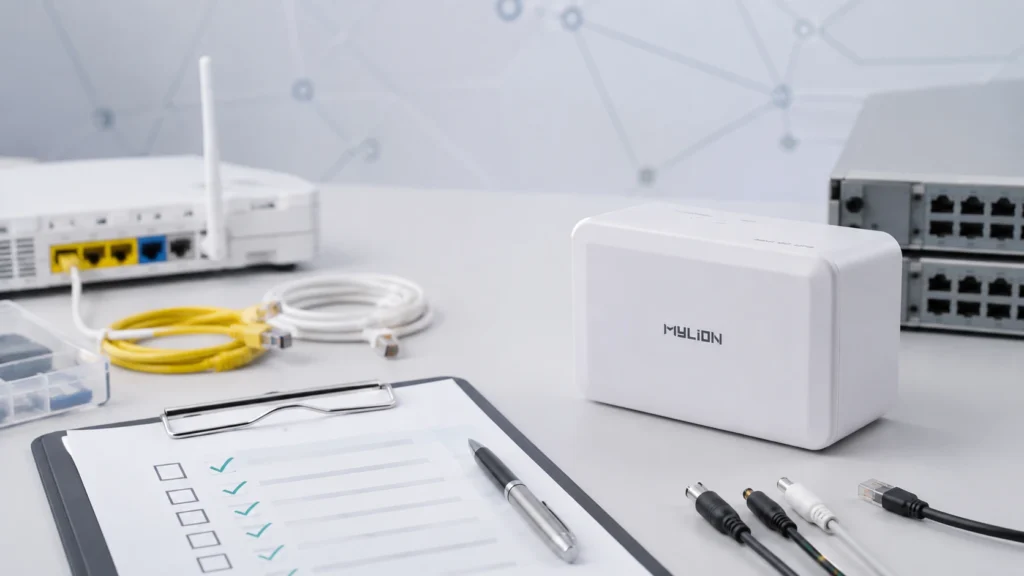
A Practical Mini UPS Field Trial Checklist
1. Define the Trial Objective
Before selecting samples, define what the trial needs to prove.
Examples:
- Keep selected ONT devices online during short outages
- Support router and modem backup in residential broadband projects
- Evaluate FTTH subscriber-side installation fit
- Test higher-load gateway or CPE backup
- Compare standard 12V, high-power 12V, USB-C/PD, multi-output, or 24V/48V backup paths
A clear objective prevents the trial from becoming a vague product test.
2. Segment the Devices
Do not assume one Mini UPS model fits every device in the broadband network.
Group devices by:
- Voltage
- Working current
- Connector type
- Device category
- Single-device or multi-device backup
- Installation environment
- Required backup time
This helps operators test the right backup solution path for each application instead of forcing one model across different technical requirements.
3. Confirm Electrical Compatibility
For each test device, verify:
- Input voltage compatibility
- Continuous load requirement
- Peak or startup behavior where available
- Connector and polarity
- Total load if more than one device is connected
- Cable suitability
- Safety margin
If a device has a higher load requirement, a standard low-current Mini UPS may not be the right starting point. Higher-power network devices should be evaluated with a backup solution designed for stronger output capability.
4. Test Runtime in Real Conditions
Run the trial using the real device, not a theoretical load only.
Record:
- Device model
- Working voltage and load
- Backup unit model or solution path
- Start time
- End time
- Whether the device rebooted
- Whether network service remained available
- Environmental notes
- Any abnormal heat, shutdown, or charging behavior
If the result is based on a formula estimate, label it as an estimate. If it is based on an internal test, label the test conditions. Do not convert either into a universal guarantee.
5. Test Repeated Outage and Recovery Cycles
A single outage test is useful, but broadband environments may experience repeated interruptions.
The trial should include multiple outage and recovery cycles to observe whether the backup system continues to operate normally and recharge as expected.
Operators should document any device reboot, unstable indicator behavior, overload condition, or abnormal shutdown.
How MYLION Supports Project-Based Evaluation
MYLION supports Mini UPS selection through project-based evaluation instead of recommending a model by battery capacity alone. For broadband operators, ISPs, telecom teams, and system integrators, the right solution depends on the actual device type, voltage, working current, connector, backup time target, installation environment, and rollout plan.
MYLION’s Mini UPS solution paths include:
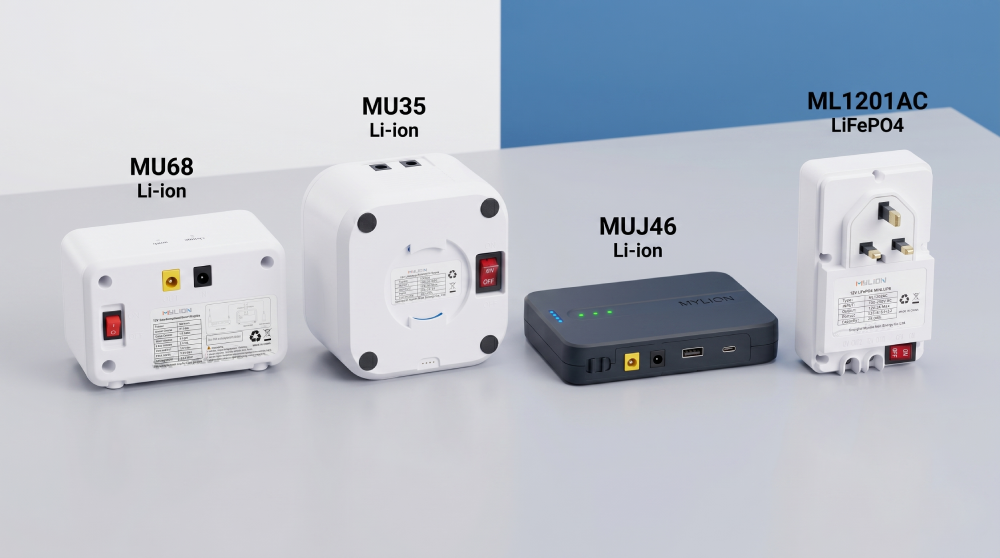
- 12V Standard Mini DC UPS Series(Models: MU68W, MU26W, MU48W) — compact 12V DC backup solutions for mainstream networking devices such as routers, ONTs, modems, gateways, and CPE devices used by ISPs and broadband operators.
- High-Power 12V Telecom BBU Series(Models: MU35W, MU65W) — higher-output 12V BBU and Mini UPS solutions for advanced gateways, higher-power routers, WiFi gateways, and broadband CPE requiring stronger output capability.
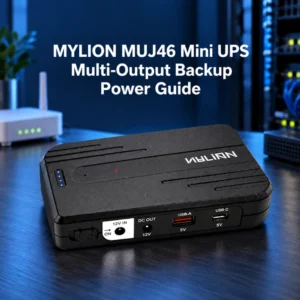
- FTTH Mini UPS Series(Model: MUJ46) — a compact DC backup solution for FTTH, fiber terminal boxes, and space-limited customer premises installations where installation style and cable management are important.
- USB-C PD Mini UPS Series(Model: MUC85) — backup power for compatible modern networking devices using USB-C Power Delivery input instead of traditional DC barrel connectors.
- 24V / 48V DC Backup Power Series(Model: MU248) — for selected telecom, wireless CPE, and access network devices that require higher DC voltage input than standard 12V equipment.
- LiFePO4 Mini UPS Series(Model: ML1202AC) — designed for projects that prioritize LiFePO4 battery chemistry, longer cycle-life direction, and improved thermal stability compared with standard lithium-ion battery systems.
During a field trial, operators should test the solution path that matches the actual device category and deployment condition, rather than assuming one Mini UPS model can fit every router, ONT, gateway, or CPE in the network.
Application Scenarios
ISP Router and ONT Backup
For residential broadband projects, the main goal is to keep core access devices online during short outages or unstable grid events. The trial should verify whether the selected Mini UPS can support the actual ONT, ONU, router, modem, or gateway used by the operator.
FTTH Subscriber-Side Deployment
In FTTH environments, installation fit can be as important as electrical compatibility. A field trial should test whether the backup unit fits cleanly in the customer premises and whether installers can deploy it without creating extra complexity.
Higher-Load Gateway and CPE Backup
Some gateways, WiFi routers, and broadband CPE devices may require stronger output capability than basic low-current applications. These devices should be tested under real load before the operator approves a model for rollout.
Multi-Device Backup
For selected low-power combinations such as ONT plus router, the total load, voltage, connector arrangement, and output architecture must be checked together. Multi-device backup should never be assumed without confirming the full device combination.
USB-C / PD Backup
Some modern network devices use USB-C or USB-C Power Delivery. In these cases, connector type alone is not enough. Operators should confirm voltage, current, power negotiation behavior, and device compatibility before choosing a USB-C / PD backup path.
FAQ
Q1: Is one Mini UPS model suitable for every broadband device?
Q2: Should backup time be calculated from battery capacity only?
Q3: Can adapter label current be used as the final load value?
Q4: What should be included in a Mini UPS field trial report?
Q5: When should an operator request a higher-power backup solution?
Q6: Can MYLION support OEM or operator-branded projects?
Conclusion
A structured Mini UPS field trial checklist helps broadband operators move from sample testing to reliable deployment with fewer avoidable risks.
The goal is not simply to confirm that a Mini UPS turns on. The goal is to prove that the selected backup solution matches the real device, real load, real connector, real installation environment, and real operational expectation of the broadband project.
For ISPs, telecom operators, altnets, system integrators, and project buyers, this process can reduce mismatched selection, improve deployment confidence, and support more qualified procurement decisions.

 English
  简体中文
简体中文  Deutsch
  Français
  Italiano
  Español