Start with the subscriber’s device setup. An ONT/ONU-only backup and an ONT/ONU plus separate router are different configurations. List every device that must remain powered.
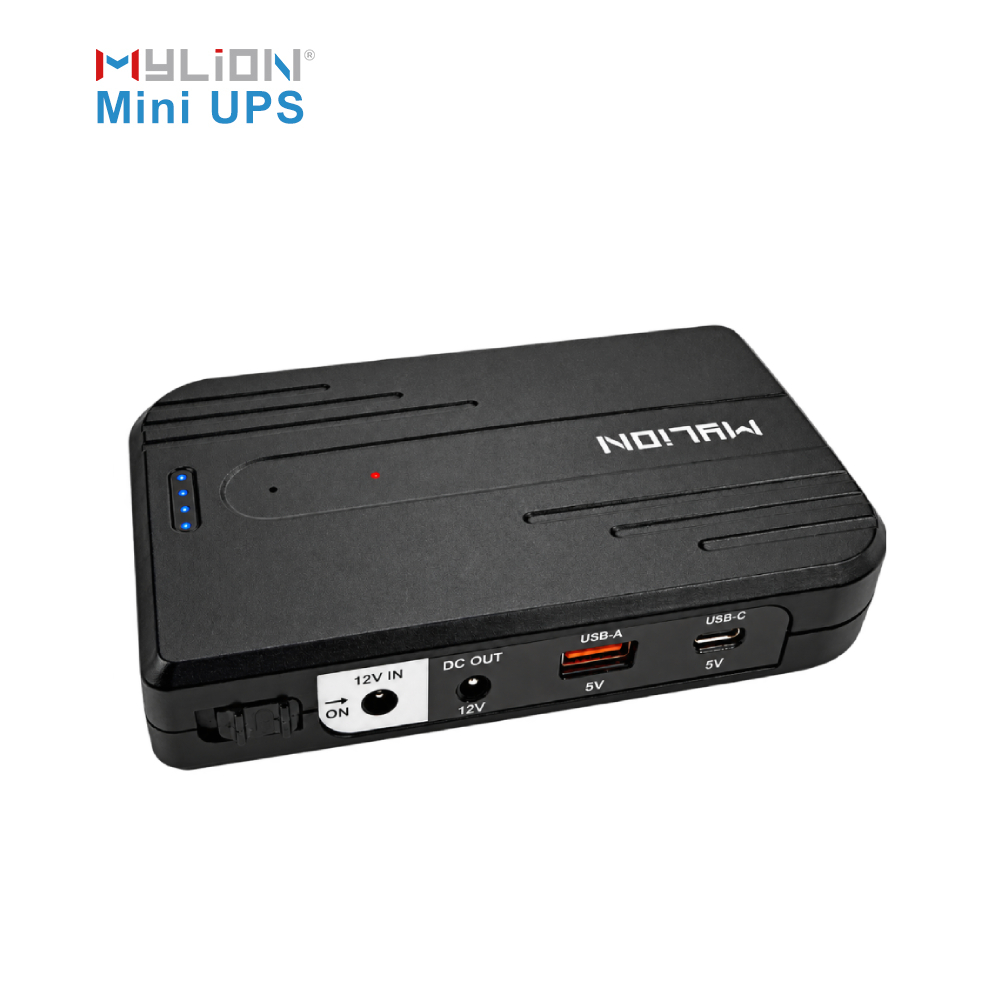
Match the electrical interface. Confirm each device’s required DC input voltage, connector dimensions and polarity. Check the selected Mini UPS’s output ratings and connection arrangement against the device requirements before connecting it.
Check the complete load. For a separate ONT and router, evaluate both devices together, including normal operation and startup. Do not choose a Mini UPS from connector fit or a battery-capacity figure alone.
Define the backup requirement. State how long the required devices need to remain powered and which services need to stay available. Confirm performance with a sample in the intended configuration before deployment.
Check the network boundary. Powering the ONT does not keep a separate, unpowered router running. Subscriber-side backup also cannot restore service if the upstream network is unavailable.
Different devices require different backup solutions. If you are not sure which model is right for your project, MYLION can help based on your actual application.









 English
 简体中文
 Deutsch
 Français
 Italiano
 Español