
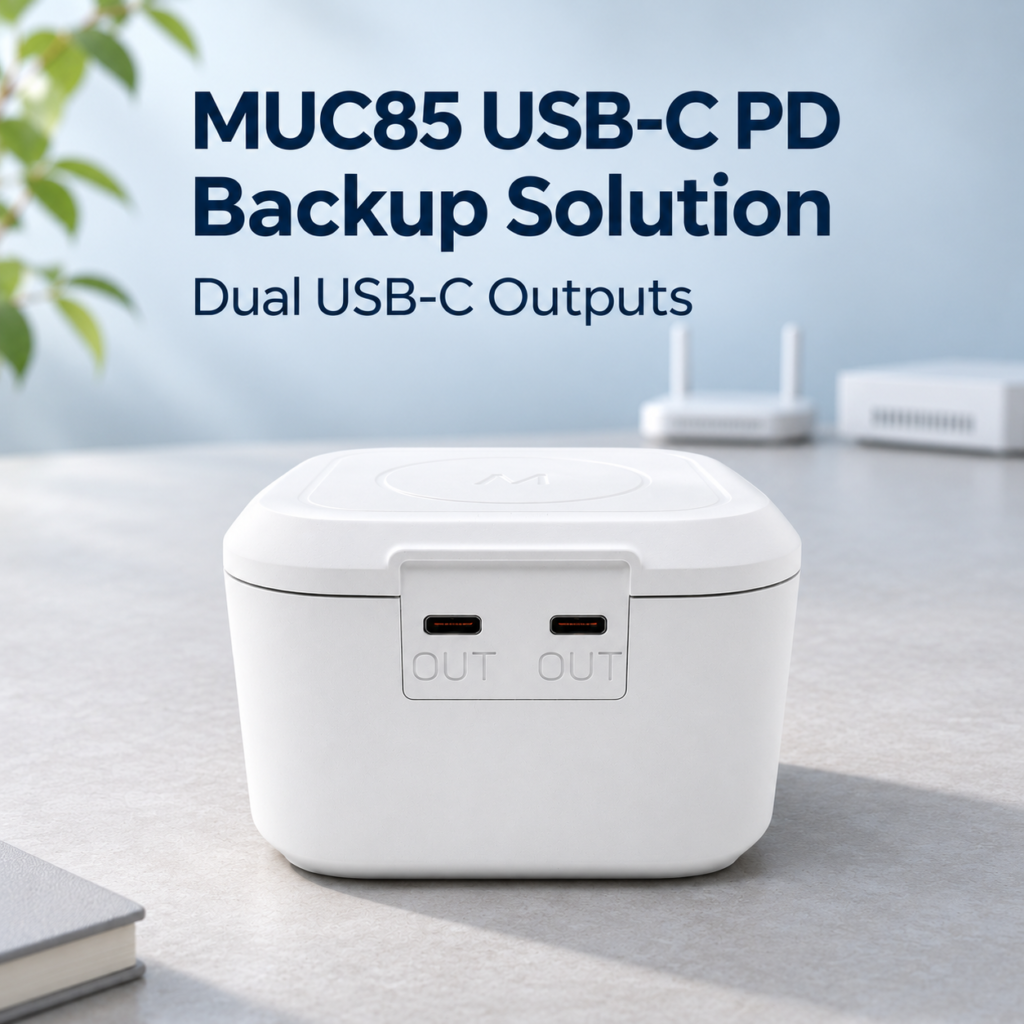
The MUC85 USB-C PD backup solution is designed for compatible USB-C powered network devices, including routers, gateways, selected CPE, mesh Wi-Fi equipment, and mobile hotspots. Its dual USB-C outputs give B2B buyers a way to plan backup for two suitable devices, with the final combination confirmed for the project.
For an ISP, the goal may be to keep a subscriber’s gateway powered during an outage. For a network integrator, it may be to support the essential equipment in a small office. MUC85 provides a compact product option around which MYLION can help build the right backup arrangement.
What Does the MUC85 Backup Solution Offer?
The MYLION MUC85 USB-C PD Mini UPS combines a built-in lithium battery, USB-C power connections, and a compact enclosure. USB-C PD allows compatible equipment to receive the power it needs through a USB-C connection.
MYLION lists 92Wh of battery energy for MUC85. The useful backup time depends on the connected equipment and how it is used. A device pair that draws more power will use the available energy faster, so buyers should set a backup-time target for their actual installation.
The value for a business customer is a suitable combination of equipment, accessories, and backup power that can be evaluated before a wider rollout.
Dual USB-C Outputs: More Options for a Device Pair
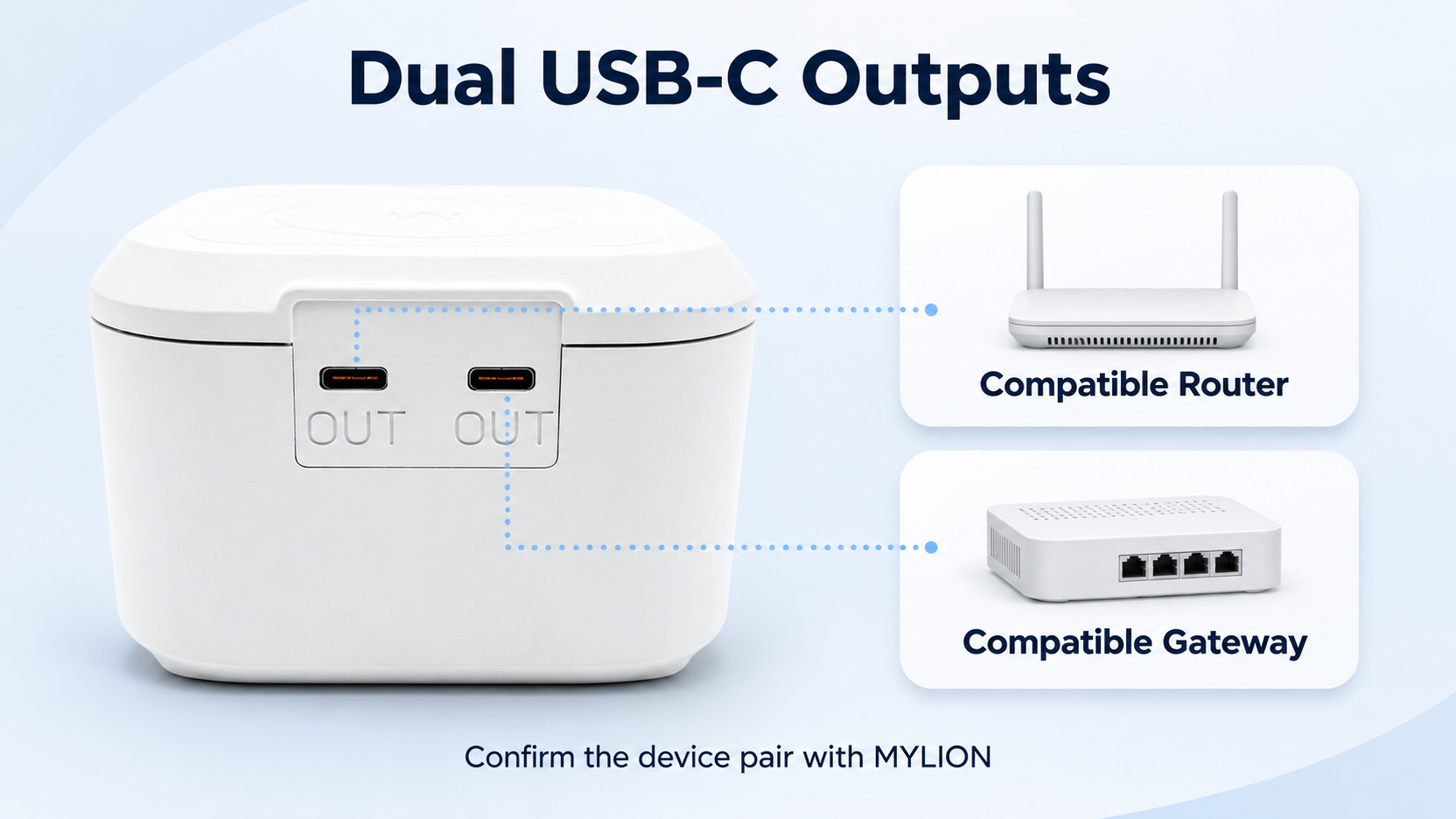
MUC85 has two USB-C outputs. This feature creates useful options when an installation has two network devices that need backup power. MYLION’s MUC85 product details describe the dual-output design.
For example, a buyer could ask MYLION to evaluate a compatible gateway and router together, or a router and a suitable voice gateway. These are proposed pairings for assessment; the exact devices and complete power arrangement determine which combination will work.
The two outputs share the unit’s available power and battery energy. Both devices must fit within the approved limits. Ask MYLION to confirm the adapter, cables, and connections needed to supply the chosen pair during normal use and a power outage.
For an integrator or distributor, an approved two-device arrangement can become a clearly defined kit: one backup unit, the matched accessories, and simple installation instructions. That gives the customer a practical setup to evaluate and repeat.
Where MUC85 Fits in ISP and Business Networks
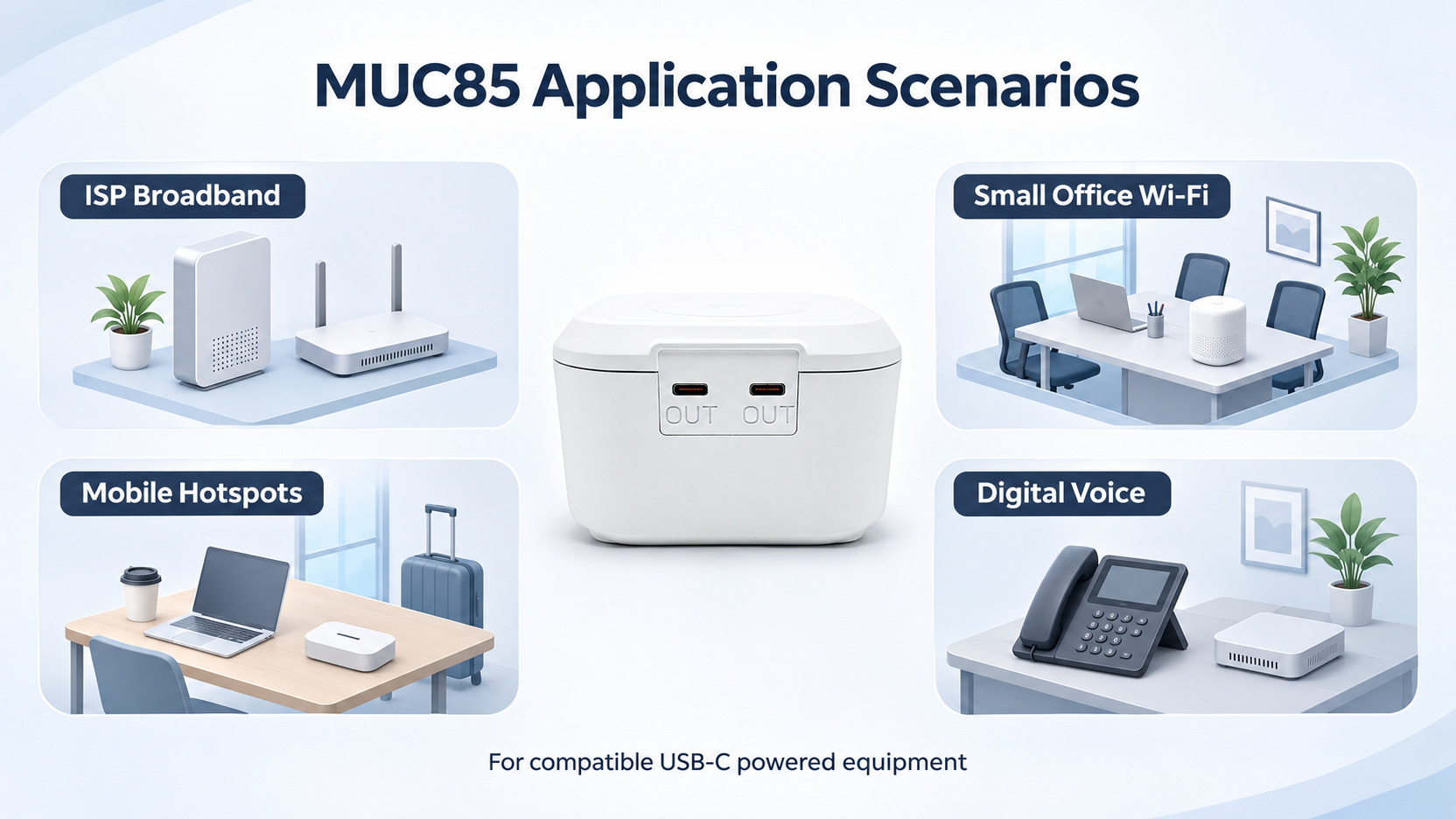
The following applications provide a starting point for selecting a solution. Suitability depends on the exact equipment and its power requirements.
| Application | Devices to evaluate | Main project goal |
|---|---|---|
| ISP subscriber-side broadband | Compatible USB-C routers, gateways, and CPE | Keep the required local broadband equipment powered |
| Small office and branch Wi-Fi | Compatible gateways and selected mesh Wi-Fi nodes | Support the network path needed for essential work |
| Temporary workspaces | Selected USB-C powered mobile hotspots or cellular CPE | Provide backup power for a compact network setup |
| Broadband and digital voice | Compatible voice gateways and related network equipment | Support the equipment needed for the voice connection |
1. ISP Subscriber-Side Broadband Backup
An ISP may want to offer a USB-C powered gateway with a matching backup unit as part of its subscriber equipment package. CPE means the network equipment installed at the customer’s premises.
MUC85 can be considered for the compatible gateway or for an approved device pair using its dual USB-C outputs. This is useful when the buyer wants a defined equipment kit for a particular installation type.
Start by listing everything the subscriber needs to stay connected. If a separate fiber terminal, router, or another device is also required, include its power needs in the plan. Backup for one device covers only that part of the connection; broadband availability also depends on the upstream network.
2. Small Office and Branch Wi-Fi
Small offices often rely on a gateway and Wi-Fi equipment for cloud applications, customer communication, and everyday administration. A brief loss of power can interrupt that work even when employees’ laptops still have battery charge.
MUC85 is a candidate for compatible USB-C powered equipment in this setting. Its dual outputs may help support a suitable device pair located together, once MYLION has confirmed the combination.
For a mesh Wi-Fi installation, identify the gateway and the nodes needed in the work area. Each required device needs its own backup provision. Plan around the part of the office that must remain connected and the backup time the business needs.
3. Temporary Workspaces and Mobile Hotspots
A temporary office, training room, or event workspace may use a mobile hotspot or cellular CPE for internet access. Selected USB-C powered models can be evaluated with MUC85.
The hotspot provides the network connection, while MUC85 supplies backup power to compatible equipment. This gives buyers a way to assess a compact backup arrangement for a location that may change between projects.
Check the actual hotspot or CPE model, its accessories, and the place where the equipment will operate. If a second device is part of the setup, include it in the dual-output evaluation and measure how long the complete arrangement can run.
4. Broadband and Digital Voice Projects
A broadband voice service may rely on a gateway, a router, and a separate phone or voice device. Keeping the gateway powered is one part of maintaining that service during an outage.
MUC85 can be evaluated for compatible USB-C powered voice gateways and related network equipment. Dual USB-C outputs offer a possible way to support two suitable parts of the local setup.
Review the whole voice connection before choosing the kit. Any required phone or other local device also needs power, and the provider’s upstream network must remain available. Test the intended voice service with the final equipment so the buyer understands the scope of the backup.
A Simple Way to Choose Your MUC85 Setup
You can start the selection process with five pieces of information:
- Device models: Tell MYLION exactly which router, gateway, hotspot, or other equipment you want to back up.
- Power requirements: Share the device specification or a clear photo of its power label.
- One device or two: Identify the proposed pair if you plan to use both USB-C outputs.
- Backup-time target: Explain how long the important equipment should remain powered.
- Installation setting: Describe where the unit will be used and any space or environmental constraints.
Then evaluate a sample with the final devices and cables. Start the equipment, remove wall power, restore it, and check whether the devices restart or the service stops. For a two-device setup, test both devices together and record the actual backup time.
This gives the buyer a clear basis for deciding whether the proposed kit meets the project’s needs.
How MYLION Supports B2B MUC85 Projects
MYLION’s USB-C / PD backup solution supports project discussions around product matching, accessories, and selected OEM/ODM requirements. Available options can include branding, packaging, and cable choices, subject to the agreed project.
An ISP can bring its subscriber device list and backup target. An integrator can share the office or voice-network setup. An equipment brand can discuss how MUC85 would fit into a product bundle. A distributor can use an approved device combination to prepare clearer sales and installation guidance.
The practical next step is to agree on a candidate configuration and evaluate a sample. Confirm the final unit, accessories, documentation, and purchasing requirements with MYLION before placing the volume order.
Frequently Asked Questions
What is the MUC85 USB-C PD backup solution used for?
MUC85 is intended for compatible USB-C powered network equipment. Potential applications include ISP gateways, routers, selected CPE, mesh Wi-Fi devices, mobile hotspots, and equipment used in broadband voice services.
Can MUC85 power two devices at the same time?
MUC85 offers dual USB-C outputs for suitable two-device arrangements. MYLION should confirm the selected devices, their combined power needs, and the complete charging and connection arrangement before deployment.
How do I check whether my USB-C device is compatible?
Send MYLION the exact model and power requirements. Compatibility depends on the power the device accepts, the cable, and the selected MUC85 configuration. A sample evaluation should use the actual equipment.
How long can MUC85 run two devices?
Backup time depends on how much power both devices use, battery condition, and operating conditions. Share your required duration with MYLION and measure the runtime of the complete setup during evaluation.
Does MYLION offer OEM/ODM support for MUC85 projects?
MYLION supports discussions about branding, packaging, accessories, and selected project requirements. Confirm the available options and final scope with the team for your order.
Discuss Your MUC85 USB-C PD Backup Project
The MUC85 USB-C PD backup solution gives buyers a compact option for compatible network equipment, with dual USB-C outputs that expand the possibilities for an approved device pair.
Contact MYLION with your device models, one-device or two-device plan, required backup time, and expected order quantity. The team can help identify a candidate setup and discuss sample evaluation for your ISP or business-network project.
 English
 简体中文
 Deutsch
 Français
 Italiano
 Español