
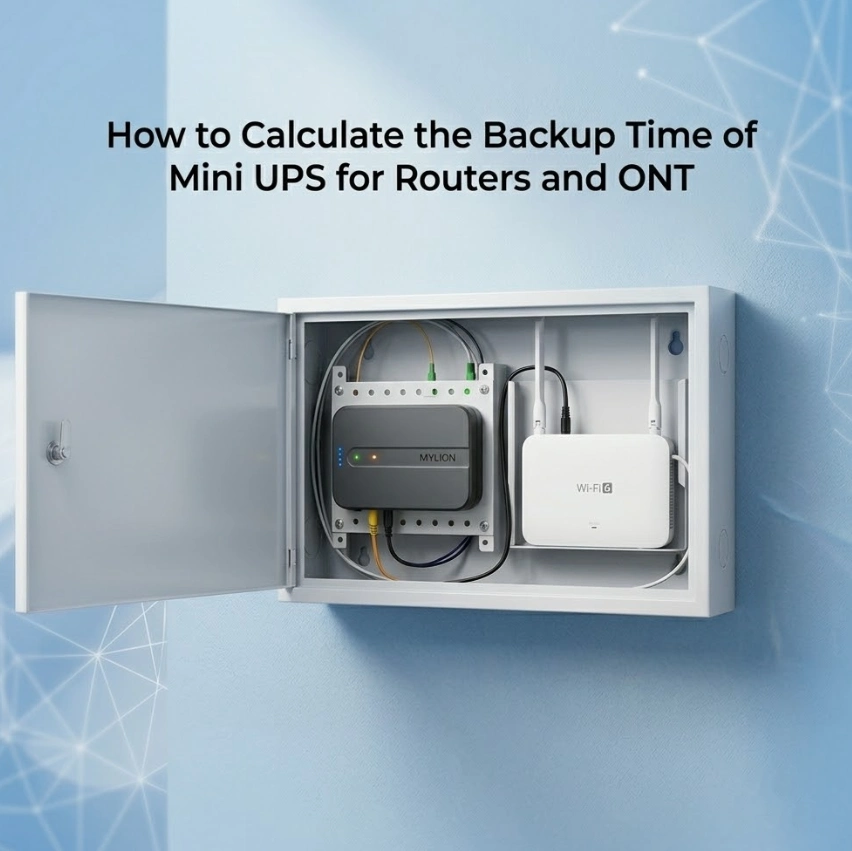
To estimate how long a mini UPS will power a router and an optical network terminal (ONT), divide the energy it can deliver at its DC outputs, in watt-hours, by the average power the two devices draw, in watts. Both measurements belong on the same side of the power conversion stage. If the only energy figure available is the battery’s nominal capacity, the answer is a planning estimate until you measure delivered energy.
Start at the devices
List every device that must stay online during the outage. A router can keep broadcasting Wi-Fi after its ONT loses power. Include the ONT even if it sits in a different cabinet. If the installation also powers a switch, include it only if the proposed UPS will actually supply it.
Record the required voltage, connector and polarity for each DC input. Measure input power while the equipment carries representative traffic. Record idle draw separately if the installation spends much of its time idle. Keep a separate note of startup current. A short surge can prevent a device from starting even when there is plenty of energy for several hours of normal operation.
An adapter marked 12 V, 2 A can supply up to 24 W at its rated output. The label alone cannot tell you whether the attached router averages 8 W or 18 W. If a customer sends only a label photo, use it to identify the supply requirements and ask for a load reading before quoting hours. A wall meter includes the adapter’s own losses. Label that reading as AC input and avoid mixing it with energy measured at a UPS DC outlet.
Read the energy figure correctly
Use the pack’s rated watt-hours when available. To convert amp-hours to nominal watt-hours, multiply by the nominal battery voltage associated with that capacity. Divide milliamp-hours by 1,000 to get amp-hours. A regulated 12 V output does not establish the voltage basis of a capacity figure printed elsewhere on the case.
Ask where and how energy was measured. If a report already gives usable output watt-hours down to the agreed service endpoint, divide those watt-hours directly by the corresponding average load. Applying another efficiency factor would count losses twice. If only nominal battery watt-hours are available, state the assumed fraction that reaches the devices. This fraction can depend on load, temperature, cutoff and battery condition.
Work through a two-device estimate
The figures below describe an illustrative installation. They are assumptions for comparing energy requirements and carry no MYLION model or test rating.
| Input | Assumed value | Result |
|---|---|---|
| Router at its DC input | 12 V × 0.75 A average | 9 W |
| ONT at its DC input | 12 V × 0.25 A average | 3 W |
| Combined average load | 9 W + 3 W | 12 W |
| Nominal pack energy | 60 Wh | 60 Wh |
| Assumed fraction delivered to the devices | 80% | 48 Wh available |
| Estimated time at the assumed load | 48 Wh ÷ 12 W | 4 hours |
Now change just one input. If the router draws an additional 4 W under sustained traffic, the combined load becomes 16 W. At the same assumed delivered energy, the estimate falls to three hours. The change is large enough to affect model selection. Measuring the busy-period load can therefore be worth more than refining an assumed efficiency percentage.
You can also calculate backward. For a five-hour requirement at 12 W, the devices need 60 Wh at their inputs. With the same illustrative 80% delivered fraction, the nominal pack requirement is 75 Wh. That figure sets an energy target. Output voltage, simultaneous port limits, startup behavior and available installation space still determine which samples are worth testing.
Decide what procurement can put in the RFQ
| What you have | What you can use it for | What to request next |
|---|---|---|
| Adapter labels and a target duration | Identify likely interfaces and a preliminary power envelope | DC load readings for the actual device pair |
| Measured load and nominal battery Wh | Compare estimates under the same stated assumptions | Delivered-energy data or a sample for that load |
| Sample result with the intended cables and devices | Record runtime for that configuration | Repeat under the busiest service condition and agreed temperature |
| A different ONT, router or firmware revision | Identify which test conditions changed | Review the load and repeat affected checks before release |
Questions buyers ask
Can we use one average for several router models? Group installations only when their loads and power arrangements support the same assumption. If a high-draw gateway is deployed at a minority of sites, calculate it separately. A fleet average can conceal a configuration that misses its minimum service requirement.
When should the clock stop? Agree on the event that matters to the operator. If the ONT goes offline while the router stays powered, broadband service has already ended. Record device uptime and service availability separately when diagnosing the result.
How should we allow for aging? Give the supplier the service-life target, load, operating environment and required runtime at the end of that period. Ask for the evidence behind any proposed allowance. A fixed percentage copied from another installation can hide differences in temperature and duty cycle.
For the pilot, use the ISP runtime acceptance guide. To request a Mini UPS project review, send MYLION the device models, measured loads, connection details, required hours and planned pilot quantity. Identify which numbers were measured and which are still estimates so the sample can answer the remaining questions.




 English
 简体中文
 Deutsch
 Français
 Italiano
 Español