
Introduction
In broadband backup projects, buyers often focus on battery capacity, output current, and runtime. Those are important. But many real deployment problems come from something far less visible: connector, cable, and adapter mismatch.
A technically suitable Mini UPS can still fail in the field if the DC plug is wrong, polarity is unclear, the cable path is confusing, or the original adapter logic is not well controlled. This is why connector and cable planning deserves much more attention in ISP, FTTH, and telecom backup projects—especially when selecting a Mini UPS for ONT and router backup applications.
Why This Risk Is Often Ignored
Connector and cable issues are often underestimated for three reasons.
First, they look simple. A DC cable seems like a minor accessory compared with the battery unit. Second, many buyers assume field teams can solve connector issues during installation. Third, connectors and adapters are rarely the headline feature in supplier marketing, so they get less attention during early evaluation.
But in real rollout, poor interface control can lead to:
- Wrong installation
- Unstable connection
- Charging confusion
- Split-output mistakes
- Faster support escalation
- Replacement requests that are not caused by the battery pack itself
This makes connector and cable logic a deployment issue, not an accessory issue.
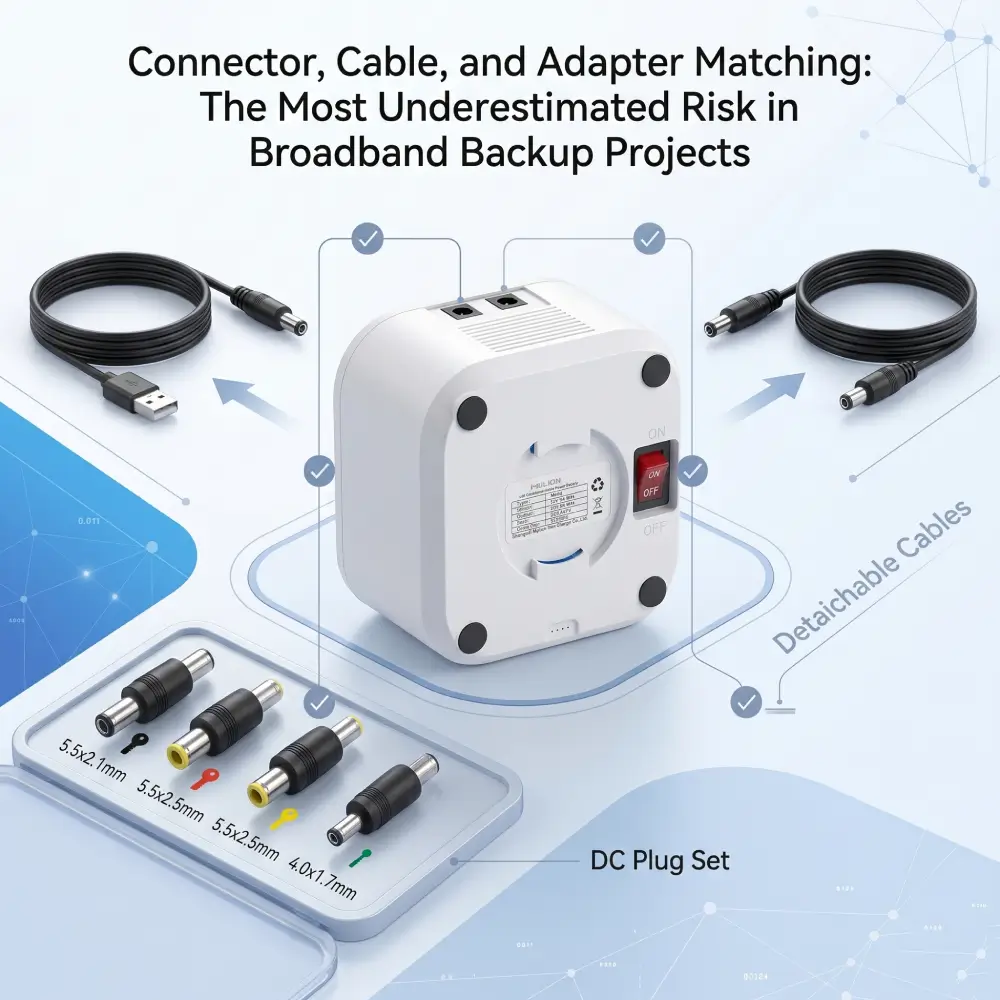
Every reliable Mini UPS for broadband backup projects deployment should review at least five interface areas:
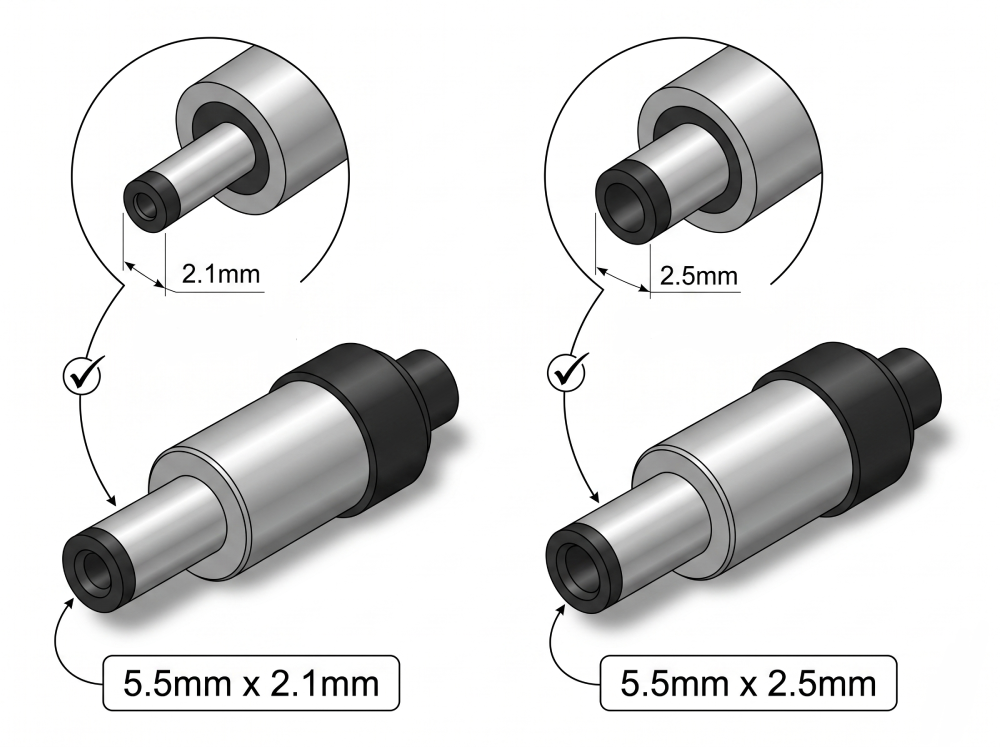
1. DC plug size
Even when voltage is correct, the physical connector may not fit or may fit loosely.The most common DC barrel connector sizes in broadband equipment are 5.5mm x 2.1mm and 5.5mm x 2.5mm.
2. Polarity
Wrong polarity can create immediate device risk or installation hesitation. Standardization of polarity across device families is essential for large-scale deployment.
3. Original adapter compatibility
The project must define whether the customer continues using the device’s original adapter or a supplied adapter path. Mixed adapter logic increases field variation and can create charging or compatibility confusion.
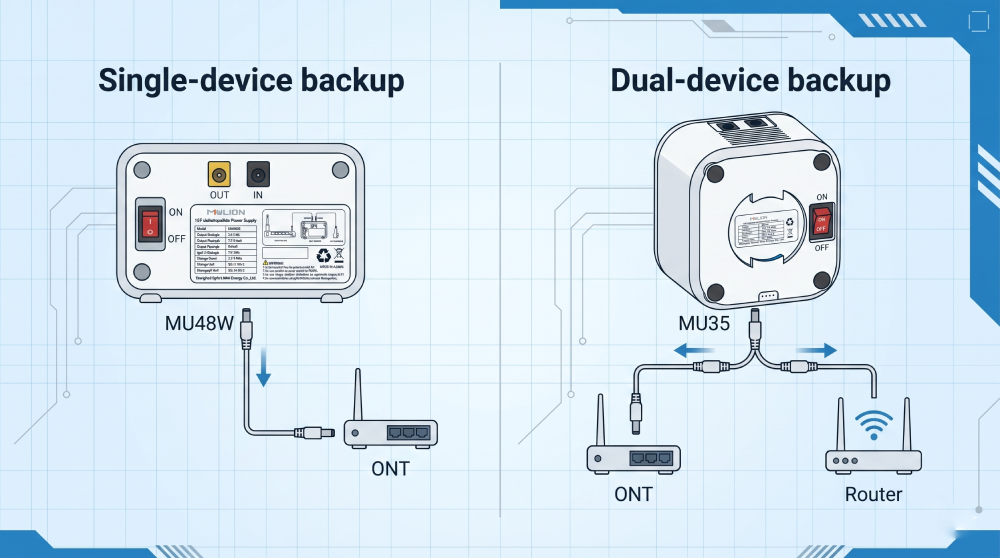
4. Cable logic for single-device or dual-device backup
An ONT-only setup is simpler than an ONT plus router kit. Cable count and path increase complexity quickly. In dual-device backup scenarios, the 5A MU35 Mini UPS is more suitable for high-load applications.
5. Connector consistency across device families
If multiple device brands are included in one rollout, connector variation can become a hidden scaling problem. The team should define early which DC plug sizes are in scope.
Why Loose Interface Logic Creates Big Operational Cost
Poor connector planning causes more than physical inconvenience.
It can lead to:
- Installers choosing the wrong cable
- Delays during deployment visits
- Customer-side rework
- Higher complaint volume
- Internal confusion over whether the product or cable caused the failure
- Difficulty stocking the right spares
This is especially damaging for channel and operator projects because the cost is multiplied across many units. A small interface mistake at design stage can become a large operational cost at rollout stage.
Single-Device vs Dual-Device Cable Planning
Cable logic becomes much more critical when the Mini UPS supports two devices.
In ONT plus router backup, the team should define:
- Whether one output cable splits or two dedicated outputs are used
- Which connector goes to which device
- Whether the installer can easily identify cable roles
- Whether dual-device kits should be different from single-device kits
If this is not controlled, the project may suffer from wrong pairing, unstable connection, or field confusion. In dual-device backup, the required current output is often higher.
A 12V 3A Mini UPS may be suitable for standard ONT backup, but it may not be enough for higher-power router or dual-device applications.
Adapter Strategy Should Be Explicit
One of the most overlooked decisions in broadband backup projects is adapter strategy.
The team should explicitly decide:
- Use original adapter with the backup unit
- Use a standardized adapter supplied with the backup unit
- Use different adapter logic by scenario
Each option has trade-offs. Original-adapter logic may preserve device familiarity but increases variation if hardware families differ. Standardized adapter logic can simplify control but may require more careful fit validation. The key is not that one strategy is always superior. The key is that the project should choose deliberately, not accidentally.
How to Reduce Connector and Cable Risk in Mini UPS Deployment
A more robust project approach for deploying a Mini UPS for broadband backup projects includes:
- Building a connector map by device family
- Standardizing plug types where possible
- Clearly defining polarity
- Reviewing cable path for single-device and dual-device deployment
- Avoiding unnecessary accessory variation
- Testing real installation scenarios during sample stage
- Labeling accessories clearly for rollout
Good connector discipline in Mini UPS deployment reduces wrong installations, confusion in spare parts handling, and preventable service tickets. This is one of the simplest ways to improve deployment quality without changing the battery architecture itself.
How MYLION Supports Interface Matching
MYLION supports broadband and telecom backup projects with application-based discussion that includes connector and cable fit, not only battery and power rating. This is especially important in ONT / ONU backup, router backup, and dual-device deployment where the interface layer directly affects project success.
MYLION can support:
- Connector discussion by device type
- Cable option review
- Single-device and dual-device setup logic
- Selected OEM / ODM support for project cable needs
- Practical model recommendation based on device and installation details

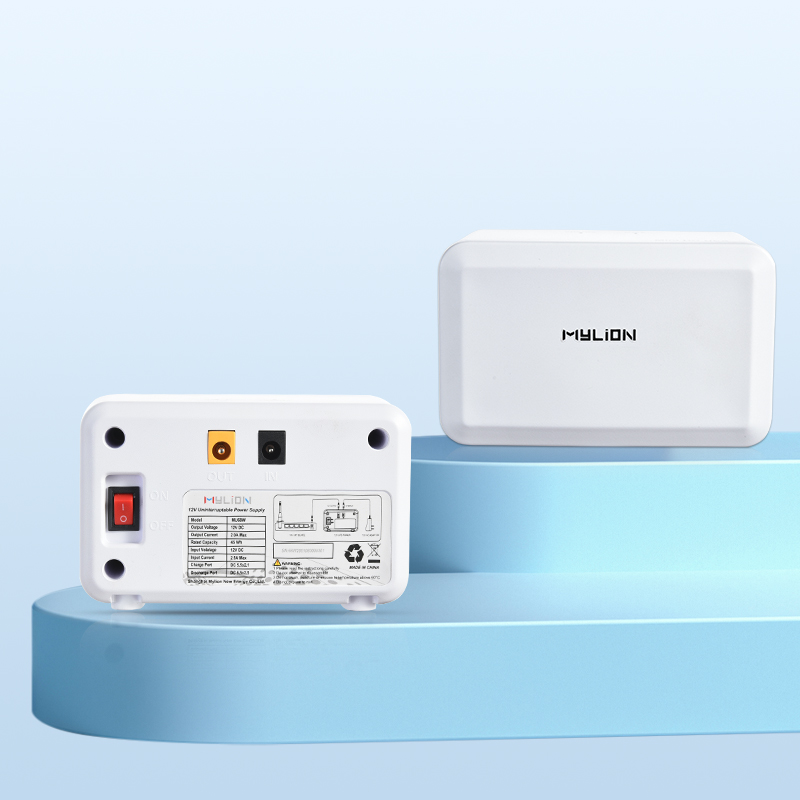
MUC85 Mini UPS
MU68 Mini UPS

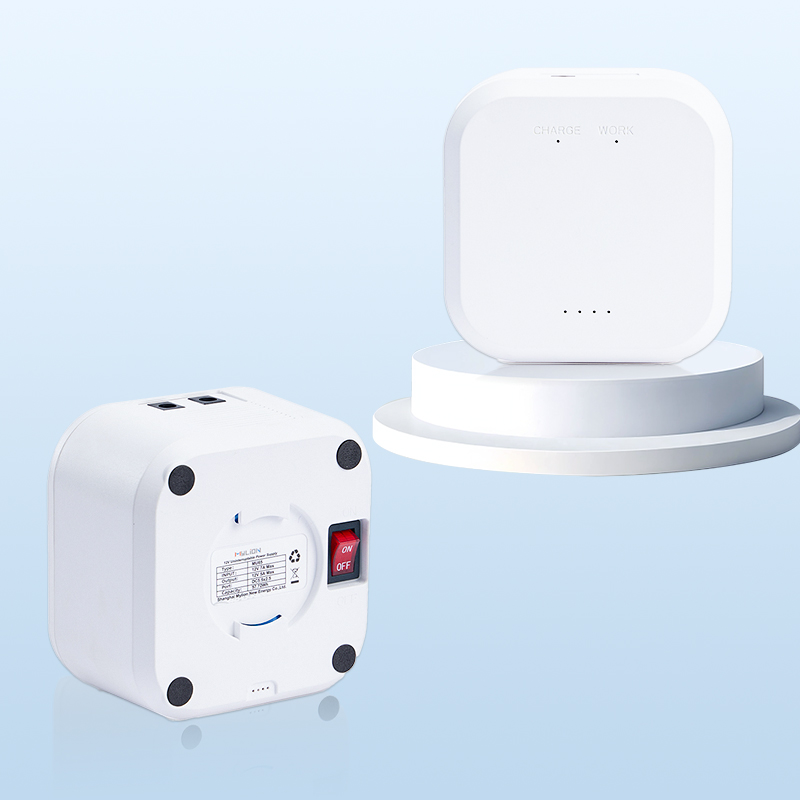
MUJ46 Mini UPS
MU35 Mini UPS
FAQ
Q1: Why are connectors and cables so important in broadband backup projects?
Q2: What is the most common cable mistake?
Q3: Why is adapter strategy important?
Q4: Is dual-device backup much more complex than single-device backup?
Q5: How can buyers reduce connector risk?
Conclusion
Connector, cable, and adapter matching is a deployment-critical factor, not an accessory detail. For a reliable Mini UPS for broadband backup projects, choose a supplier like MYLION that builds interface compatibility into the product—not as an afterthought.

 English
  简体中文
简体中文  Deutsch
  Français
  Italiano
  Español