
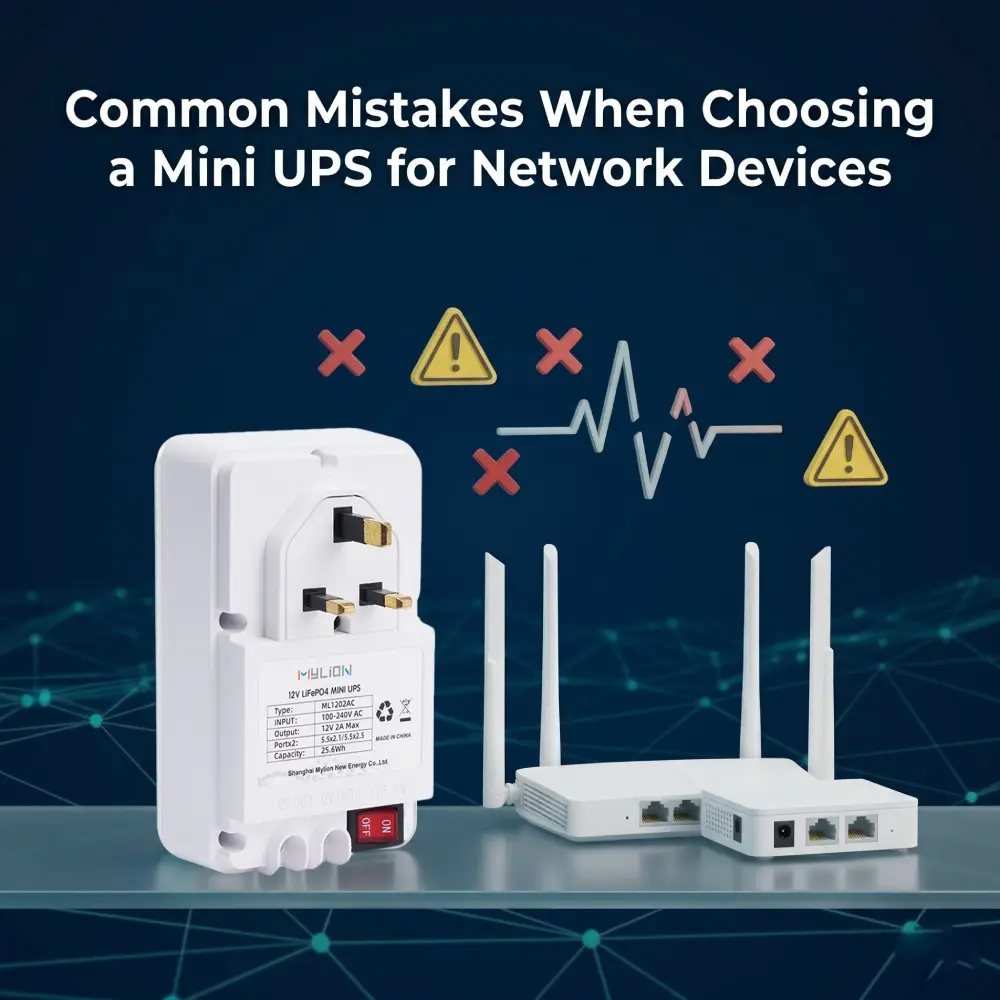
For EU and US Telcos, network reliability isn’t a metric—it’s the currency of customer retention. Deploying high-speed FTTH and 5G small cells solves bandwidth, but the true vulnerability remains at the edge: local power infrastructure.
When a neighborhood power sag forces an ONT to reboot, the customer experiences a network drop. The business experiences something worse: triggered SLA penalties, spiked support tickets, and inevitable churn. To bridge these micro-outages, ISPs deploy Mini UPS. However, choosing the wrong UPS can lead to ineffective deployment of these systems.
This guide examines the most common mistakes ISPs and network professionals make when selecting Mini UPS solutions and provides actionable guidance to help you make the right choice.
The risks brought about by choosing the wrong Mini UPS
Before we dive into the mistakes themselves, it is worth quantifying what is at stake. For network device applications such as ONT, ONU, router, gateway, and CPE backup, selection mistakes can lead to:
- device reboot during outage
- backup time shorter than expected
- service interruption
- more subscriber complaints
- higher support pressure
- replacement or return issues
- project rollout inconsistency
The stakes for ISPs are particularly high, given that each customer endpoint that loses power represents not just a technical failure but a potential SLA penalty and a dissatisfied subscriber.
5 Critical Mistakes in Mini UPS Procurement
Mistake 1: Misunderstanding Current Requirements (12V 1A vs 2A vs 3A vs 5A)
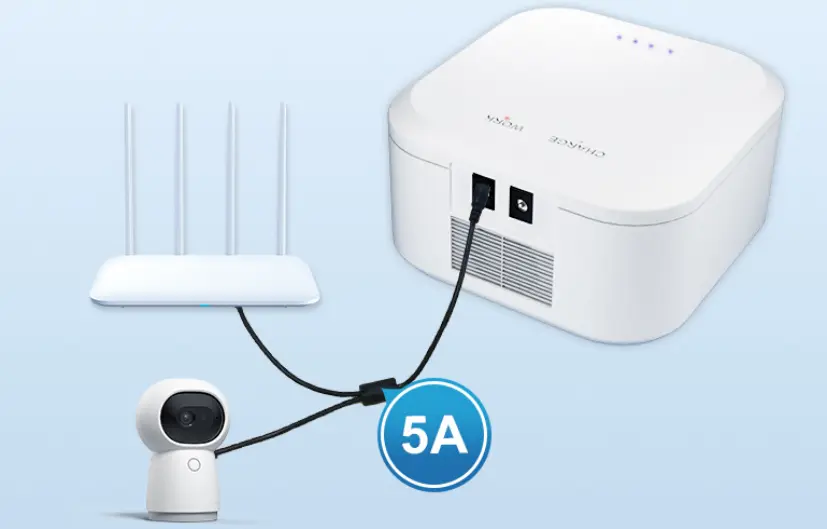
Many network devices (especially routers and gateways) may require more current than expected, especially during the startup phase or during temporary load peaks. Deploying a 12V 3A Mini UPS for an ONT+router setup may work until an outage occurs. During a simultaneous cold restart, the peak current trips the UPS’s limit, causing a brownout—and a support ticket.
Measure actual operating and peak current. For ONT-only, 12V 3A is often sufficient. For ONT+router or high-power routers, choose a 12V 5A Mini UPS. Mylion offers a series of Mini UPS products with 12V 3A and 12V 5A voltages, which can meet the backup requirements of various network devices.
Mistake 2: Ignoring the Millisecond Gap (Transfer Time)
High-end routers and PoE switches are unforgiving of voltage drops. Off-the-shelf standby UPS units typically take 10 to 20 milliseconds to transfer to battery power. This delay triggers a power-loss interrupt in sensitive microprocessors, forcing a reboot.
ISPs require dedicated DC Mini UPS systems with zero-millisecond transfer times to guarantee seamless, continuous data flow without structural interruption. Choose the Mylion DC Mini UPS. It can maintain a a constant 12V output and can switch instantly (with zero delay) between mains power and battery.
Mistake 3: Relying on Uncertified or Incompatible Mini UPS Products
Choosing a cheaper, uncertified Mini UPS from unknown suppliers to save upfront cost. These battery cells are of poor quality, missing protection circuits, have poor thermal management, and have no warranty. Real risks include rapid capacity loss, overheating, fire hazards, customs delays (non-UN38.3), and legal liability.
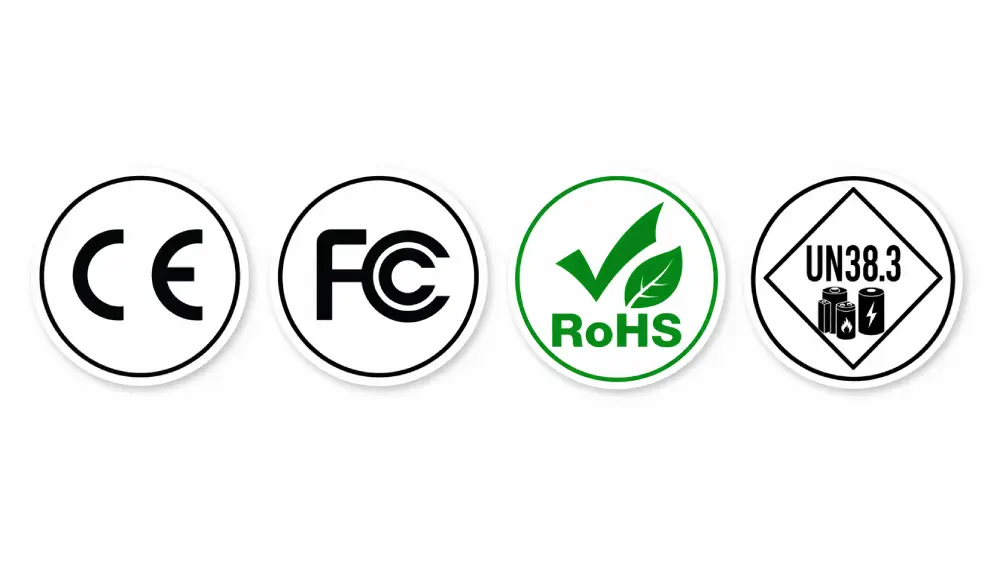
The reliable Mini UPS products should verify certifications: CE, FCC, RoHS, UN38.3, MSDS, and IEC62368-1. All Mylion products have been certified, ensuring safety and compliance.
Mistake 4: Tolerating AC/DC Conversion Loss
Telecom edge devices run on DC voltage (5V, 9V, 12V, 24V). Using a traditional AC UPS forces a triple-conversion process: AC to DC (charging), DC to AC (output), and AC back to DC (via the router adapter).
This inefficiency generates massive heat and results in a power loss of up to 30%. Mylion Mini DC UPS units eliminate these conversion penalties, maximizing runtime and reducing thermal stress.
Mistake 5: Choosing UPS Without Considering Physical Form Factor and Installation Constraints
Evaluating UPS on electrical specs alone, ignoring where and how it will be installed in customer premises, network cabinets, or remote edge sites. The result will lead to the equipment being too large to install and requiring expensive site renovations. Poor mounting options lead to unsafe or unreliable installations.
Choose compact, lightweight units with wall-mounting features and clear LED status indicators. Mylion Mini UPS models (e.g., ML1202AC: 126×80×42mm; MU68: 112×70×60mm) are designed for easy integration into constrained spaces.
How to Avoid These Mistakes: Selecting the Right Mini UPS
To insulate the network edge from SLA vulnerabilities, choosing a Mini UPS for network equipment should avoid the aforementioned mistakes. A better Mini UPS selection process starts from the application.
- Cell Chemistry:Mandate advanced Lithium technology (high-grade Li-ion or LiFePO4) capable of thousands of cycle counts and deep-discharge resilience.
- Output Topology:Specify native DC-to-DC power delivery for maximum efficiency.
- Structural Integrity:Require industrial-grade, zero-deformation casing resistant to impact and thermal degradation.
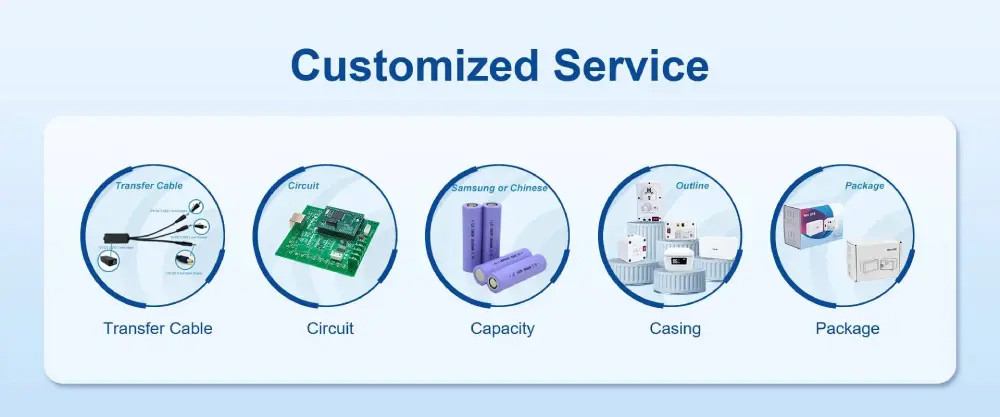
- Scalability:Ensure the manufacturer can support large-scale rollouts and custom pin/voltage configurations for specific OEM hardware.
Mylion Mini UPS Products for ISPs
To meet the uncompromising standards of Tier-1 ISPs, Mylion engineered the MINI DC UPS. It is not a consumer backup; it is an immutable power anchor for the telecommunications sector.
To help you select the right product for your specific deployment scenario, here is a comparison of Mylion’s key Mini UPS models:
Model | Output Voltage | Output Current | Energy (Wh) | Best For |
MU26W | 12V DC | 3A | 19.24Wh | Basic ONT backup, budget-constrained deployments, single device |
MU48W | 12V DC | 3A | 29.6Wh | Standard ONT backup, residential FTTH |
MU68 | 12V DC | 3A | 44.4Wh | ONT + router backup, mid-range runtime needs, multi-voltage compatibility |
ML1202AC (LiFePO₄) | 12V DC | 2A | 25.6Wh | Long-duration backup, deep cycle applications, telecom field equipment |
MU35 | 12V DC | 5A | 77.7Wh | High-current devices, enterprise routers, dual-device backup |
MU65 | 12V DC | 5A | 57.72Wh | ONT+router+gateway backup, Wi-Fi devices, high-load scenarios |
Selection Guidelines:
- For basic ONT-only backup with budget constraints: MU26W Mini UPSprovides cost-effective protection for standard single-device deployments.
- For standard residential FTTH backup: MU48W Mini UPSoffers a balanced solution for typical ONT requirements.
- For ONT plus router backup or commercial CPE: MU68 Mini UPSprovides increased capacity and multi-voltage flexibility.
- For long-duration backup or multiple devices: ML1202AC Mini UPSwith LiFePO₄ chemistry offers extended cycle life and deep discharge capability.
- For high-current devices or enterprise routers: MU35Mini UPS or MU65 Mini UPS deliver 5A output capacity with ample startup margin.
- For projects requiring overnight outage coverage or longer durations: MU68 Mini UPS or ML1202AC Mini UPS are strongly recommended.
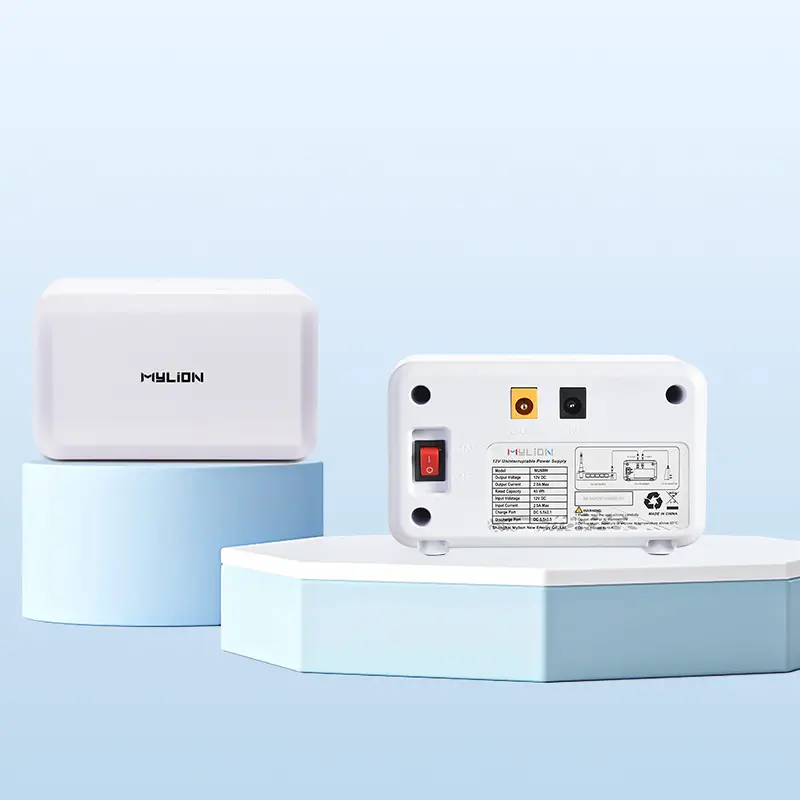
12V 3A MU26 Mini UPS
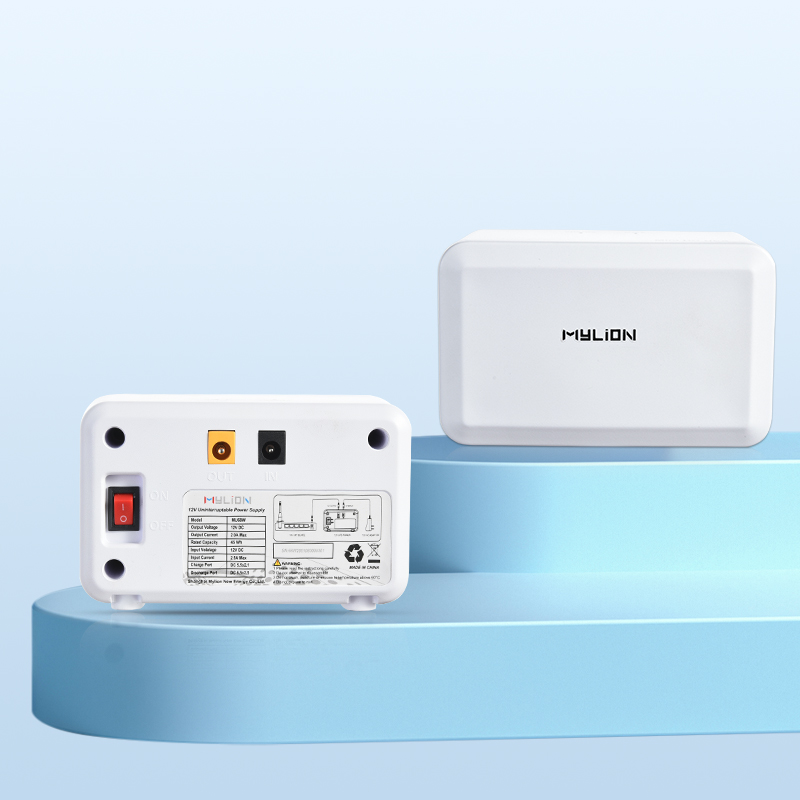
12V 3A MU48 Mini UPS
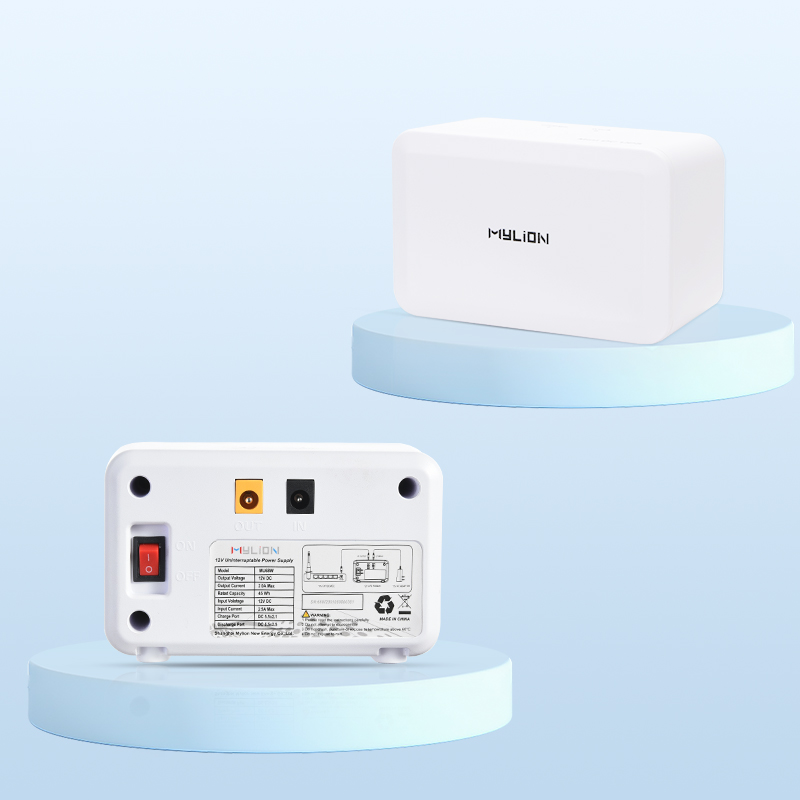
12V 3A MU68 Mini UPS
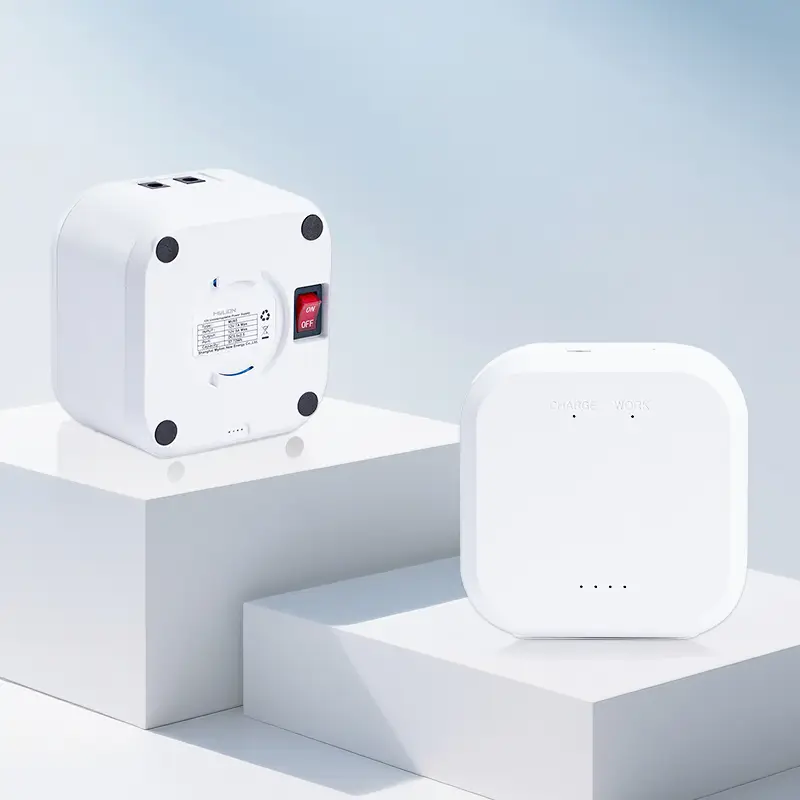
12V 5A MU35 Mini UPS
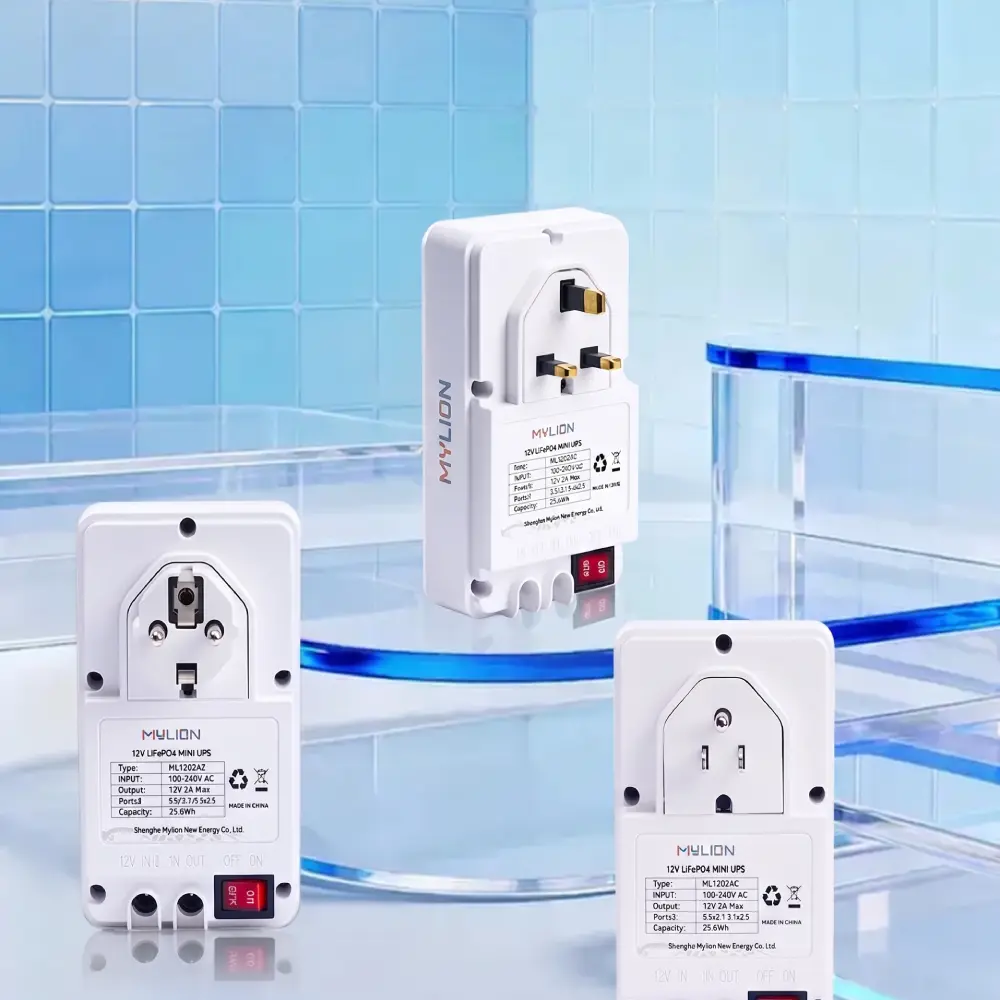
12V 2A ML1202AC Mini UPS
12V 3A MU65 Mini UPS
How Mylion Mini UPS Specifically Solves ISP Pain Points
- Zero-delay switching (<1ms):Routers never experience power loss, preventing unnecessary reboots.
- Edge-optimized design:Up to 40% smaller than conventional UPS, fitting base station cabinets, smart poles, and property electrical rooms.
- SLA protection:Keeps devices online during brief outages, preventing violation events.
- Low TCO:LiFePO₄ models offer >2000 cycles, reducing battery replacement truck rolls.
- Transparent specs:Wh ratings, efficiency, and runtime curves for accurate sizing.
FAQ
Q1: What is the most common mistake when choosing a Mini UPS?
Q2: Why is output current so important?
Q3: Can one Mini UPS support both ONT and router?
Q4: Why is adapter label not enough for runtime calculation?
Q5: Why can a cheap Mini UPS become more expensive later?
Q6: What should buyers verify before selecting a Mini UPS?
Conclusion
Selecting the right Mini UPS requires avoiding five critical mistakes: misunderstanding current, ignoring transfer time, ignoring certifications, worrying about AC waveforms for DC devices, and overlooking form factor.
By addressing each of these with accurate data and certified products like the Mylion Mini UPS series, ISPs can protect network continuity, uphold SLAs, and keep customers satisfied.
 English
  简体中文
简体中文  Deutsch
  Français
  Italiano
  Español