
Introduction
Modern business operations—remote work, VoIP, POS systems, and cloud services—depend entirely on uninterrupted network connectivity. A common blind spot: even with server-rack UPS, the last-mile access devices (modem/router) are often left unprotected. A brief power flicker or brownout takes down the modem or router, and the entire site goes offline.
That’s why choosing the right Mini UPS for modem and router has become a low-cost, targeted solution to keep your network alive during short outages. But a critical question remains: Should you power both modem and router from a single Mini UPS, or deploy two independent Mini UPS units?
This article compares both setups across cost, reliability, deployment ease, scalability, and maintenance. By the end, you will have clear decision criteria—and specific Mylion Mini UPS solution recommendations for each scenario.
Understanding the Role of Mini UPS for Modem/Router
A Mini UPS differs from traditional rack‑mount UPS. It provides DC output (9V or 12V), small capacity, silent operation, and is designed for desktop or wall‑mount installation. Its sole purpose: keep low‑power network devices running through power interruptions.
Typical modem/router power requirements:
- Voltage: 9V or 12V
- Current: 0.5A – 2A
- Power (Watts) = Voltage × Current
Runtime estimation:
Battery capacity (Wh) ÷ Total load (W) × Efficiency factor (≈0.85)
Practical meaning of “protection window”:
Unlike traditional UPS designed for safe shutdown, a Mini UPS keeps the network online for 2–8 hours—enough for short power blips or to ride through until generator startup.
Most Mini UPS units are offline (standby) type, with switching time <1ms. For modems/routers, this is unnoticeable and causes no packet loss.
How it works:
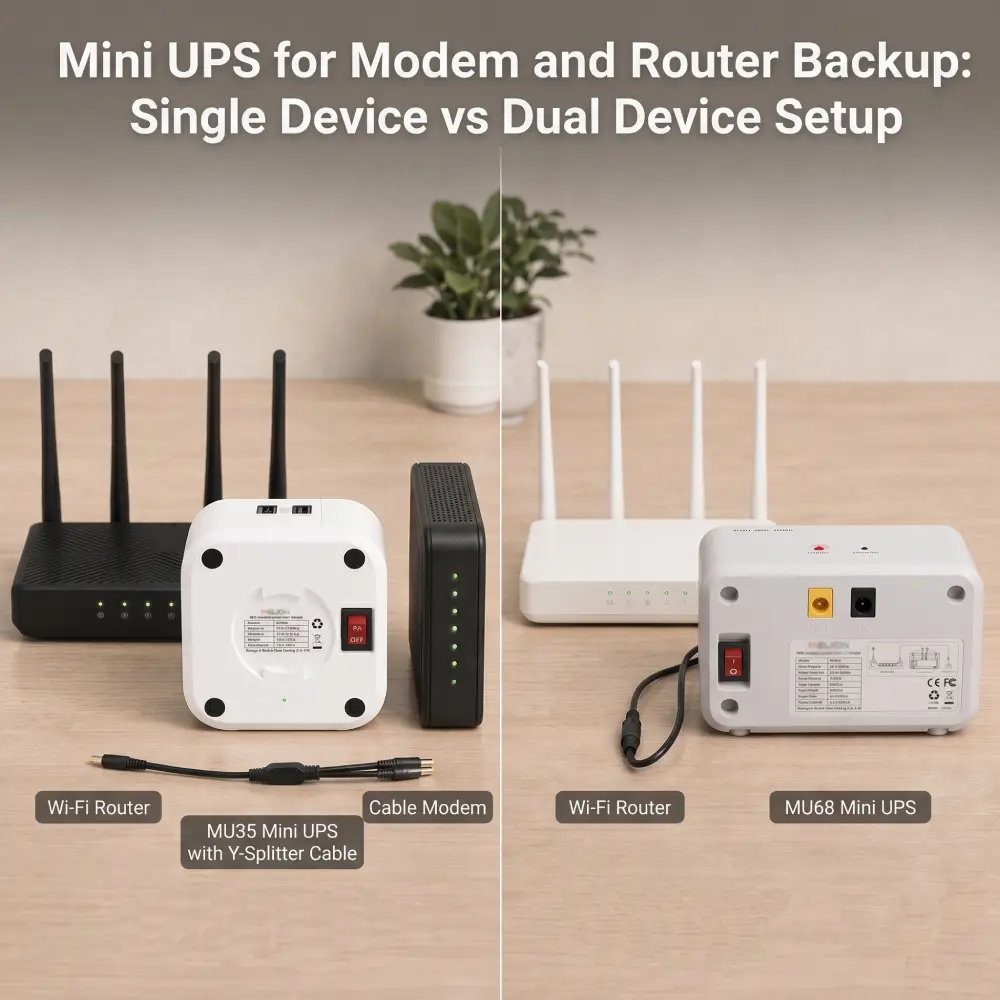
A single Mini UPS provides multiple DC outputs (or uses a Y-splitter cable) to power both modem and router simultaneously.
Advantages
- Lowest cost (only one Mini UPS to buy)
- Small footprint, simple cabling
- Easy monitoring (single battery status)
Disadvantages & Risks
- Single point of failure – if the Mini UPS fails, both devices go offline.
- Battery capacity is shared – runtime is roughly halved compared to powering a single device.
- Voltage mismatch risk – e.g., 12V modem + 9V router requires a converter.
- Poor scalability – adding a switch or VoIP adapter means replacing the entire UPS.
Recommended Mylion Products for Single Device Setup
Model | Key Feature | Output Ports | Best For |
MU35-6A | High total current (5A) | 2 x 12V DC 6A | Dual 12V 6A outputs for high-power or dual-device backup |
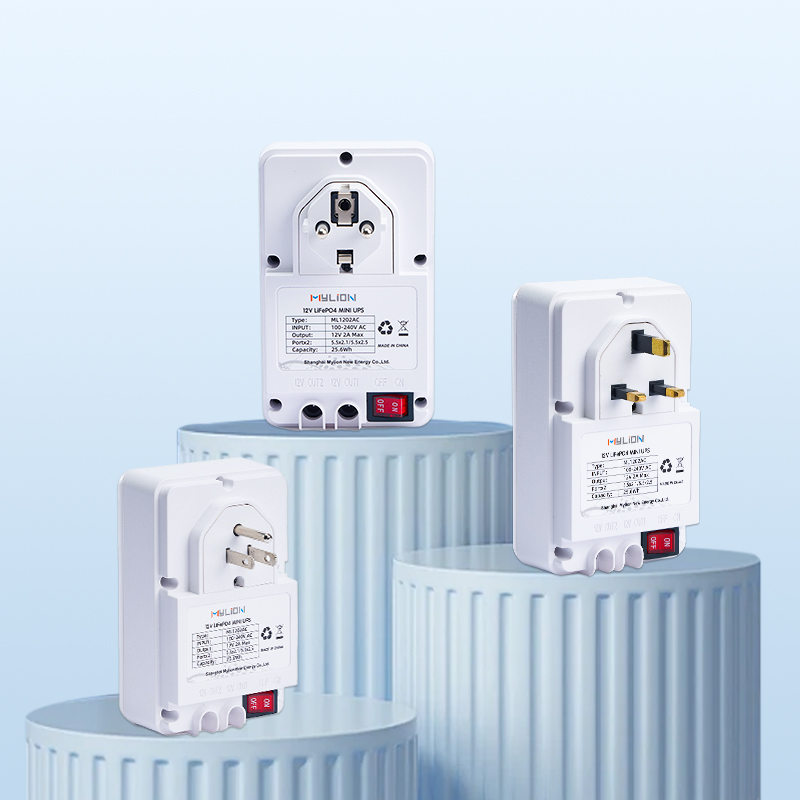
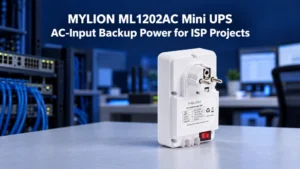
ML1202AC | LiFePO₄, long cycle life | 2 x 12V DC 2A | Dual 12V 2A outputs for two low-power devices |
MUJ435 | USB-C output | 1 x 12V DC 2A 1 x 5V USB-A 3A 1 x 5V USB-C 3A | Multi-output for mixed DC and USB device |
Dual Device Setup – Two Independent Mini UPS Units
How it works:
The modem and router each connect to their own separate Mini UPS.
Advantages
- Independent capacity selection – high-power router gets a larger battery; low-power modem gets a smaller, cheaper unit.
- Perfect voltage compatibility – each UPS matches its device exactly.
- Lower thermal load – each UPS runs cooler, potentially longer lifespan.
- Flexible placement – modem in the wiring closet, router on a desk, each with its own UPS.
Disadvantages
- Upfront cost doubles (two Mini UPS units)
- Requires two AC outlets
- Slightly more complex monitoring (two battery states)
Recommended Mylion Products for Dual Device Setup
Model | Output | Max Current | Best For |
MU26 | 12V DC | 3A | Low-power modem or router |
MU48 | 12V DC | 3A | Higher capacity for standard ONT or router |
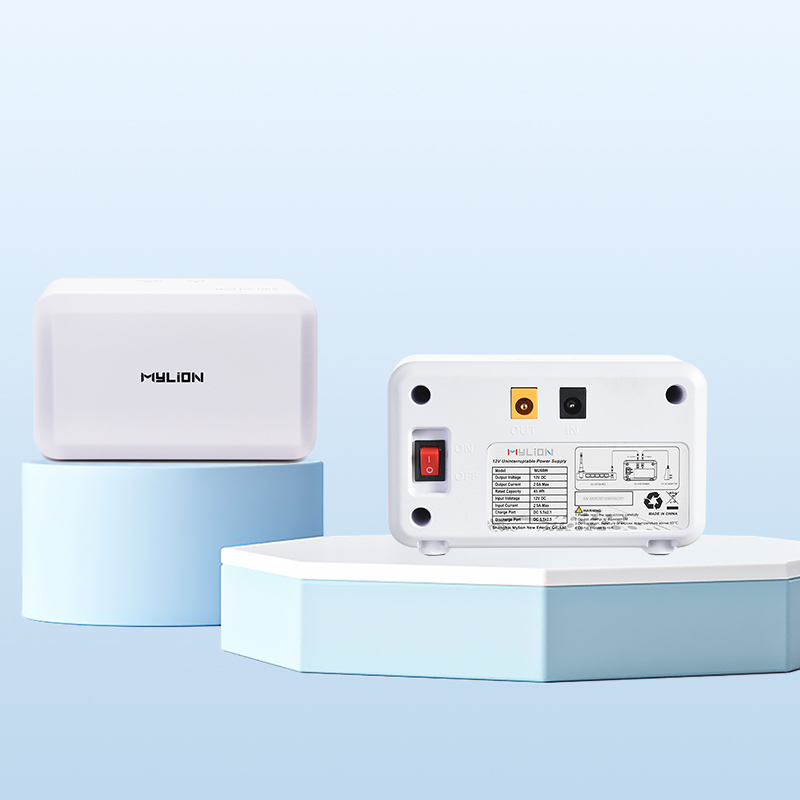
MU68 | 12V DC | 3A | ideal for mainstream broadband devices |
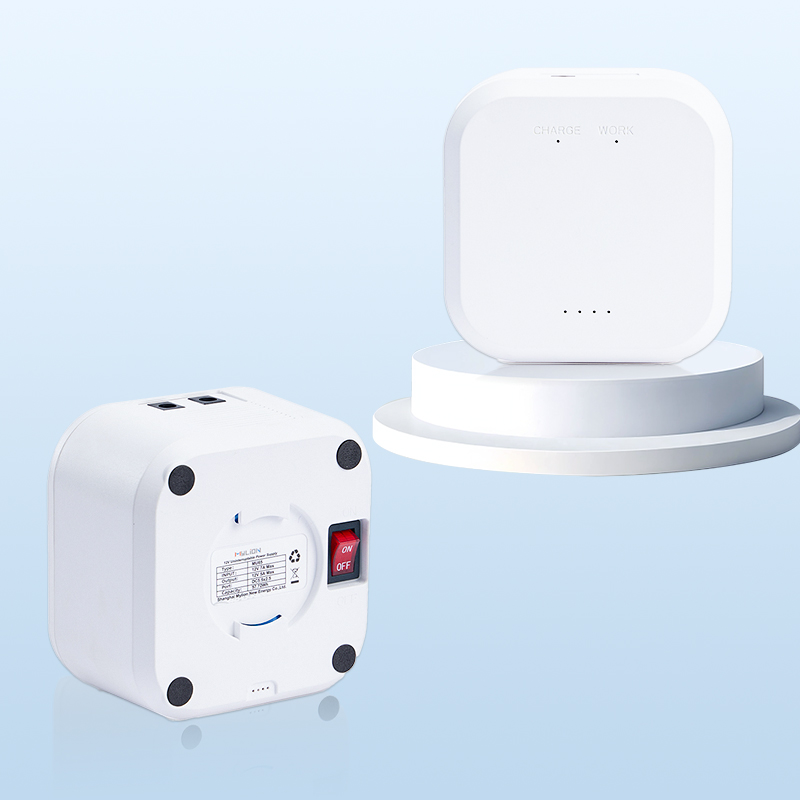
MU35 | 12V DC | 5A | Suitable for high-power router, gateway and CPE |
MUC85 | USB-C PD | 65W | Suitable for modern network devices using Type-C power supply |
Core Comparison Matrix – Single vs Dual
Dimension | Single Mini UPS Device | Dual Mini UPS Device |
Procurement cost | Low (1 unit) | High (2 units) |
Deployment complexity | Low | Medium |
Single point of failure | Yes (UPS fails → total outage) | No (but network still fails if router UPS dies ) |
Total runtime (same total battery capacity) | Shared, time halved | Independent, no reduction |
Voltage compatibility | Requires multi output or converter | Perfect match per device |
Scalability | Poor (replace whole unit) | Good (add third UPS) |
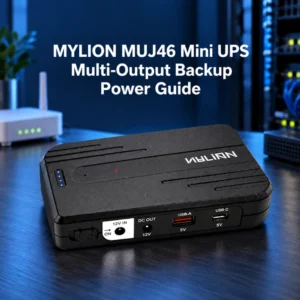
Recommended Mylion models | MU35, ML1202AC, MUJ46 | MU26, MU48, MU68,MU35 |
Mini UPS Decision Guide – How to Choose for Your Project
Choose Single Device Setup (MU35 5A / ML1202AC / MUJ435) when:
- Budget–sensitive– you want to buy only one Mini UPS.
- Space–constrained– single network shelf, limited outlets.
- High–powerrouter (12V/3-4A) + 12V modem → MU35 Mini UPS 5A handles both easily.
- Both devices are low–load and same voltage (12V) → ML1202ACLiFePO₄ Mini UPS for long life in hot/unstaffed locations.
- One device is USB-C powered (e.g.,5G CPE) and the other is DC → MUJ435 Mini UPS is the perfect single-unit solution.
Example Single Device config: Remote outdoor cabinet with 12V/1A modem + 12V/1.2A router → ML1202AC (LiFePO₄, handles heat, powers both via Y-cable).
Choose Dual Device Setup (MU26 / MU48 / MU68) when:
- Mixed voltages (e.g., 9V modem + 12V router) . Use two separate units: one MU26 Mini UPS set to 9V for modem, another MU68 Mini UPS set to 12V for router.
- You want independent runtime tailoring– give the high-power router a MU48 Mini UPS (larger battery) and the low-power modem a MU26 Mini UPS(smaller battery).
- You plan to upgrade devices separately– replace the router UPS without touching the modem UPS.
- Physical separation– modem in garage, router in office. Each needs its own Mini UPS on-
Example Dual Device config: Office with 9V/0.6A VoIP modem + 12V/3A Wi-Fi 6 router. Use MU26 (9V version) for modem, and MU48 (12V) for router.
Common Mistakes & Avoidance Tips
- Mistake 1: Thinking all Mini UPSs provide voltage regulation. Most are offline/standby – they pass through utility power until a dropout.
- Mistake 2: Buying by mAh alone. Always calculate Watt-hours (Wh) and confirm voltage match.
- Mistake 3: Using cheap Y-splitter cables on mismatched voltages. This can cause undervoltage or overheat. Only use splitters when both devices require exactly the same voltage and total current is within rating.
- Mistake 4: Ignoring battery cycle life. Lead-acid degrades in 200–300 cycles; LiFePO₄ (ML1202AC) lasts 2000+ cycles – critical for hot, unattended locations.
- Mistake 5:Assuming a Mini UPS with two physical ports provides redundancy. MU68’s two ports share one battery – if the UPS fails, both outputs die. True redundancy requires two physically separate units (Dual Device Setup).
What to check on a Mini UPS: Total output power, short-circuit protection, true zero-interrupt switching (<1ms), support for simultaneous charge/discharge, and (for Single Device) ability to handle combined current without voltage sag.
Why Mylion for Modem & Router Mini UPS
Choosing the right Mini UPS is not just about topology—it’s about trusting a brand that delivers consistent, specification-grade performance. Mylion stands out for B2B deployments:
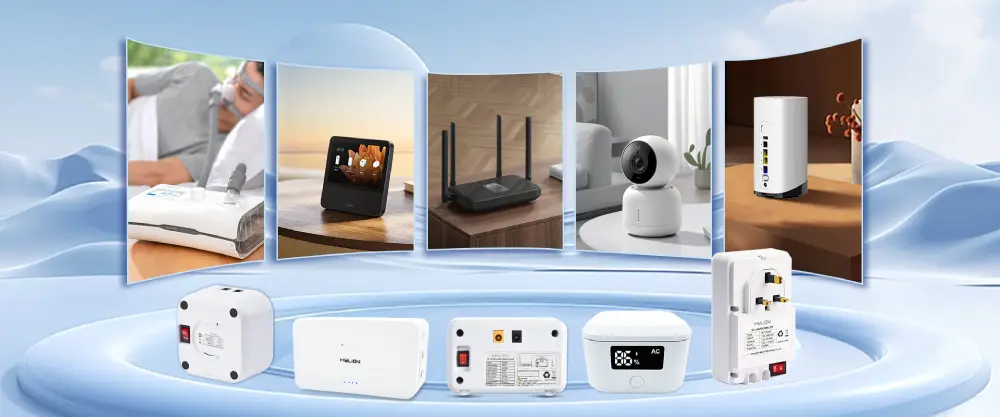
- Broad product portfolio – From single-device units (MU26, MU48, MU68) to high-capacity dual-output models (MU35 5A, ML1202AC LiFePO₄, MUC85 USB–C PD), Mylion covers every modem/router backup scenario.
- True voltage flexibility – MU68 offers independent 9V/12V per port; MUC85 supports USB-C PD (5V/9V/12V) plus DC output.
- Chemistry choices for real environments – Standard Li-ion for offices, and LiFePO₄ (ML1202AC) for high-temperature, unattended locations.
- High-load readiness – MU35 5A delivers 5A continuous – enough for a Wi-Fi 6 router and a modem simultaneously.
- Switching time <1ms – Zero packet loss, verified by field deployments.
- B2B-friendly support – OEM customization, bulk pricing, and technical pre-sales assistance for network integrators.
When you standardise on Mylion, you eliminate guesswork: each product is rated honestly, built for Modem & Router devices, and backed by a responsive engineering team.

MU26 Mini UPS
MU48 Mini UPS
MU35 Mini UPS
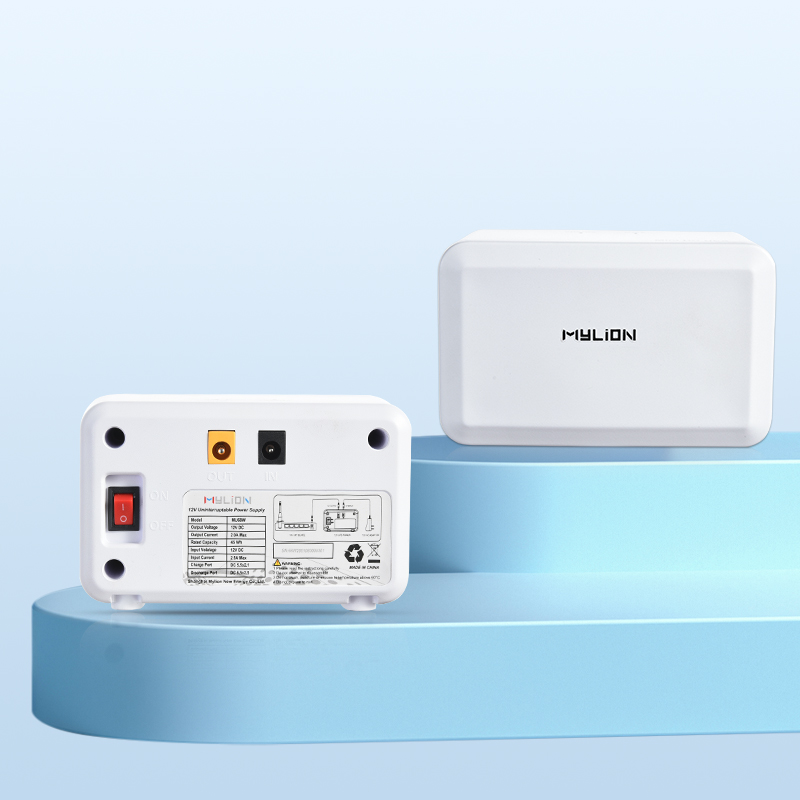
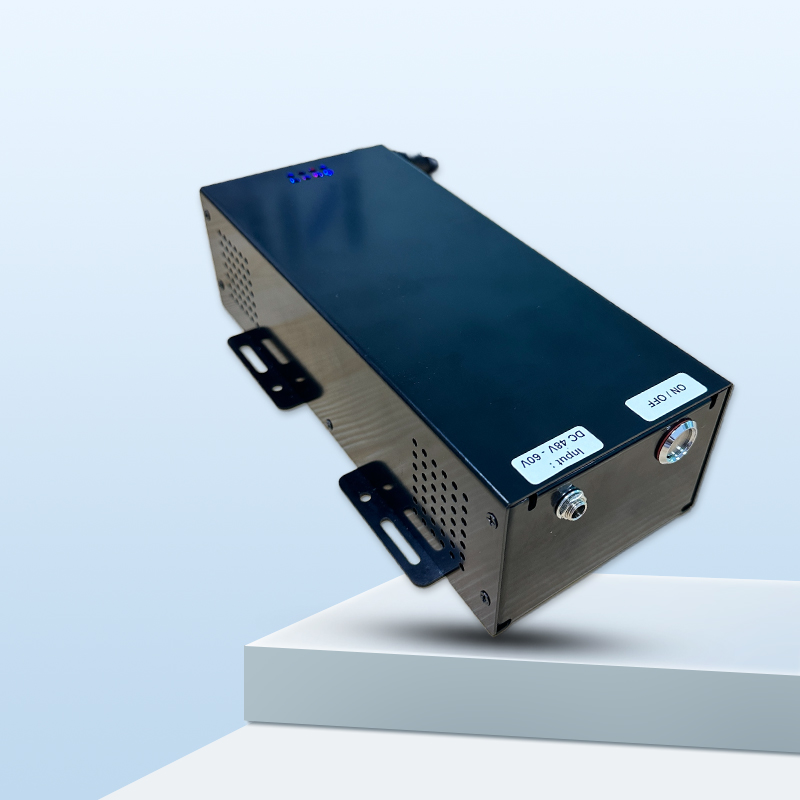
MU68 Mini UPS
LiFePO4 Mini UPS
MU248 Mini UPS
FAQ
Q1: Can a single Mini UPS power a modem, router, and switch at the same time?
Q2: How do I calculate runtime for a Single Device setup?
Q3: Do two Mini UPS in Dual Device setup need to be charged synchronously?
Q4: Will a Mini UPS cause packet loss during power switching?
Q5: Is LiFePO₄ really necessary for modems and routers?
Conclusion
The choice between a Single Device setup (one Mini UPS powers both modem and router) and a Dual Device setup (two independent Mini UPS units, one per device) depends entirely on your budget, voltage requirements, and tolerance for single points of failure.
Mylion can provide the most suitable Mini UPS solution for your specific modem, router and operating environment. Before that, measure the voltage and current of your equipment, and then select the Mini UPS device that matches your risk situation.

 English
  简体中文
简体中文  Deutsch
  Français
  Italiano
  Español